AI Image Prompt for Office Entrance Signage Motion Graphics
Generate a photorealistic office entrance signage specification mockup with dimension guides and recommended sizing notes for client approval. This AI image prompt is ideal for app and web designers, infographic creators, and typographers who need professional office signage artwork.
Related Keywords
Main AI Prompt
Main Prompt Content
"Goal: Create a realistic interior wall signage mockup with measurement annotations for a reception/office entrance, showing recommended dimensions and spacing for a company sign.
Canvas: Square 1:1 image, photorealistic architectural visualization, front-facing view with slight natural perspective. Use a warm modern palette: light beige wall panels, pale wood cabinet, black signage, black metal door grille, and wood slat ceiling.
Scene layout: Center the composition on a beige feature wall with a mounted sign. On the right, include a tall black vertical-slat door or gate occupying about one quarter of the image width. At the top right of the wall, add one small white CCTV security camera angled downward. At the top center, add one rectangular wall-mounted light fixture with a single warm downlight. At the bottom center, place one light-wood cabinet with two doors and exactly two round black knobs. Across the lower wall behind the sign, include a horizontal band of narrow vertical rectangular tiles. The ceiling at the very top should show warm brown wooden slats running diagonally.
Main sign content: Use raised matte-black 3D letters on the wall. The largest line reads {argument name="company logo text" default="Ryplix"}. Directly underneath, centered smaller text reads {argument name="company legal text" default="Infotech Pvt. Ltd."}. Below that, centered, display a large number {argument name="unit number" default="1210"}, with one thin horizontal line above it and one thin horizontal line below it. Keep all sign elements black with soft realistic shadows.
Measurement annotations: Add fine black dimension arrows, dashed guide lines, and small technical labels around the sign. Include exactly 10 visible measurement labels in the main wall area: “3.5 - 4 in” from the bottom of the light to the logo, “7 - 7.5 in” beside the logo height, “1.5 in” between the logo and legal text, “2.5 - 3 in” between legal text and the number, “4 - 4.5 in” beside the number height, “4 - 5 in” from the number to the cabinet-top tile area, “34 in” as a long horizontal width guide above the cabinet, plus two side gap labels “5 - 6 in” on the left and “5 - 6 in” on the right.
Left information panels: Add exactly three rounded white cards stacked vertically along the left side of the image. Card 1 title: “SIGNAGE SIZE (RECOMMENDED)”. It contains exactly three item groups separated by thin horizontal rules: “Ryplix” with “Width: 19-20 in” and “Height: 7-7.5 in”; “Infotech Pvt. Ltd.” with “Width: 14 in” and “Height: 1.75 in”; “1210” with “Width: 8.5-9 in” and “Height: 4-4.5 in”; then “Lines (Both)” with “Width: 10-11 in” and “Thickness: 6 mm”. Card 2 title: “SPACING (RECOMMENDED)”. It contains exactly four item groups separated by thin rules: “Light bottom to logo top” with “3.5 - 4 in”; “Logo to Infotech text” with “1.5 in”; “Infotech text to 1210” with “2.5 - 3 in”; “1210 to bottom (cabinet top)” with “4 - 5 in”. Card 3 is a small note card reading: “Note: All dimensions are approximate. Visual spacing may vary slightly on site.”
Visual style: Clean modern office design, natural lighting, realistic materials, subtle shadows, crisp legible typography, professional signage installation guide aesthetic. Use black sans-serif text for all labels and cards. The measurement lines should look like a design-spec overlay, not handwritten.
Constraints: Keep the image free of people and clutter. Do not add extra logos, extra cards, extra measurement labels, or additional decorative objects. Maintain accurate alignment: logo, legal text, unit number, light, and cabinet should all be centered on the same vertical axis."
You might also like
Hand-picked related prompts from Office Signage.
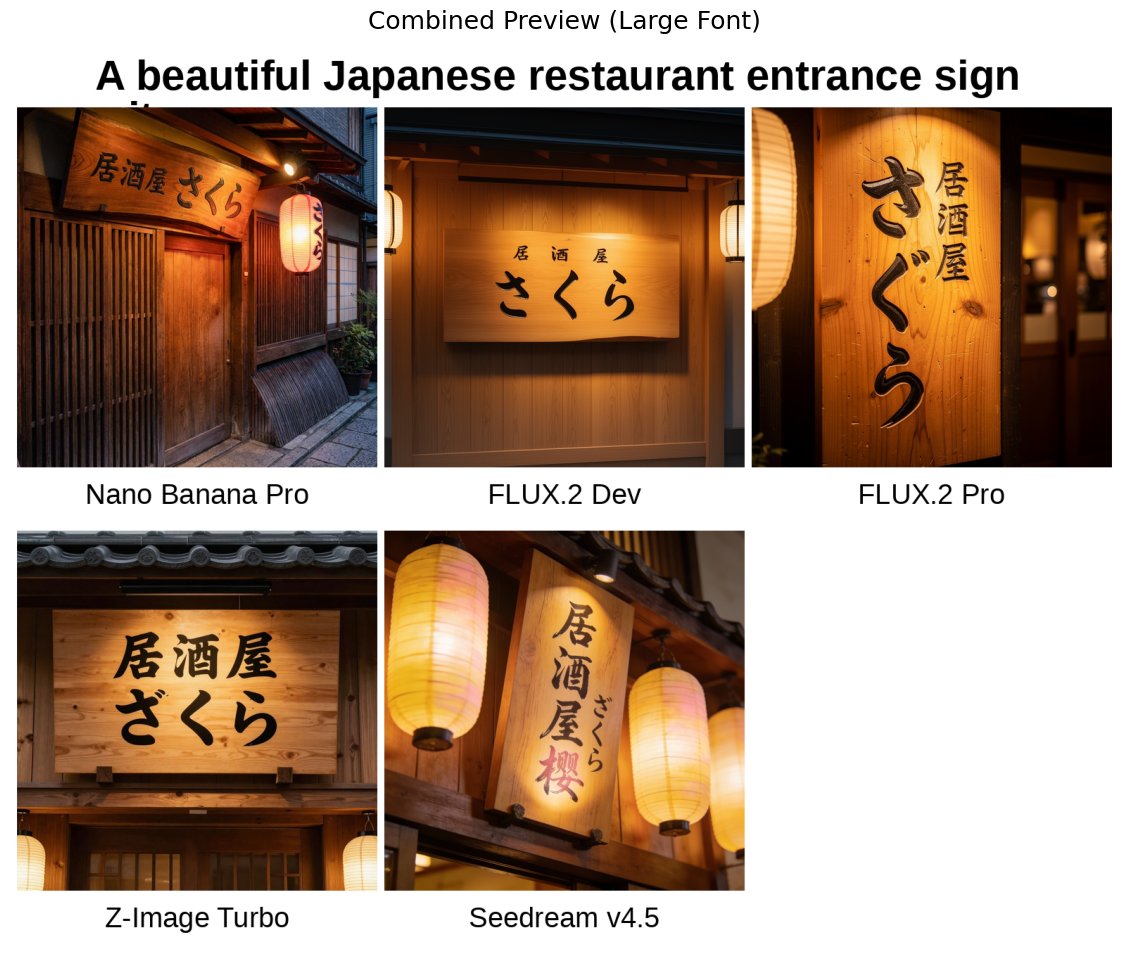
Asian Typography
By Maki@Sunwood AI Labs.
AI Prompt for Japanese Izakaya Entrance Sign - Realistic Restaurant Signage for Urban Backgrounds
design
typography
marketing
"A beautiful Japanese restaurant entrance sign
with the text "{argument name="看板の店名" default="居酒屋 さくら"}" writt..."
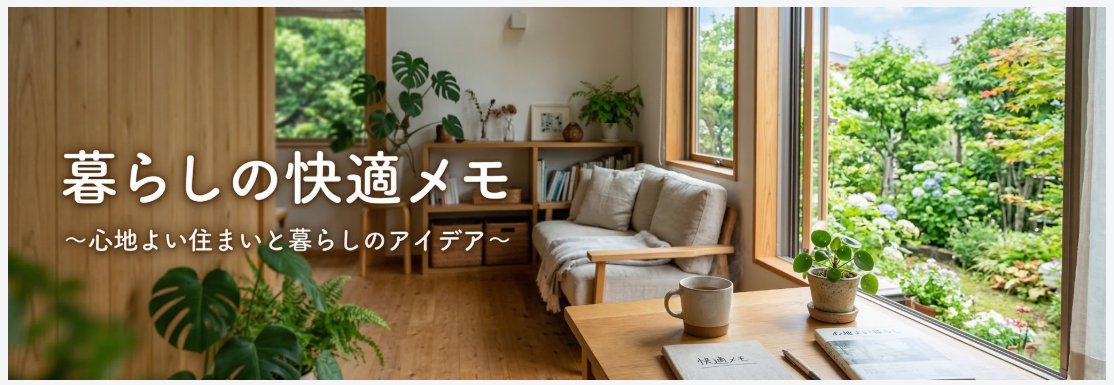
Minimalist Illustration
By ヒデロー@ブログ用AIツールを全21個プレゼント中
AI Prompt for WordPress Header Image Design with Simple Minimalist Illustrations and Text
Illustration
minimalism
typography
web-design
"WordPressサイトを作ってます。横長のヘッダー画像を作って欲しいです。サイトは「暮らしの快適メモ」というサイトです。"
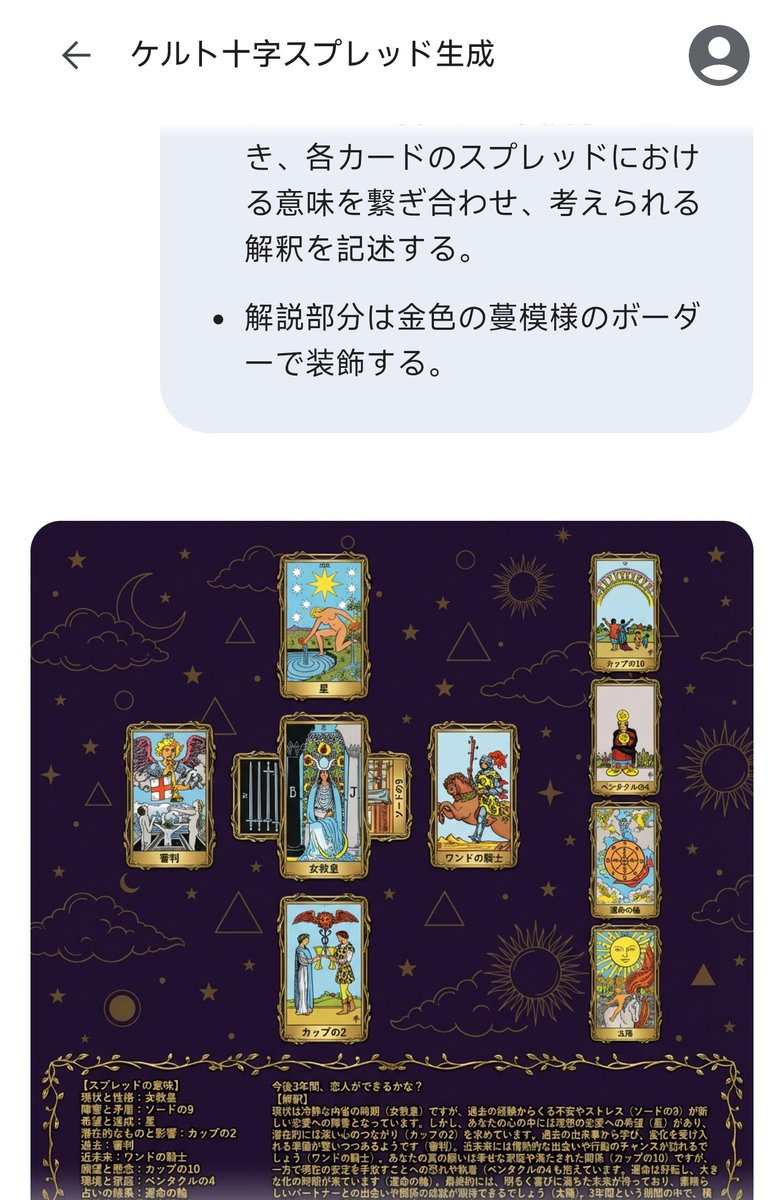
Abstract / Background
By ねこ九葉VRC
AI Prompt for Celtic Cross Tarot Spread Visuals
Illustration
Infographic
typography
"# ケルト十字スプレッドの結果を生成
## 占いのパラメータ
- 問題の本質を示すカード:{argument name="問題の本質を示すカード"..."
Latest Discoveries
Explore our most recently added high-quality AI prompts.
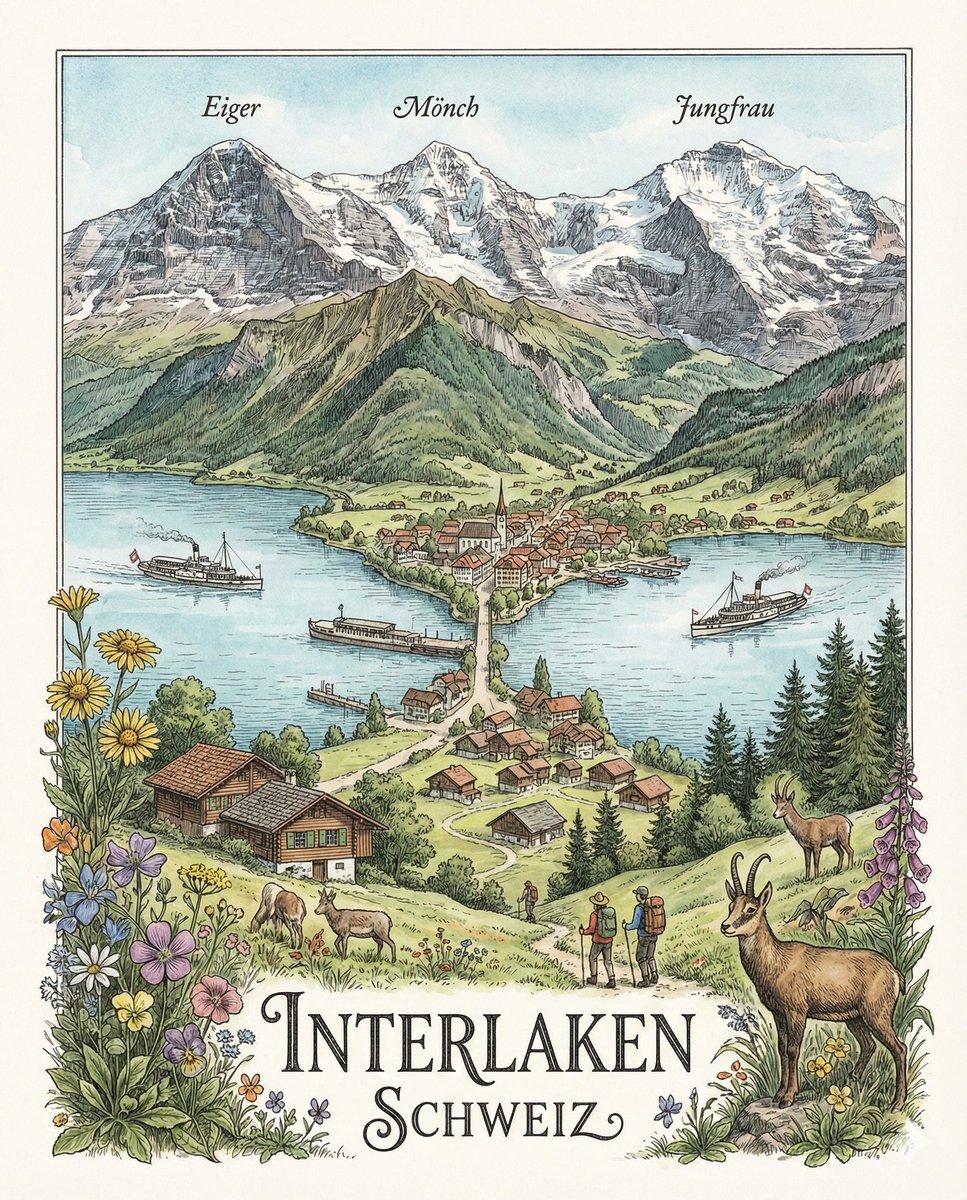
Landscape/Nature
By かい@デザイナー,Shopifyパートナー
AI Prompt for Highly Detailed Geographically Accurate Swiss Landscape Illustration
Illustration
nature
landscape
"「{argument name="場所と風景" default="スイスインターラーケンの美しい湖と周辺の風景"}を、精密イラストで描いて。縦横比は{..."
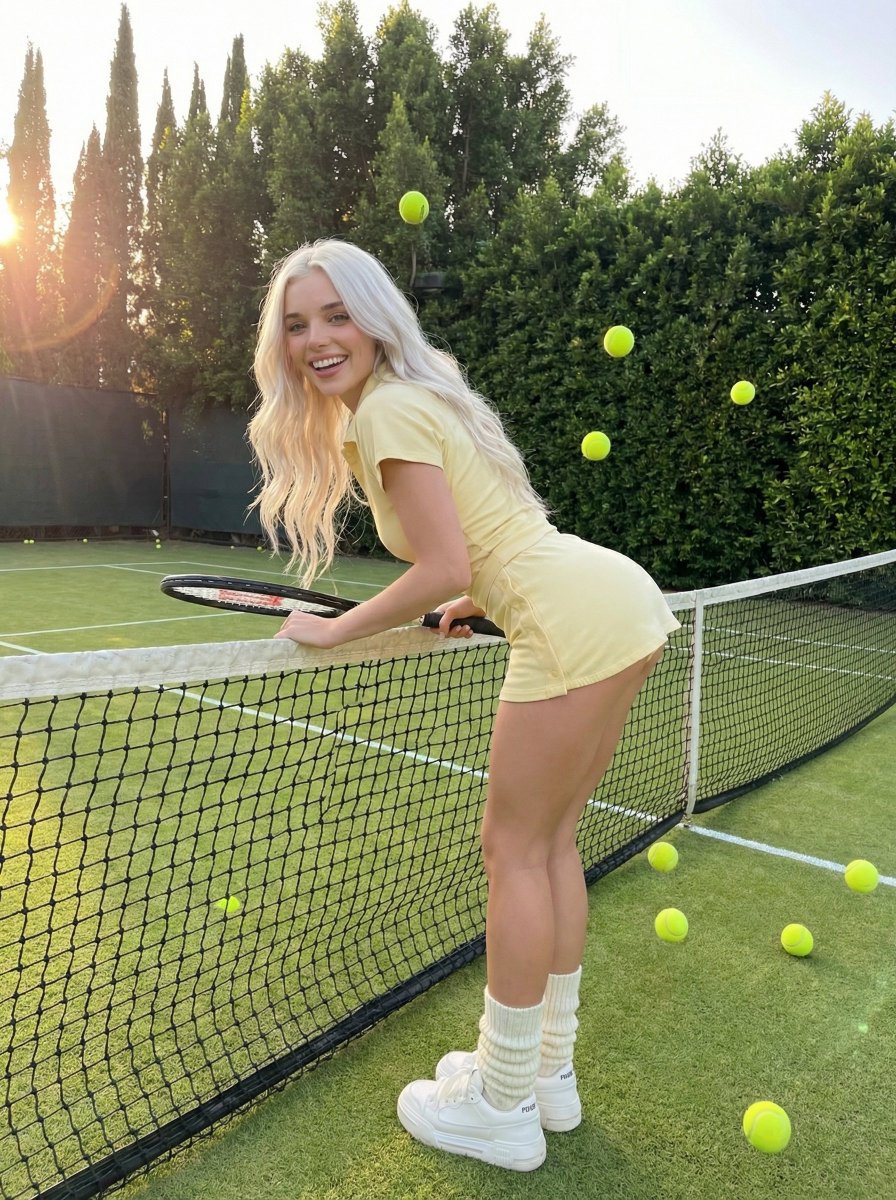
Tennis Lifestyle
By gauche
AI Prompt for Social Media Tennis Lifestyle Photo
fashion
photography
product-marketing
social media
{
"prompt": "Tennis lifestyle photo, young woman with long {argument name="hair color" default="platinum white blonde"...
Premium
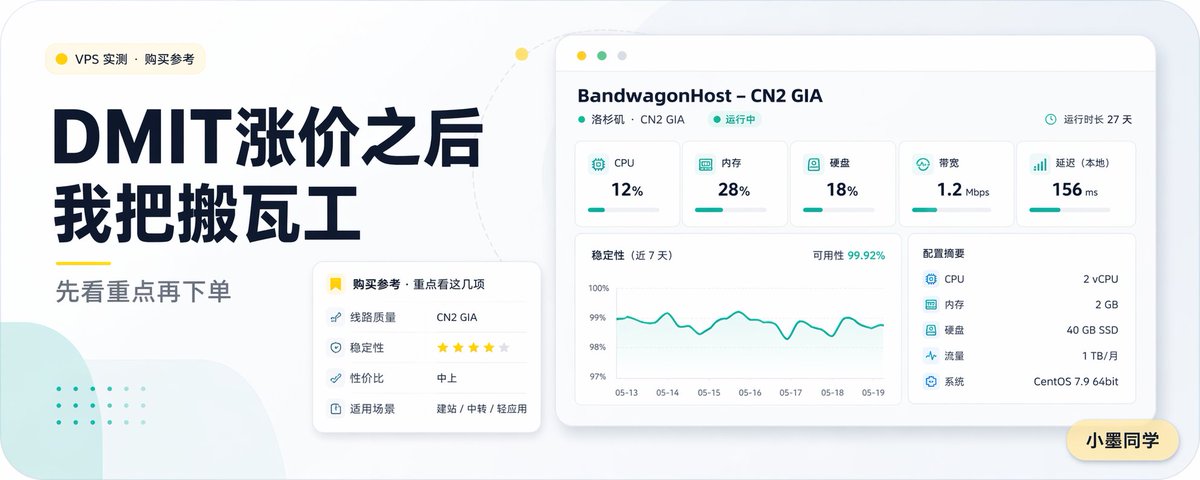
Tech Infographic
By 小墨同学
AI Prompt for Creating Visually Attractive Chinese VPS Comparison Covers
AI-Prompt
Infographic
graphic-design
VPS Comparison
Chinese Tech
"Create a clean modern Chinese tech blog cover in a wide 16:9 layout with a soft light-gray background, rounded-corner ca..."