AI Prompt for AI System Infographic Poster: An Educational Visual System Illustration
Generate a futuristic educational poster explaining modern AI systems. This AI prompt is useful for creating technical presentations, learning materials, and social media informationals. Produce a dense infographic with modern AI systems, perfect for illustrating and diagramming AI concepts.
Related Keywords
Main AI Prompt
Main Prompt Content
"Goal: Create a highly polished vertical educational infographic titled {argument name="headline text" default="AI INFRASTRUCTURE"} with the subtitle {argument name="subtitle text" default="HOW MODERN AI SYSTEMS WORK"}, explaining modern AI infrastructure from data pipelines and GPU training clusters to inference serving, batching, and KV cache.
Canvas: Vertical poster, 4:5 aspect ratio, dark navy futuristic data-center aesthetic. Use a glowing blue/purple cyber grid background with mountains, server racks, a GPU chip illustration, neon circuit traces, thin rounded panels, white and cyan typography, and small orange numbered badges. The overall look should resemble a premium technical explainer poster, dense but readable.
Layout: Large title across the top left, small subtitle and tagline below it, decorative server racks and GPU chip on the top right. Arrange the content into exactly 8 numbered main sections plus a right-side “Key Concepts” column and a bottom flow footer. Use precise panel borders, small icons, arrows, diagrams, tables, and micro-labels.
Sections and required content:
1. Data Pipeline: Show exactly 5 pipeline stages connected by arrows: Raw Data Sources, Ingestion & Cleaning, Labeling / Curation, Tokenization / Chunking, and Sharding & Storage. Raw Data Sources contains exactly 5 bullets: Web pages, Documents, Code, Images, Logs. Ingestion & Cleaning contains exactly 3 bullets: Filtering, Deduplication, Normalization. Labeling / Curation contains exactly 3 bullets: Quality checks, Human / heuristic, Dataset assembly. Tokenization / Chunking contains exactly 3 bullets: Convert text to tokens, Chunk into docs, Add special tokens. Sharding & Storage contains exactly 3 bullets: Split into shards, Balanced partitions, Optimized for parallel reads. Add a caption stating that data is cleaned, deduplicated, curated, tokenized, and stored in shards so many workers can read it efficiently.
2. Storage + Orchestration Layer: Include exactly 3 vertical cards: Object Storage with a cloud-to-database icon and note “S3 / GCS / Azure Blob or on-prem object store”; Metadata / Experiment Tracking with a dashboard icon and bullets “Runs & metrics,” “Hyperparameters,” “Lineage & artifacts”; Monitoring & Logging with a chart/magnifier icon and bullets “Metrics & alerts,” “Logs aggregation,” “Tracing & debugging.” Add a footer note that the control layer coordinates compute jobs, tracks experiments, stores checkpoints, and monitors utilization, failures, and costs.
3. Training Cluster Architecture: Large central architecture diagram titled Training Cluster Architecture. Show exactly 4 GPU / Accelerator Node boxes in a 2x2 grid connected by glowing high-speed network links labeled “High-Speed Network InfiniBand / RoCE.” Each node contains CPU Host (Multi-core), RAM, GPUs such as 8x H100, and NVMe local SSD. Add dotted links between nodes. Below, include exactly 3 mini-panels: Inside a Node, Data Parallelism, and Distributed Training Parallelism (Legend). Inside a Node should show CPU connected by PCIe/NVLink/NVSwitch lines to multiple GPUs. Distributed Training Parallelism legend should show exactly 4 stages labeled Stage 1, Stage 2, Stage 3, Stage 4.
4. The Training Step: Create a left-to-right training flow with exactly 6 stages: Input Tokens, Forward Pass, Loss Compute, Backward Pass, Gradients, Optimizer Update. Include a checkpointing icon stack, a “Model Precision” box mentioning FP32, FP16/BF16, FP8, and an “Optimizer State” box. Show gradient accumulation arrows and a caption explaining that during training, the model predicts outputs, computes loss, propagates gradients backward, and updates weights, repeated billions of times.
5. Inference Serving Pipeline: Create a compact serving diagram with exactly 6 stages across the top: User Request, API Gateway, Tokenizer, Scheduler / Router, Model Server (GPU), Streamed Output. Inside the panel include Dynamic Batching with exactly 3 request rows, a Model Server box showing Prefill and Decode Loop, KV Cache on GPU Memory, optional adapters, and a load balancer connecting exactly 3 model replicas labeled Model Replica 1, Model Replica 2, Model Replica N.
6. Operations, Reliability, and Safety: Include exactly 6 operational cards with icons: Autoscaling, Telemetry / Observability, Rate Limiting & Quotas, Safety Filters / Guardrails, Versioning / Rollback, Cost Monitoring. Add a note that production AI systems need strong operational tooling to remain reliable, safe, and cost-efficient.
7. Training vs Inference: Add a comparison table with exactly 6 rows: Goal, Main Bottleneck, Memory Focus, Typical Metric, Scale Pattern, Resilience Needs. Use two columns labeled Training and Inference (Serving). Training should describe learning model weights from data, distributed compute and data movement bandwidth, activations/gradients/optimizer states, tokens per second or convergence, large batch long jobs, and checkpointing/fault tolerance. Inference should describe generating useful responses for users, latency and throughput, model weights plus KV cache, latency and tokens per second, many short requests, and high availability/graceful degradation.
8. Key Concepts right column: Create a tall right sidebar titled Key Concepts containing exactly 5 lettered cards: A. Batch Size, B. Sequence Length / Context Window, C. KV Cache, D. Throughput vs Latency, E. Parameters / Weights / Activations. Card A should define batch size and show small batch versus large batch with token/person icons. Card B should show prompt tokens and long context as token blocks labeled T1, T2, T3, T4, …, Tn. Card C should show prompt tokens feeding a purple cylindrical KV Cache, then a new token reading from cache. Card D should show exactly 2 gauges: Throughput and Latency. Card E should show weights and activations as blue and purple grids connected by multiplication. At the bottom of the sidebar add a small “Prefill vs Decode” note explaining prefill processes the full prompt and decode generates one token at a time using the KV cache.
Footer: Add a bottom navigation strip with the sequence “DATA → TRAINING → INFERENCE → VALUE,” a small circular rocket/compass-style icon at left, and a closing quote: {argument name="footer quote" default="Powering intelligent systems with data, compute, and engineering excellence."}
Visual style: Dense corporate technical infographic, crisp vector and semi-3D icons, glowing cyan outlines, subtle gradients, volumetric light, small schematics, miniature charts, and clean serif title typography with modern sans-serif labels. The color palette should be {argument name="color palette" default="deep navy, electric blue, cyan, violet, white, and small amber accents"}.
Constraints: Use exactly 8 numbered main sections, exactly 5 key concept cards, exactly 4 GPU nodes, exactly 6 training-step stages, exactly 6 inference stages, exactly 6 operations cards, and exactly 6 training-vs-inference table rows. Keep all visible text in English, avoid watermarks, avoid brand logos, and maintain high readability despite the dense layout."
You might also like
Hand-picked related prompts from AI Systems.
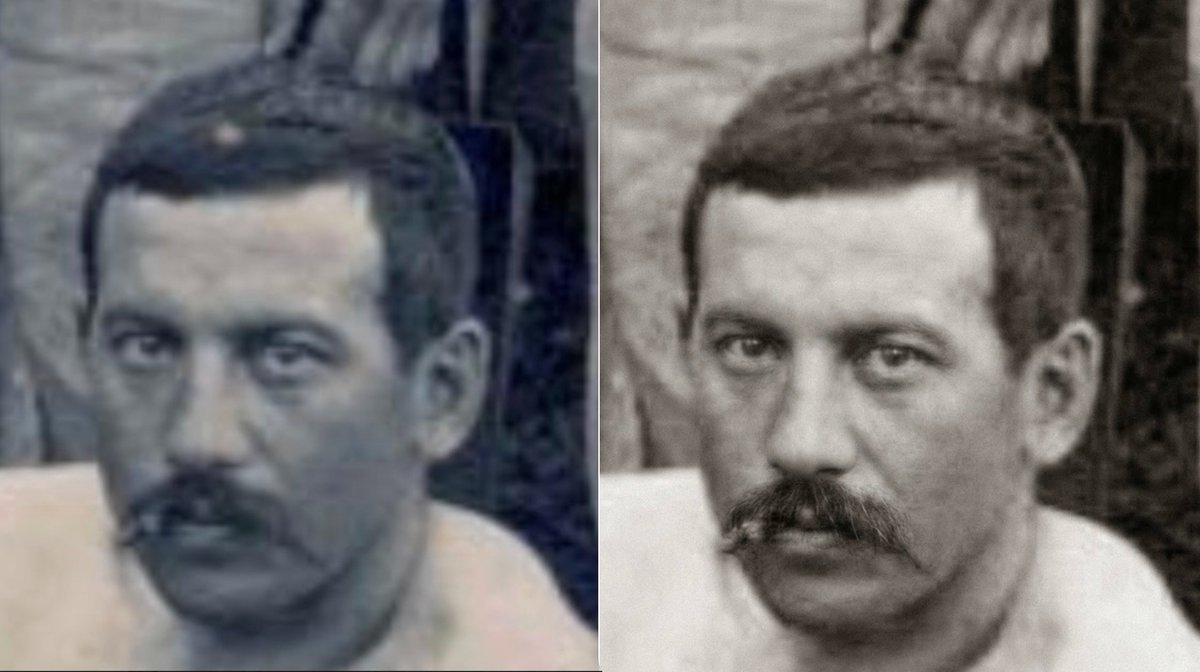
Retro Portrait
By Dominique Dupagne
AI Prompt for Retro Photo Restoration with Grain & Softness
retro
AI
vintage
photorealism
Image Generation
"Restauration douce en noir et blanc. Le résultat ne doit pas être trop contrasté ni trop poussé en netteté, pour préserv..."
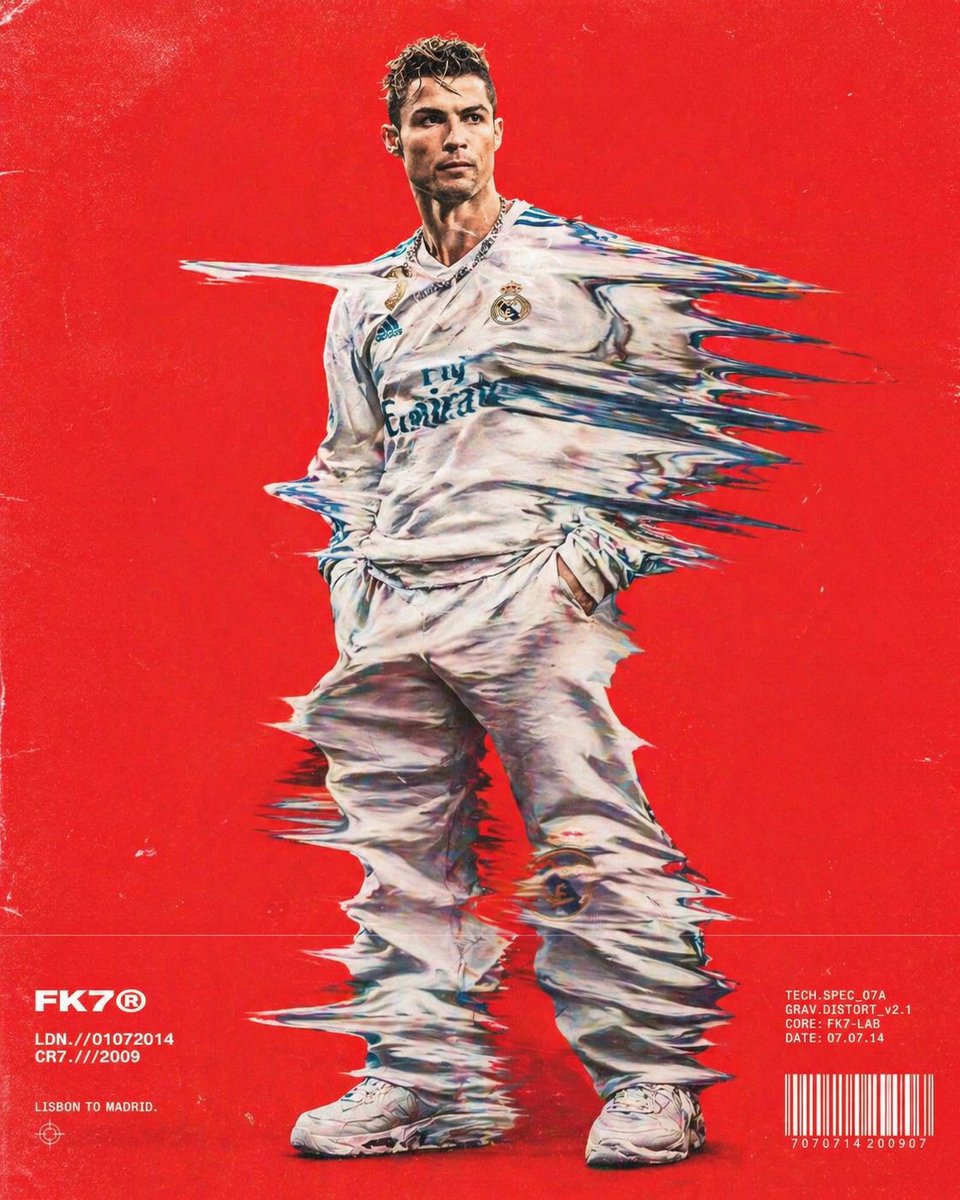
Retro Fashion
By Saul Goodman
AI Prompt for Glitchy Fashion Images - Retro Hip-Hop Inspired Style
fashion
retro
AI
prompt
FashionLayout
"{argument name="subject" default="Hip-hop fashion model"} standing full-frame, clothing distorted into stretched streaks..."

Abstract / Background
By EMILY GREEN NEXUS
AI Prompt for Creating Photorealistic Egg with Africa Map Cracks
photography
AI
abstract
background
"photorealistic image of a white egg with cracks forming the basic simple cracked outline of a [ {argument name="shape" d..."
Latest Discoveries
Explore our most recently added high-quality AI prompts.

City Street Fashion
By Harboriis
AI Prompt for High Fashion Editorial with Motion Blur Effect
fashion
editorial
photography
motion blur
"A high fashion magazine pictorial of an Alpine-looking man in her early 25s who stands still, looking at the camera, tur..."
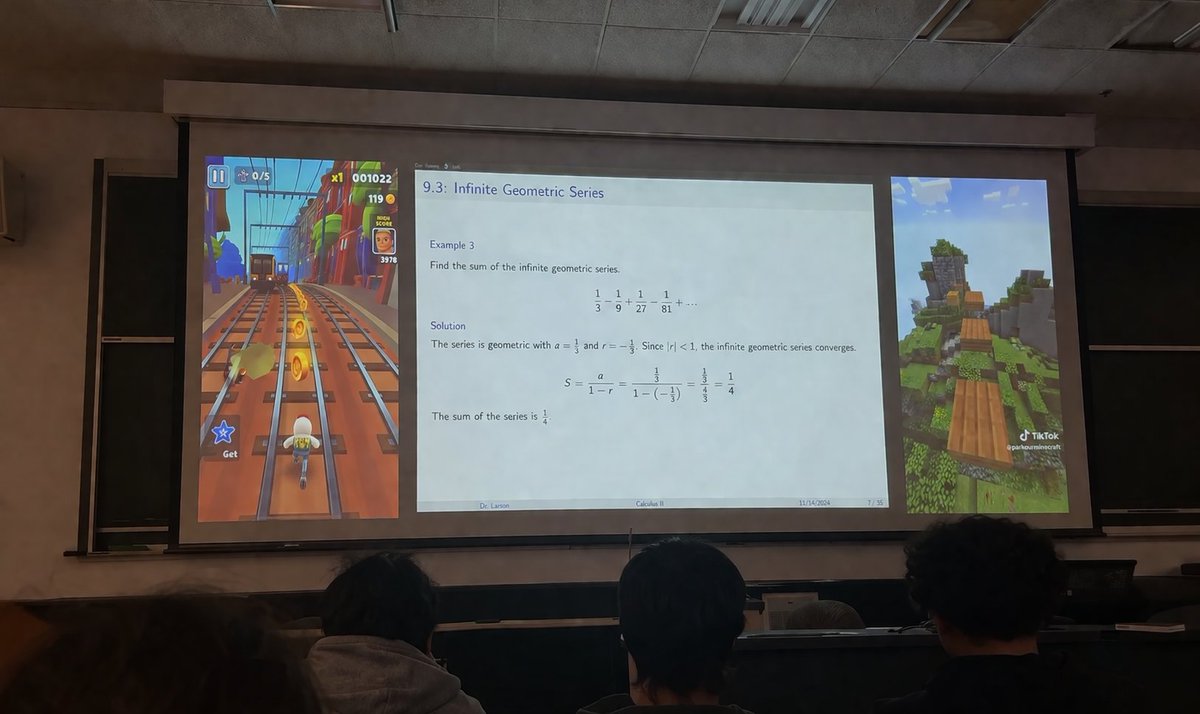
Edu Visuals
By AIxHunter
AI Prompt: Create an Engaging Edu Visual Image of a Classroom Projector
photography
Infographic
EduVisual
A realistic photograph taken from the audience in a dimly lit university lecture hall, looking over the backs of the hea...
Premium

K-Pop Idol
By クロガネ@即覚醒させる人
AI Prompt for K-Pop Idol Portrait in Ultra-Realistic Fashion
portrait
ai art
social media
"この人物の顔のみに使用して下記のプロンプトへ適用させてください
実際のモデル撮影のように表情を変えながら9種類の異なるアン..."