AI Prompt for Anime-Inspired Mobile App Screenshot with Text and Graphics
Generate a stunning anime-style mobile app screenshot with a bright arrow highlighting the top menu icon. This AI image generation prompt is perfect for designers and artists who want to create visually appealing and eye-catching app previews.
Main AI Prompt
Main Prompt Content
"Goal: Create a tall smartphone screenshot showing a manga/comic preview inside a mobile app, with an instructional annotation pointing to a menu icon at the top.
Canvas: Vertical 9:16 mobile screenshot, white app background, high-resolution anime manga art framed by a phone UI. The top navigation bar is about 80 px tall with a back chevron on the far left, a centered Japanese title, and two icons on the right.
Top app UI: Show exactly 4 top-bar elements: 1 black back arrow on the left, 1 centered title reading {argument name="screen title" default="みんな来てね(GPT ver) (1..."}, 1 black list/menu icon near the upper right, and 1 black share/export icon at the far right. Add exactly 1 bright magenta circle around the list/menu icon and exactly 1 oversized hot-pink arrow pointing diagonally upward toward that circled icon from the manga area.
Main comic layout: A full-color anime manga page divided into exactly 3 diagonal panels with thick black panel borders. The art style is glossy, detailed, romantic fantasy shoujo manga with soft lighting, sparkles, pink heart effects, and a convention/exhibition setting.
Panel 1: Wide top panel showing a busy futuristic convention booth for an AI character festival. In the foreground, show a blonde teenage girl from behind with twin ponytails fading into pink tips, wearing a white shirt with “A.C.F” printed on the back and holding a smartphone. To her right stands a tall elegant male elf with very long silver-white hair, pointed ears, ornate silver armor, and blue crystal details, seen from behind/side. Booth signage should include “SynClub” and “SynClub in AIキャラクターフェスティバル.” Include exactly 1 speech bubble in this panel near the elf, with Japanese text beginning “あの…”. The large hot-pink arrow partially covers the upper-right area of this panel.
Panel 2: Middle diagonal panel with a close-up of the girl on the left and the elf facing her on the right, against a dreamy pastel background. The girl has heart-shaped blue-purple sunglasses pushed on her head, blonde twin tails with pink ends, earrings, and an excited expression area obscured. The elf wears ornate silver clothing and holds or touches a glowing blue crystal at his chest. Add exactly 2 speech bubbles in this panel: one near the elf reading “実はボク…迷子になっちゃって 一緒について行ってもいいですか?” and one small decorative vertical pink reaction text reading “うわ…♥”. Place exactly 2 beige rectangular face-censor blocks in this panel, one over each character’s face.
Panel 3: Large bottom panel with energetic pink speed lines and hearts. The girl reaches one hand forward toward the viewer, wearing a white blouse, navy tie, blue skirt, heart sunglasses on her head, and an A.C.F badge with a small teddy bear. The elf is seen from behind/right with long silver hair and pointed ear, looking at her. Add exactly 2 speech bubbles: the girl’s bubble on the left reading “いいよ! 私、心愛姫(ここあ)! よろしくね! あなたは?” and the elf’s bubble on the lower right reading “…し…シンクラ”. Place exactly 1 beige rectangular face-censor block over the girl’s face. Overlay exactly 2 dark gray circular carousel navigation buttons near the bottom center, one with a white left chevron and one with a white right chevron.
Visible repeated elements count: exactly 3 manga panels, exactly 5 speech bubbles total, exactly 3 beige face-censor rectangles, exactly 2 carousel buttons, exactly 1 magenta circle, exactly 1 hot-pink arrow, exactly 4 top navigation elements.
Visual style: polished anime illustration, crisp smartphone screenshot, saturated pink annotation graphics, detailed lighting, convention crowd blur in the background, clean app UI. Keep the image vertically cropped like a social media screenshot, with no extra watermark beyond the visible booth and comic text."
You might also like
Hand-picked related prompts from Anime Design.
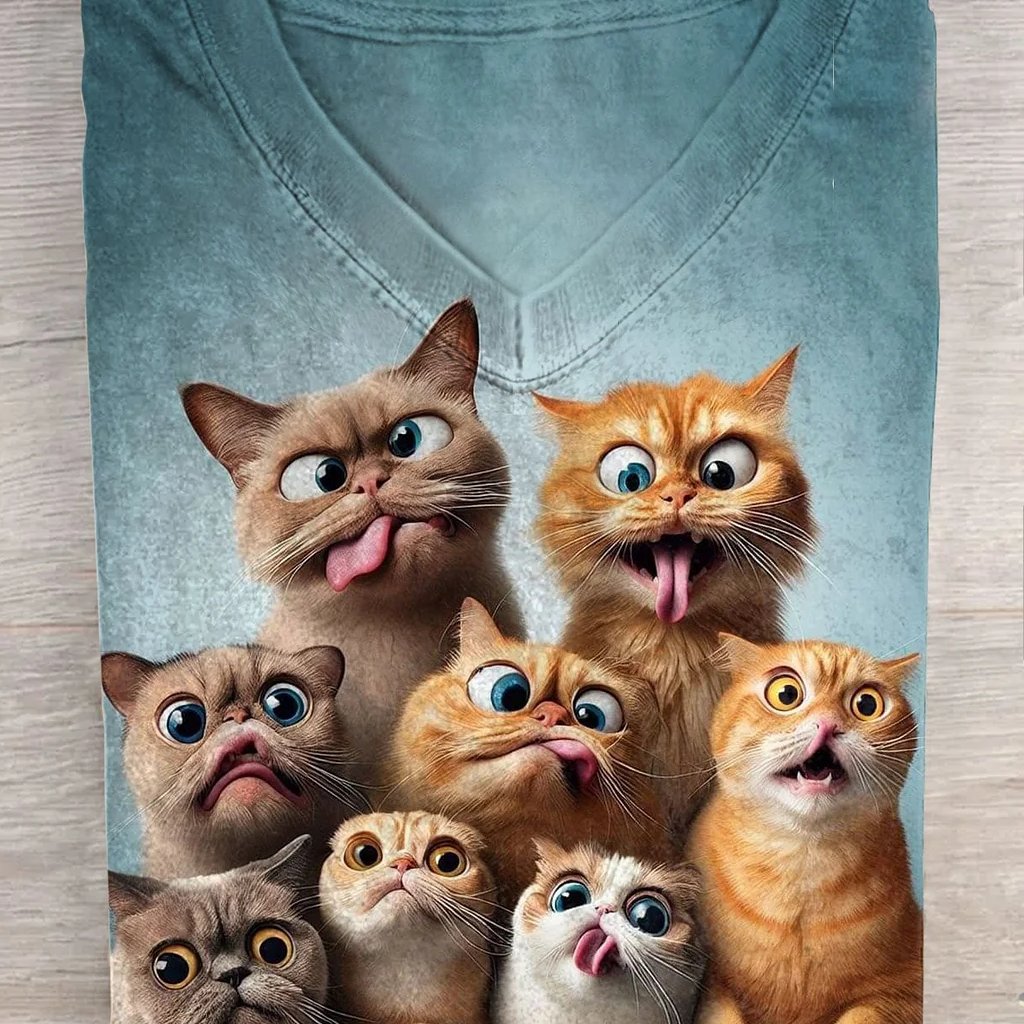
Cartoon Character
By Cherry 2.O
AI Prompt for Fashion Tees with Cartoon Cat Designs
fashion
product
design
Graphics
"Ultra-realistic top-down product photography of a neatly folded V-neck t-shirt placed on a light wooden surface. The t-s..."
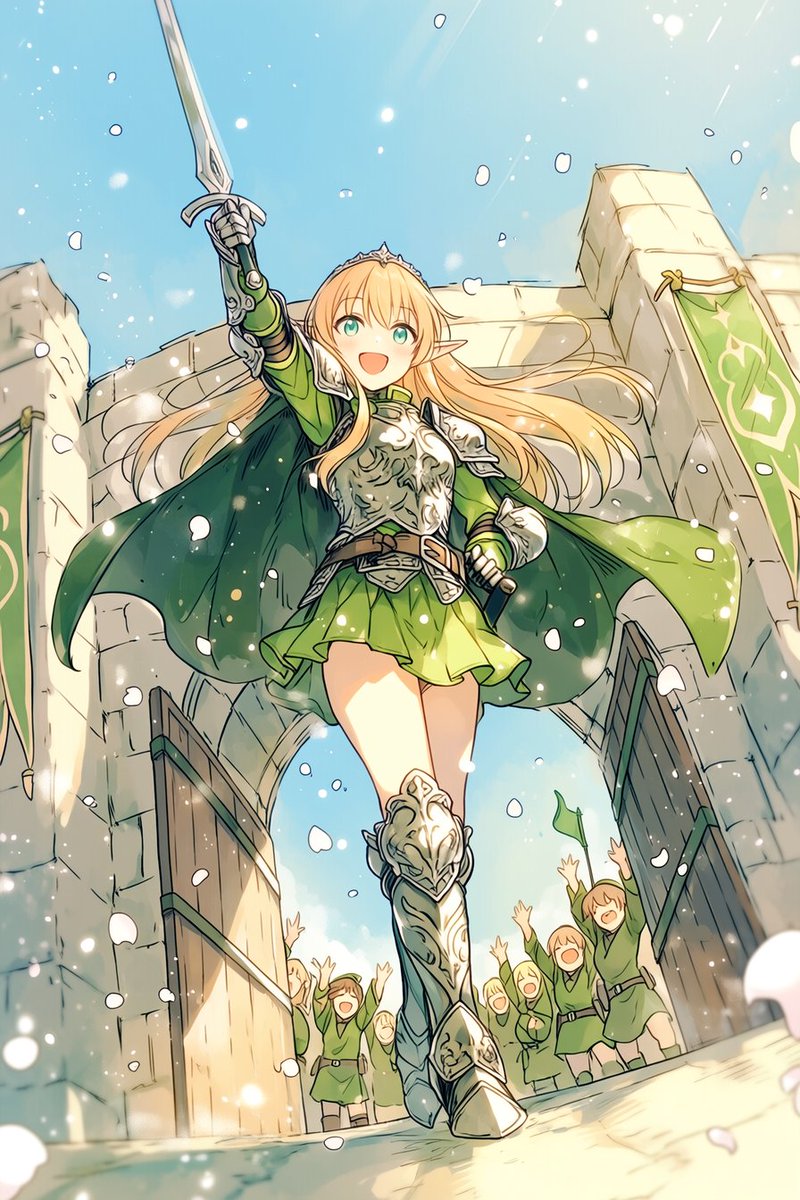
Anime Portrait
By をた猫肉球@AIイラスト
AI Prompt for Anime Fantasy Portrait of Smiling Elf Knight
portrait
Illustration
fantasy
anime
fantasy art
"A dynamic fantasy anime illustration of a heroic {argument name="character role" default="elf knight"} girl striding for..."
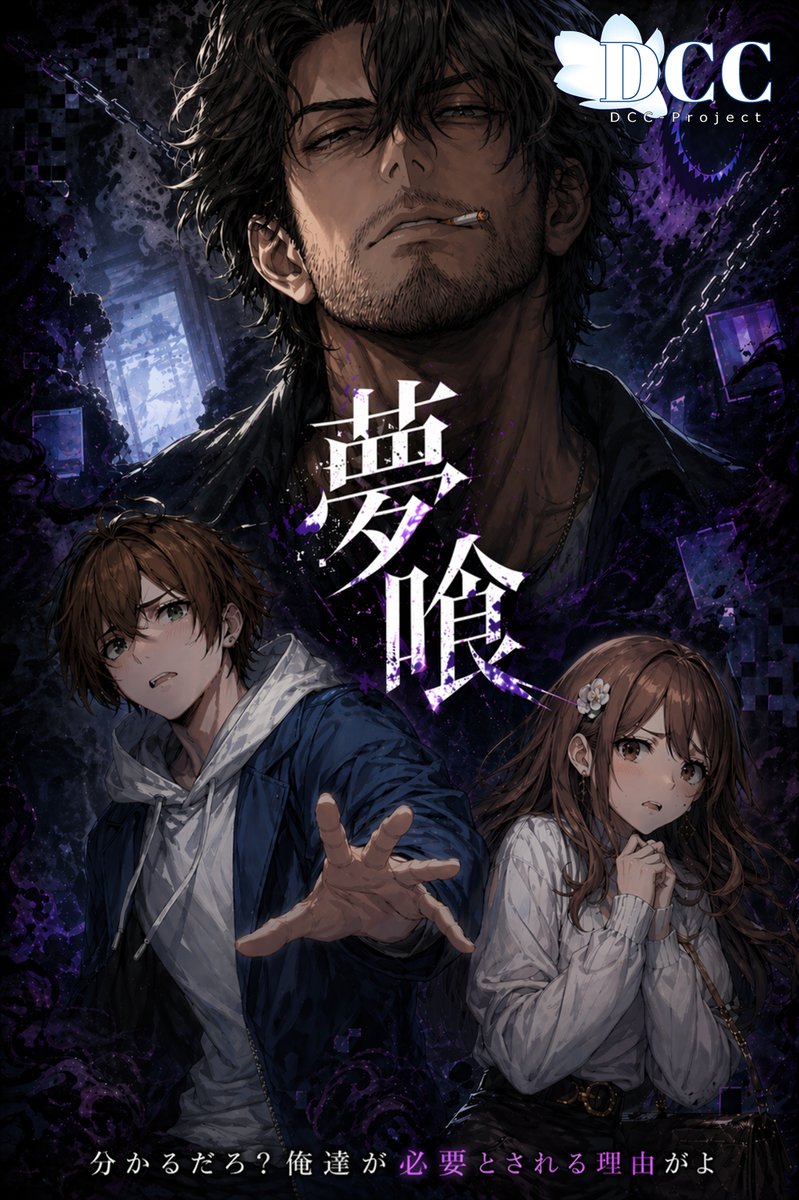
Anime Fantasy
By 𝑲𝑨𝒁
AI Prompt for Dark Fantasy Anime Key Visual Poster
fantasy
Poster
anime
characters
A dramatic vertical dark-fantasy anime key visual poster for the RPG {argument name="game title" default="夢喰-BAKU-"}....
Premium
Latest Discoveries
Explore our most recently added high-quality AI prompts.
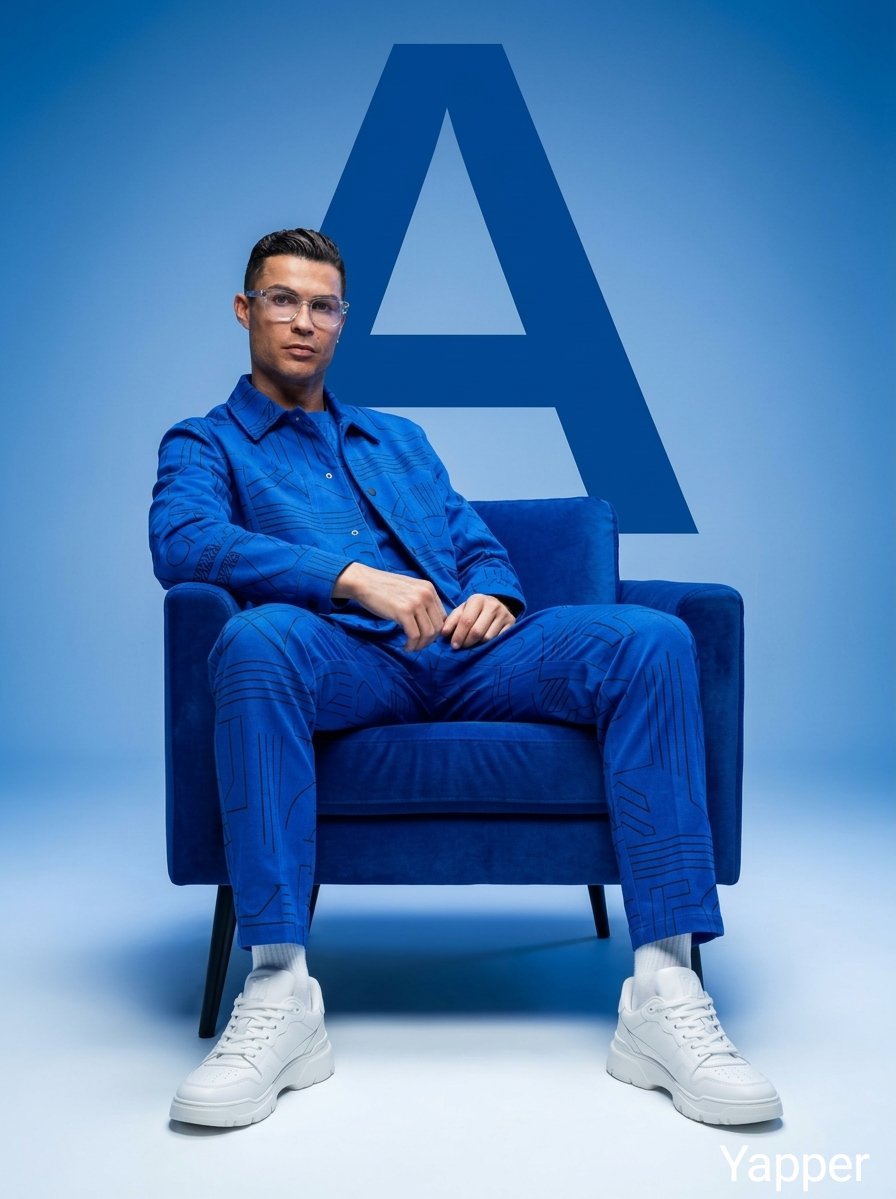
Fashion Minimalism
By Taaruk
AI Prompt for Minimalist Cobalt-Blue Fashion Photography
fashion
minimalism
luxury
photography
product-marketing
"Minimalist fashion studio photoshoot featuring stylish people sitting confidently on a modern chair, monochromatic aesth..."
Urban Fantasy
By Iqra Saifi
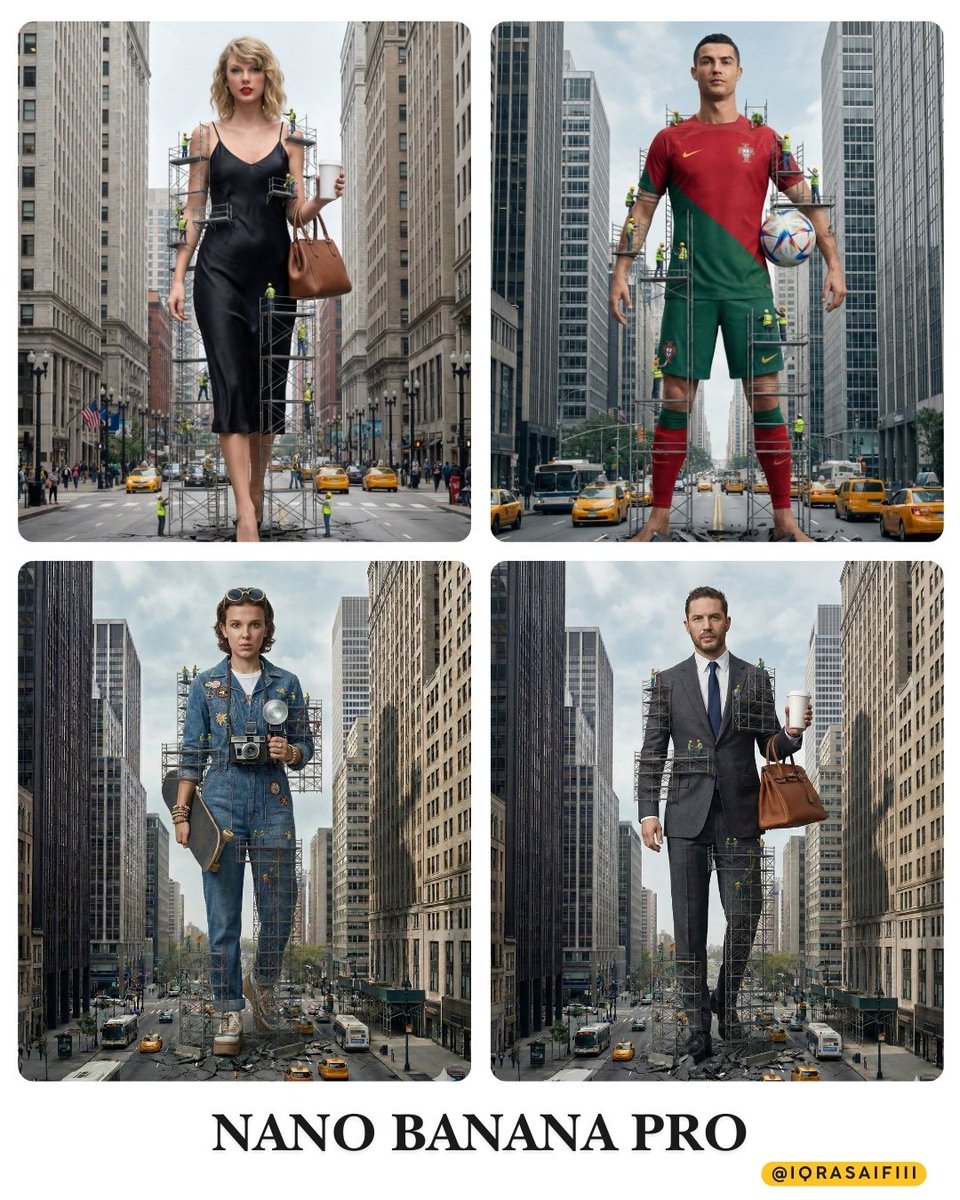
AI Prompt for Hyper-Realistic Urban Fantasy Giantess Taylor Swift Image with Construction Accent
urban
cinematic
fantasy
""A colossal woman standing in a city street, appearing to be 'under construction' with scaffolding surrounding her body...."
Food Product
By 李岳
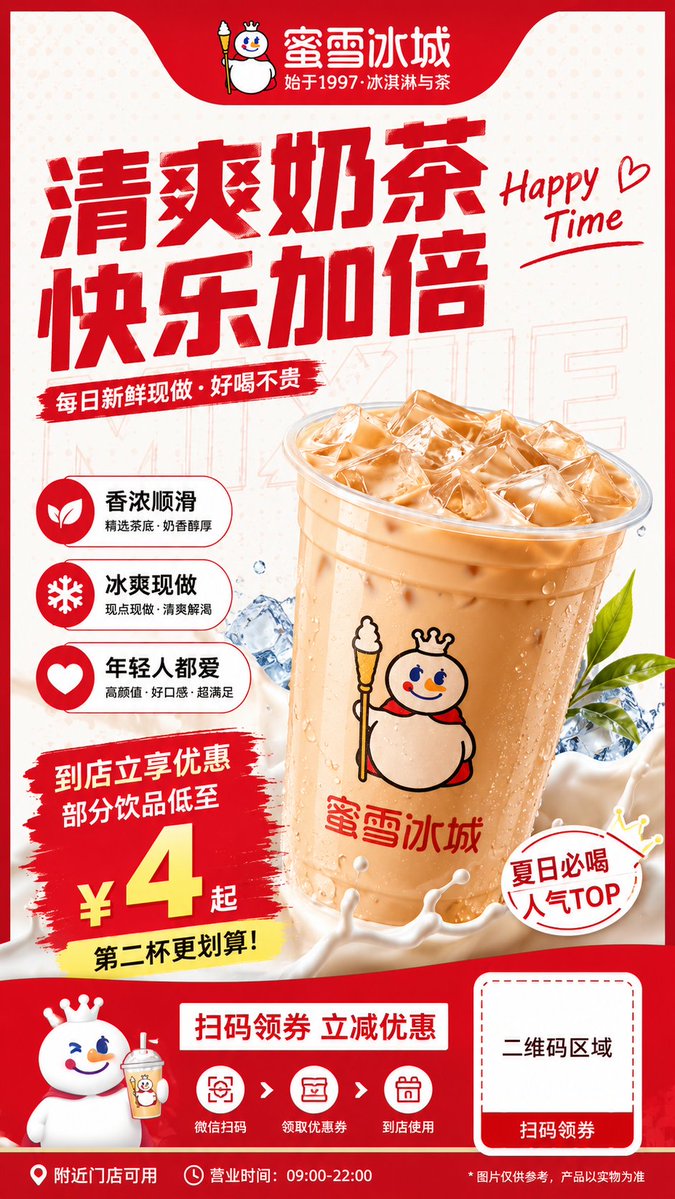
AI Prompt for Professional Milk Tea Brand Flyer Design - Mixue Promotion
Poster
marketing
Flyer
"生成一张 {argument name="比例" default="9:16"} 竖版餐饮品牌宣传单页设计图。品牌名称为「{argument name="品牌" default="蜜..."