AI Prompt for Custom Infographic Design: Cache Inference Pipeline
This AI prompt generates a professional infographic for a cached chat inference pipeline with dual cache branches. It's perfect for technical explainers and product presentations. Use this prompt to create engaging visualizations for your AI projects and presentations.
Related Keywords
Main AI Prompt
Main Prompt Content
"Create a clean vertical technical workflow infographic on a light gray background, using a minimalist modern product-diagram style with rounded white cards, thin colored outlines, simple vector line icons, dark navy text, and navy connector arrows. The composition is a single centered top-to-bottom flowchart with 7 numbered main steps, plus 2 parallel cache-group panels branching from step 4 into step 5, and a thick dark return arrow on the far left looping from the bottom back to the top. Use crisp sans-serif typography, generous spacing, subtle pastel accent colors, no gradients, no shadows, and presentation-slide clarity.
At the top center place step card 1 with a blue outline and a code/chat icon on the left. Title text: "1. {argument name="step 1 title" default="chat completions request"}". Subtitle beneath: "conversation_id + cache_salt + new suffix messages".
Below it place step card 2 with a blue outline and a document/list icon. Title: "2. Frontend conversation ledger". Subtitle: "lease same id + track committed messages".
Below it place step card 3 with a cyan outline and a database-with-magnifier icon. Title: "3. Exact conversation cache lookup". Subtitle: "conversation_id committed turn state".
Below it place step card 4 with a purple outline and a branching scheduler icon. Title: "4. Scheduler cache attachment". Subtitle: "set num_computed_tokens + attach committed state".
From step 4, branch downward into 2 side-by-side group panels.
Left group panel: a pale green rounded container titled "Full-attention KV cache group". Inside it, stack 2 inner cards. First inner card has a green block-grid icon, title "Committed block refs", subtitle "share aligned full KV blocks". Second inner card below has a green layered-sheets icon, title "Tail COW copy", subtitle "copy unaligned KV tail". At the bottom of the green panel add small footer text: "paged K/V tensors for transformer layers".
Right group panel: a pale purple rounded container titled "Mamba terminal-state cache group". Inside it, stack 2 inner cards. First inner card has a purple database/network icon, title "Committed terminal state", subtitle "exact state at committed length". Second inner card below has a purple wavy-lines icon, title "Request-owned terminal copy", subtitle "copy SSM + conv state". At the bottom of the purple panel add small footer text: "align-mode terminal state placement".
Merge both group-panel outputs into a centered step card 5 with a blue outline and a microchip icon. Title: "5. Hybrid model execution". Subtitle: "run only the uncached suffix". Inside the bottom area of this card, include 2 pill-shaped labels side by side: "Transformer layers" and "Mamba layers".
Below it place step card 6 with a blue outline and a sparkle icon. Title: "6. Decode assistant tokens". Subtitle: "stream response token by token".
Below it place step card 7 with a warm yellow-orange outline and a database-with-check icon. Title: "7. Commit completed turn". Subtitle: "publish pending state or discard on failure".
Add a thick dark navy loop arrow running down the far left side, entering step 1 near the top from the left and returning from step 7 at the bottom back upward. Along this left loop, near the lower half, place stacked annotation text: "next request reuses committed conversation head".
Add 2 dashed publish arrows rising upward from step 7 toward the cache-group panels: one green dashed arrow on the left pointing to the green cache panel, labeled "publish new state"; one purple dashed arrow on the right pointing to the purple cache panel, also labeled "publish new state".
Keep the exact total count of 7 numbered main cards, 2 cache group panels, 4 inner cache cards, and 2 pill labels. Preserve a portrait aspect ratio similar to a conference-slide architecture diagram."
You might also like
Hand-picked related prompts from Cache Inference.
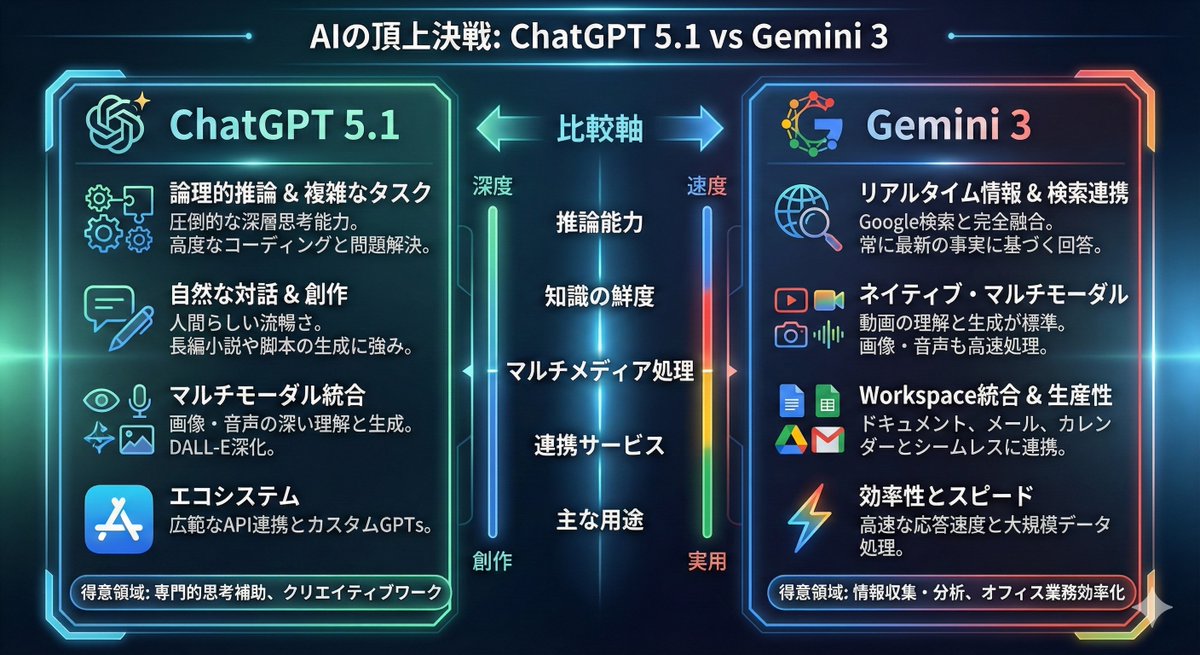
Edu Visual
By MIYABI
AI Prompt for ChatGPT vs Gemini Infographic Comparison
AI
Infographic
Edu
Graphics
ChatGPT 5.1とGemini 3の比較をインフォグラフィックにして
Premium
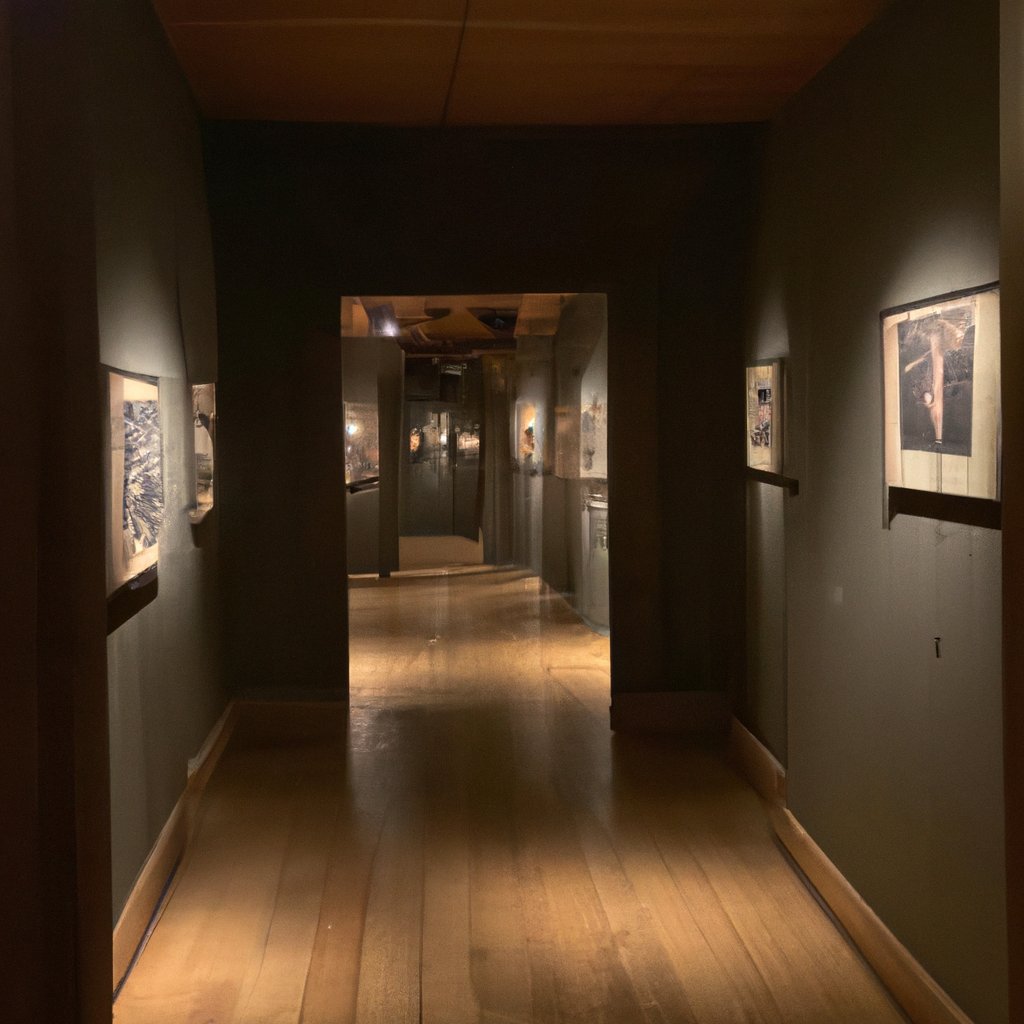
Eerie Hallway
By OpticNerve.AI
AI Prompt: Generate an Eerie Hallway with a Frightening Shadow Creature
AI
prompt
image
generation
Horror
""A dimly lit, empty hallway lined with antique portraits, the eyes of which seem to follow you. An eerie shadow looms at..."
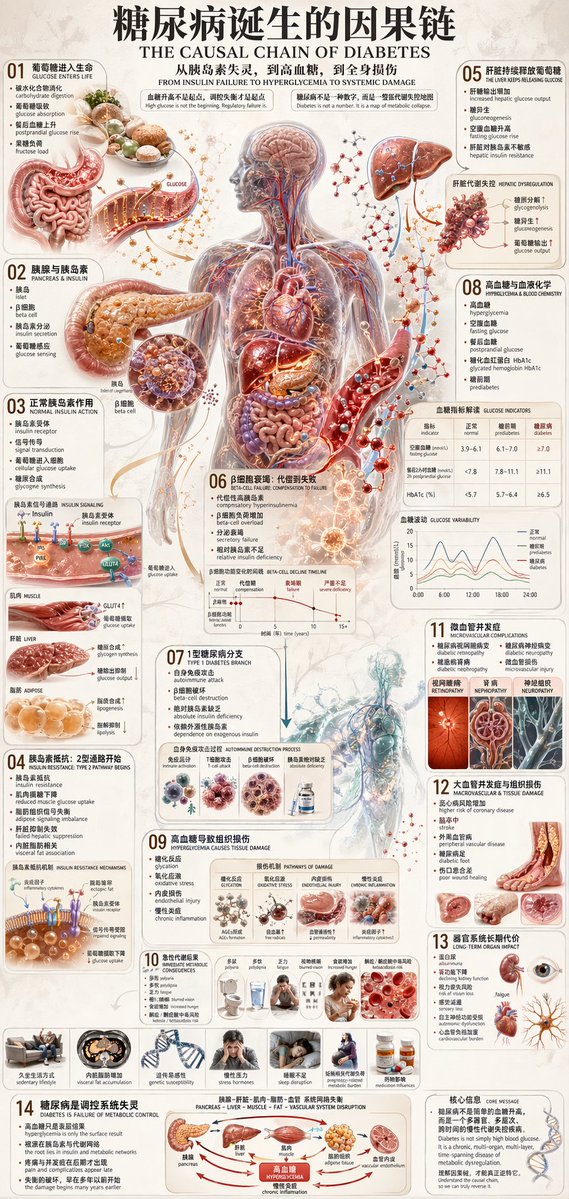
Medical Infographic
By 虎小象
AI Prompt for Medical Infographic Design: Diabetes Causal Chain Illustration
Infographic
medical
Edu Visual
Diabetes
"{"type":"medical infographic poster","topic":"diabetes cause-and-effect chain","language":"Chinese with English subtitle..."
Latest Discoveries
Explore our most recently added high-quality AI prompts.

Anime Portrait
By Rossy
AI Prompt for Ultra-Realistic Anime Portrait in Gothic Fashion
portrait
fashion
anime
manga
"Ultra detailed cinematic anime fantasy portrait of a mysterious elegant woman, short messy {argument name="hair color" d..."
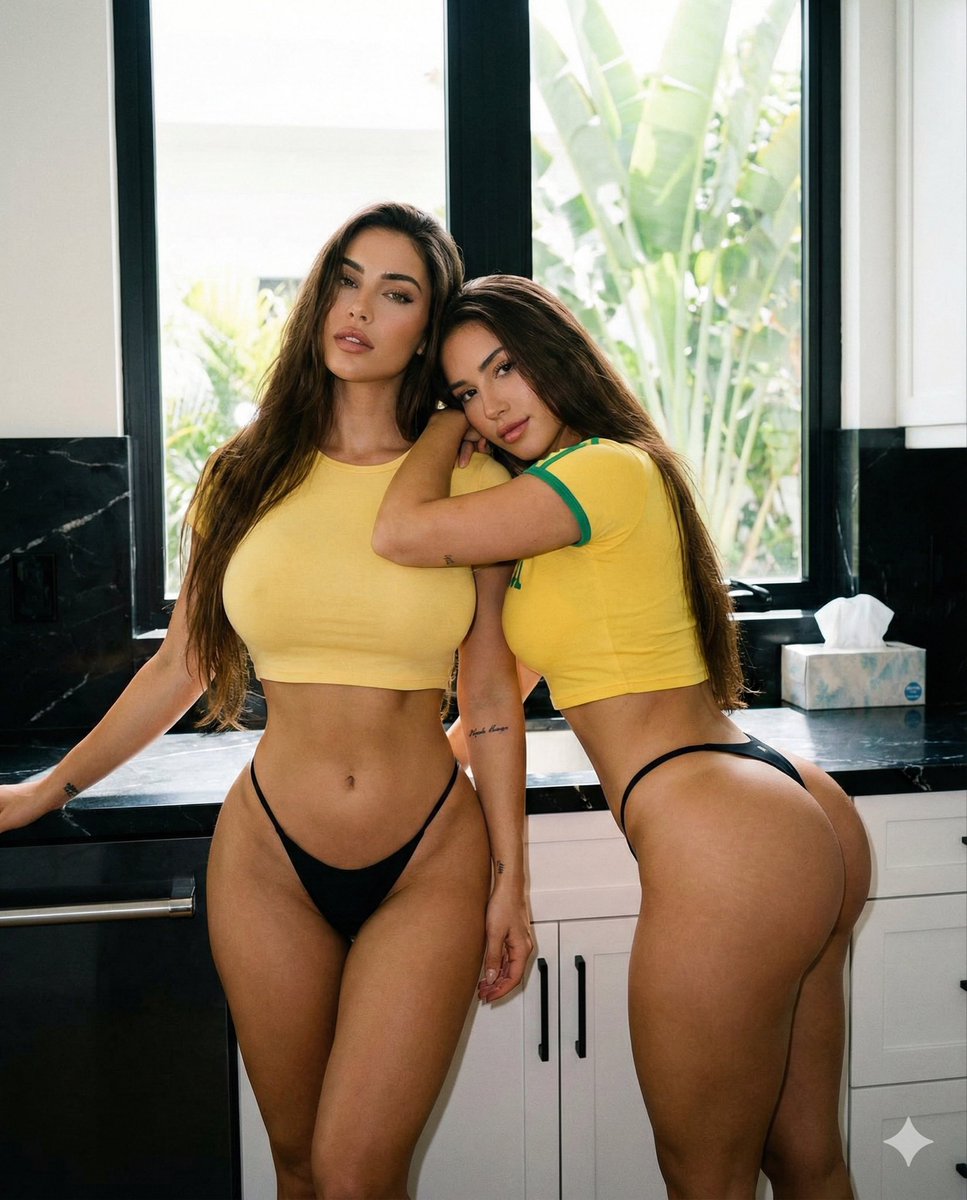
Pin-Up
By Elara Weiss
AI Prompt for Exaggerated Hourglass Figures Photography
fashion
photography
Pin-Up
"{
“subject”: {
“description”: “A candid, medium photograph of two beautiful young women with long, flowing dark br..."
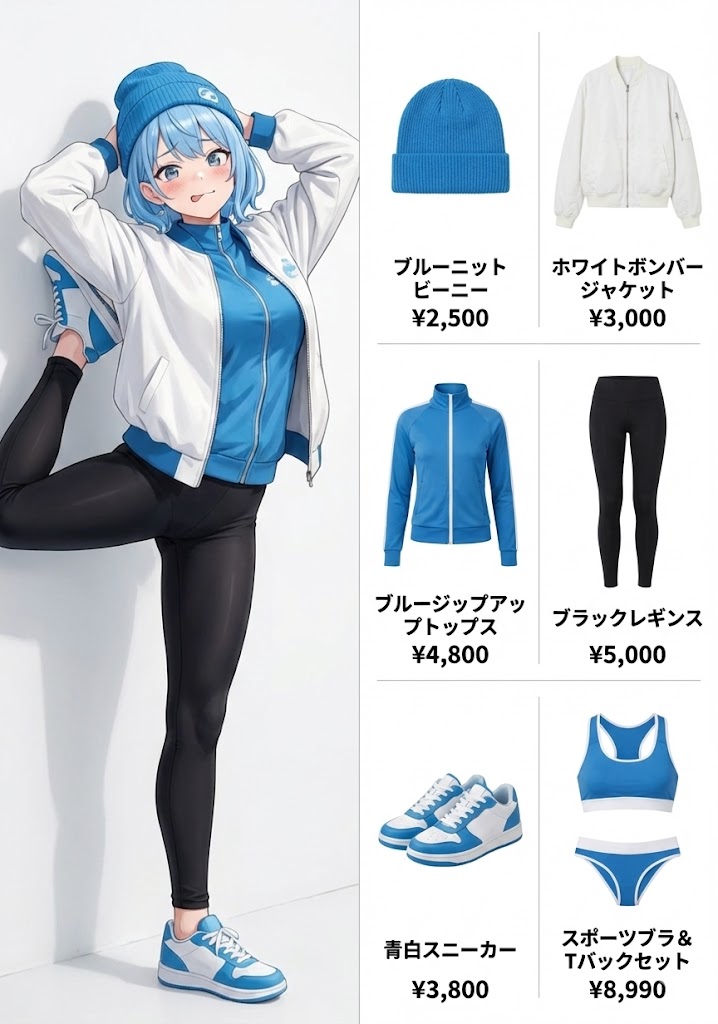
Fashion Diagram
By ベゼブ✨AIイラスト✨🌈
AI Prompt for Generating Outfit of the Day Fashion Diagrams with AI Image Generation
fashion
Illustration
Infographic
"OOTD(今日のコーデ)ファッション図解"