AI Prompt for Customizable Peacock Paint-by-Numbers Worksheet
Using this prompt, you can customize the peacock design, colors, and layout to fit your needs. The resulting image is ideal for classroom projects, art therapy, or as a fun activity for kids. The AI-generated paint-by-numbers worksheet saves time and effort while providing a unique and educational experience.
Related Keywords
Main AI Prompt
Main Prompt Content
"Goal: Create a printable paint-by-numbers worksheet featuring a stylized peacock, designed for children or beginners.
Canvas: A4 portrait page at 300 DPI, clean white background, black line art only in the main worksheet area, with a thin rectangular border around the drawing. Leave a bottom instruction and color legend band below the bordered artwork.
Main artwork: Center a simple front-facing peacock with a large semicircular fan tail. Use bold, smooth black outlines and large enclosed regions for coloring. The peacock has a rounded body, two slim legs, small feet on a horizontal ground line, a narrow neck, a pointed beak, round side face patches, a small crest, and two folded wing shapes along the body. Behind it, create a fan tail divided into exactly 7 large radial feather panels, labeled left to right with numbers 6, 7, 8, 9, 10, 11, and 12. Add exactly 7 smaller polygonal feather-eye shapes inside the fan, one per panel, also labeled 6 through 12. Put additional labels on the bird: body and lower wings use 2, right wing uses 3, face uses 4, crest uses 5. Fill the plain background areas inside the border with the number 1 in four places: upper left, upper right, lower left, and lower right.
Numbering and regions: Use exactly 12 paint colors, represented only by black numeric labels inside the enclosed regions. Keep all numbers large, centered, and easy to read. Avoid shading, texture, gradients, or filled color in the drawing area.
Bottom text: Below the drawing border, add a bold heading reading “Instructions”, followed by the sentence “Paint the areas with the matching colors.”
Color legend: At the very bottom, create exactly 12 square color swatches in one horizontal row, each with a white or black number centered on the swatch and a two-line color name underneath. The swatches are: 1 Prussian Blue, 2 Golden Ochre, 3 Teal Green, 4 Coral Red, 5 Lime Green, 6 Violet Purple, 7 Magenta Pink, 8 Sapphire Blue, 9 Sun Yellow, 10 Forest Green, 11 Cyan Blue, 12 Orchid Purple.
Style constraints: Crisp vector-like worksheet, high-contrast black outlines, no grayscale fills in the drawing, no extra decorations, no watermark, keep the layout print-ready and easy to color."
You might also like
Hand-picked related prompts from Animal Illustration.
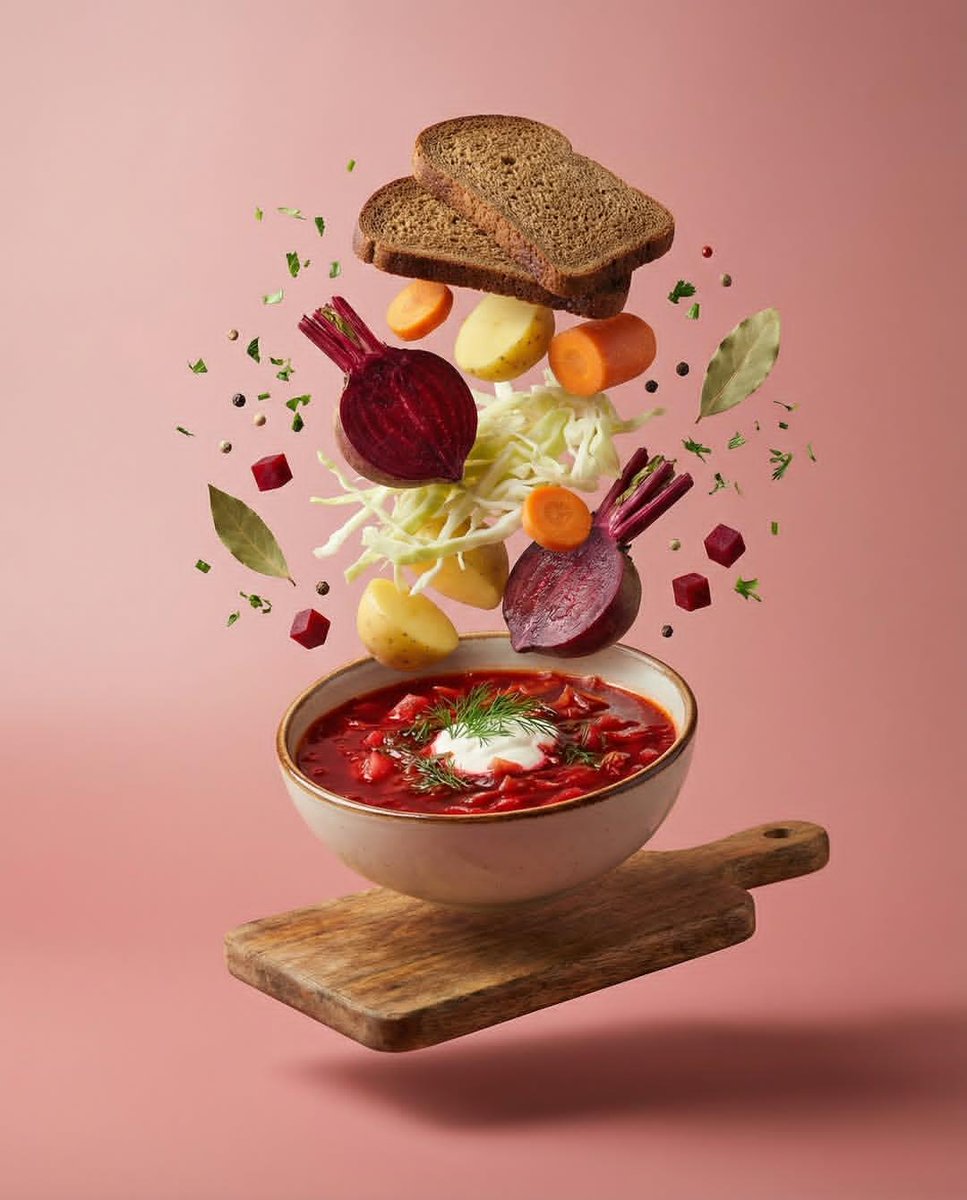
Food Levitation
By Oogie
AI Prompt for Deconstructed Food Photography in Levitation
photography
food
AI-Prompt
Levitation
"Professional studio food photography series featuring deconstructed dishes in high-speed levitation. Against a seamless..."
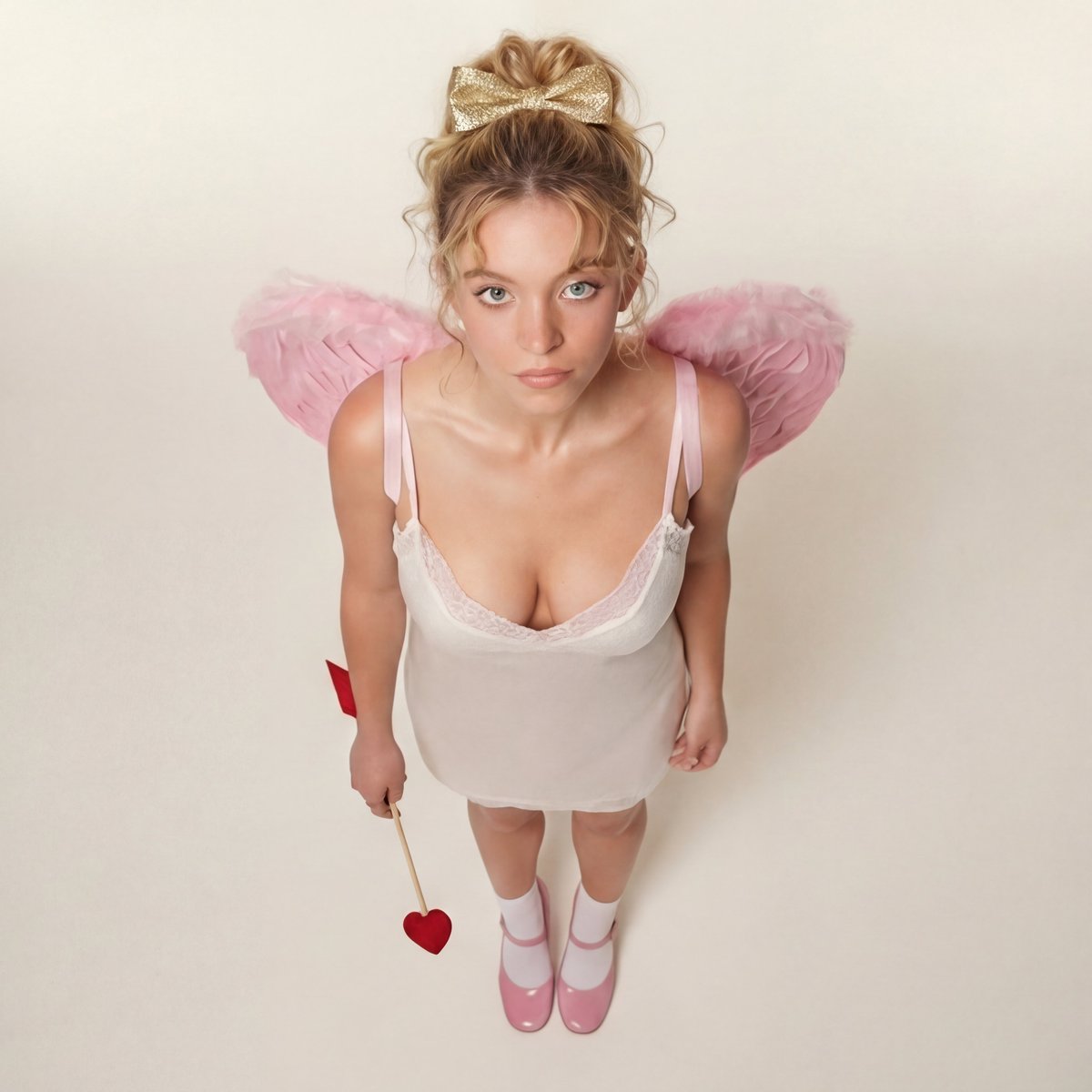
Modern Ethereal
By bengi
AI Prompt for Modern Ethereal Cupid Portrait - High-Key Pastel Studio Shoot
portrait
fashion
AI
AI-Prompt
ethereal
modern
{
"visual_style": { "aesthetic_theme": "Modern Ethereal Cupid / Coquette Core", "composition": { "shot_...
Premium
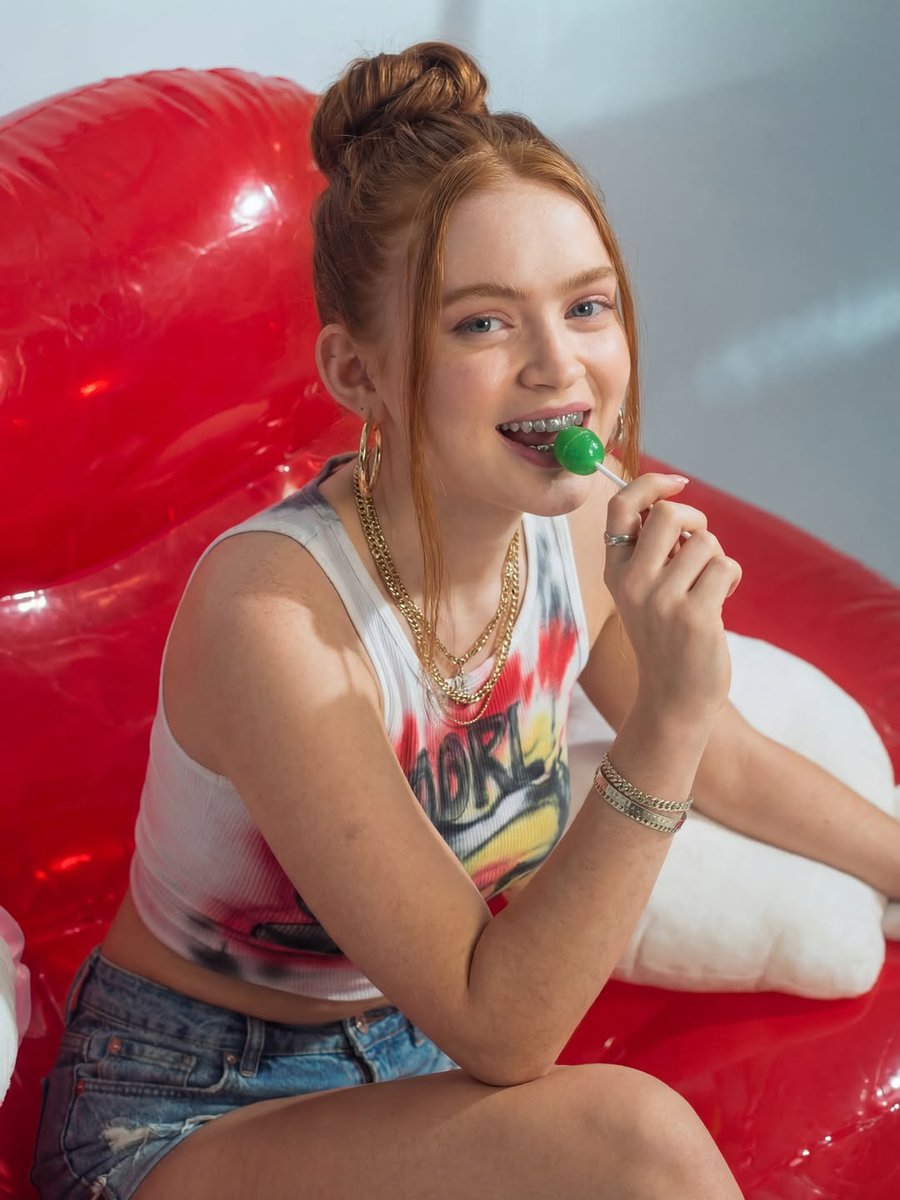
Retro Portrait
By FL⭕RA
AI Prompt for Retro-Pop Portrait with Vibrant Colors and Grills
portrait
photography
AI-Prompt
"This image features a high-resolution, vibrant portrait of a young woman with fair skin and striking red hair styled in...
Premium
Latest Discoveries
Explore our most recently added high-quality AI prompts.
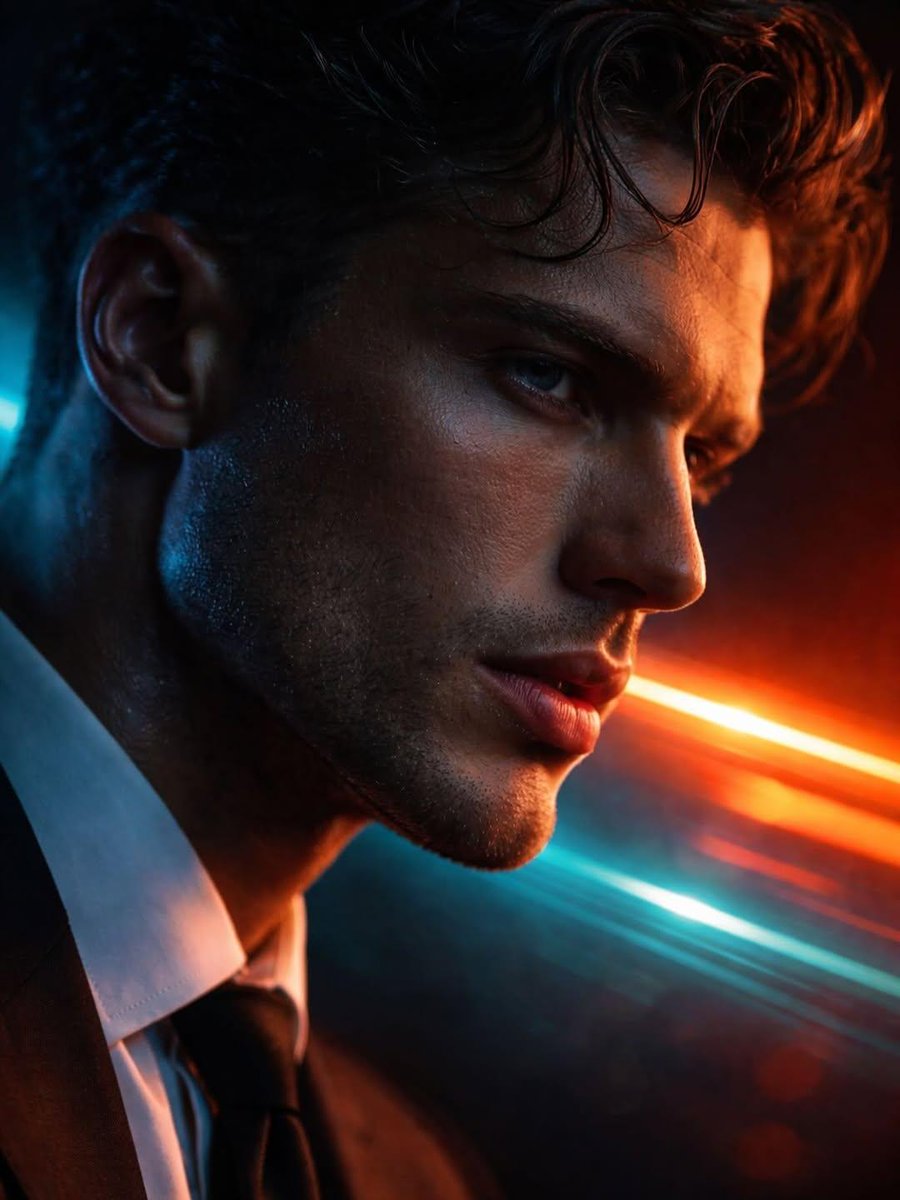
Cyberpunk Portrait
By Taaruk
AI Prompt for Hyper-Realistic Futuristic Portrait with Dual-Tone Neon Lighting
portrait
cinematic
photography
{
"Objective": "Create a hyper-realistic cinematic close-up portrait with a futuristic noir aesthetic",
"PersonaDeta...
Premium
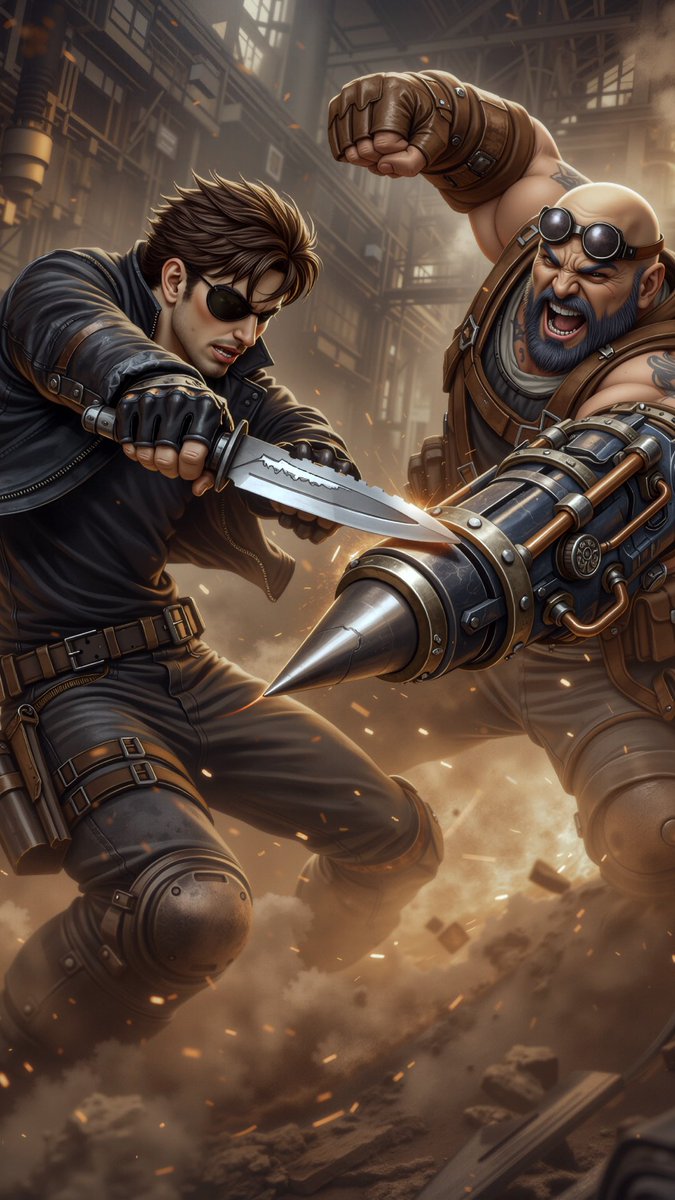
Comic / Storyboard
By TomoHiko|AI art
AI Prompt for Generating High-Quality Combat Scenes
Illustration
character
comic
"ワタシ戦闘シーンの描画にはGPT-imageを使ってます( ´∀`)
左:GPT-image
右:nano banana pro
同じプロンプト同じリファレンス..."
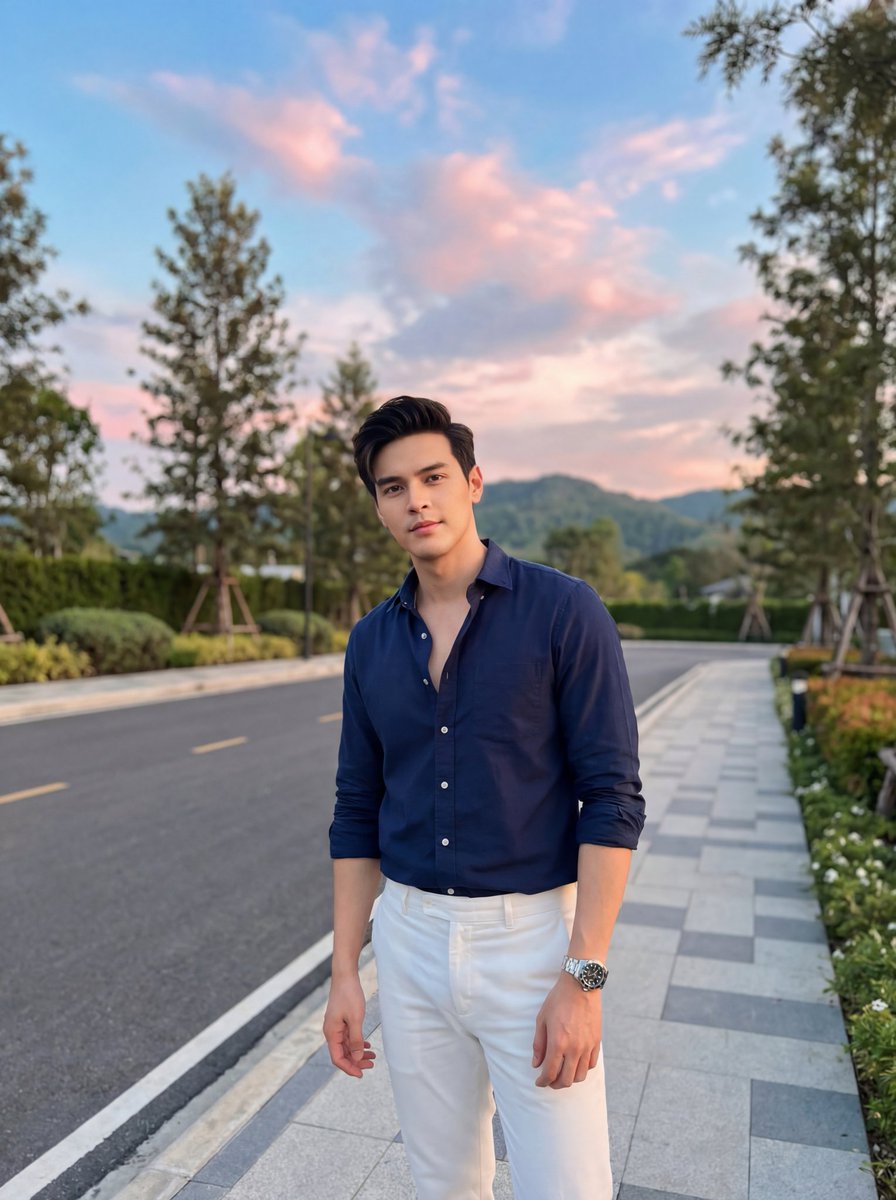
Cinematic Portrait
By Zara
AI Prompt for Cinematic Fashion Portrait of Man on Sidewalk at Sunset
portrait
fashion
photography
AI Image Generation
"A stylish young man standing on a modern sidewalk at sunset, wearing a navy blue button-down shirt slightly open at the..."