AI Prompt for Dark Mode ChatGPT Apple Screenshot
Easily obtain a customized computer-generated image of a chat interface with an apple, ideal for mockups, concept art, and design presentations. Enhance your design process with these AI-generated visuals and expand your creativity with our AI prompt engineering.
Related Keywords
Main AI Prompt
Main Prompt Content
"Goal: Create a realistic vertical smartphone screenshot of the ChatGPT mobile app in dark mode, showing an image-generation conversation about an apple.
Canvas: Tall phone screenshot, 9:16 aspect ratio, black background, iPhone-style status bar at the top. The time reads 19:44, with cellular bars, 4G, and battery at 67%.
Layout: At the top are exactly 4 interface elements: a circular hamburger menu button on the left, a rounded pill labeled “Thinking” in blue text, a rounded button with an edit-pencil icon on the right, and a three-dot menu icon. Below, place one right-aligned user message bubble in dark reddish-brown with rounded corners containing exactly 3 lines of text: “PROMPT: {argument name="prompt text" default="机上のリンゴ"}”, “size={argument name="image size" default="1024×1024"}”, and “seed={argument name="seed value" default="1234"}”. Under it, show the gray status text “Thought for {argument name="thinking time" default="33s"}”.
Generated image card: Below the status text, show one large rounded-square image card with a photorealistic red apple centered on a wooden tabletop. The apple is glossy with red skin, yellow-green highlights near the top indentation, subtle vertical streaks, a small brown stem, and soft studio lighting. The background inside the photo is a plain pale gray wall above the wooden desk, slightly blurred. The card has large rounded corners and fills most of the screen width.
Overlays and bottom UI: Inside the lower-left of the image card, add one brown rounded button labeled “編集する”. Inside the lower-right, add one circular brown share button with a white upload/share arrow icon. Below the image card, add exactly one standalone ellipsis line: “…”. At the bottom, show a ChatGPT input bar with exactly 5 visible elements: a plus icon button, placeholder text “ChatGPT に質問する”, a small microphone icon, an orange circular voice-wave button, and the rounded dark text-field container.
Visual style: Authentic iOS ChatGPT app screenshot, dark theme, crisp UI, realistic spacing, clean sans-serif typography, no extra messages, no watermark, no browser chrome."
You might also like
Hand-picked related prompts from Product Image.
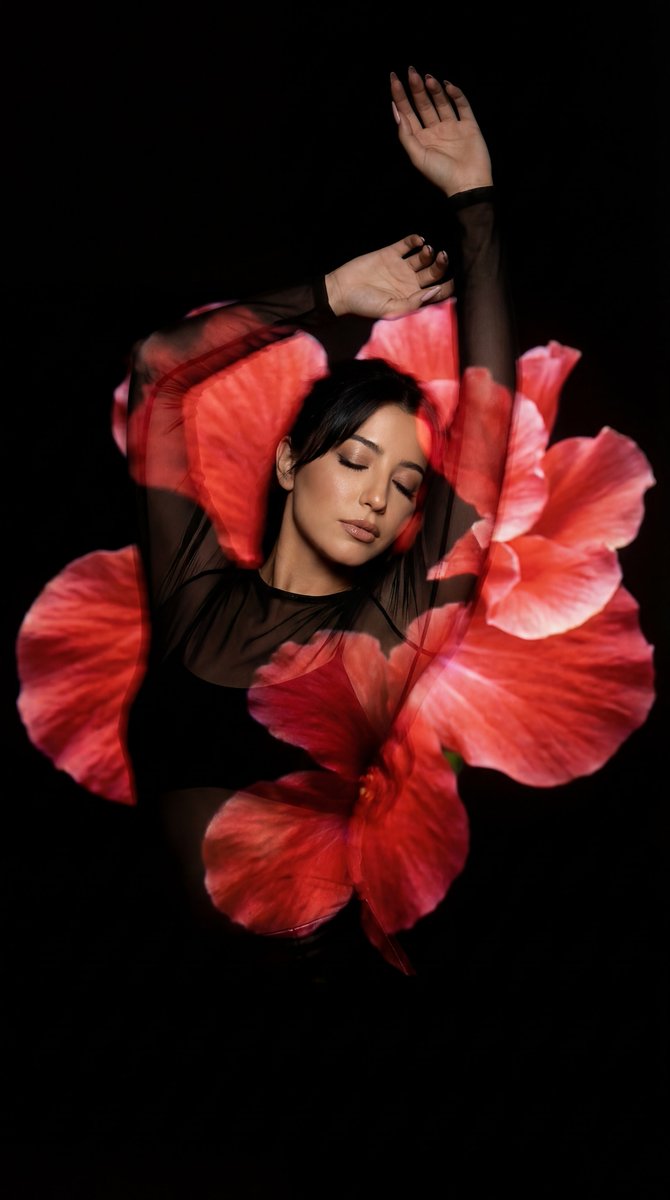
Retro Portrait
By Özge Döner
AI Prompt for Surreal Fine Art Portraits with Projected Flower Designs
portrait
Illustration
photography
"{
"prompt": "A surreal, artistic portrait of a woman dancing gracefully in front of a dark black background, with larg..."
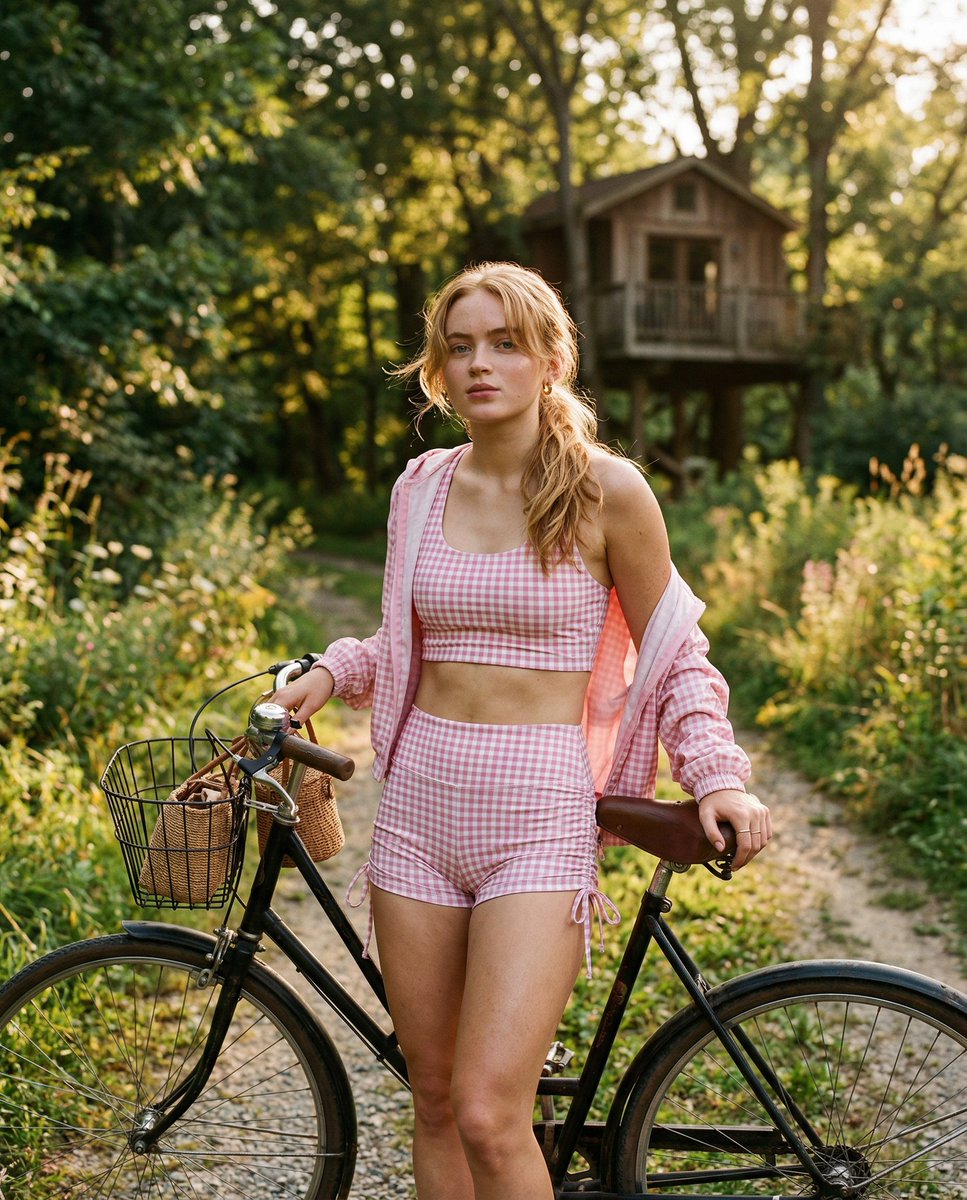
Cinematic Portrait
By Sadie 🥀
AI Prompt for Ultra-Realistic Coquette Athleisure Portrait
portrait
photography
marketing
influencer
"{
"image_generation_prompt": {
"subject": {
"description": "Young woman with a strong resemblance to {argume..."
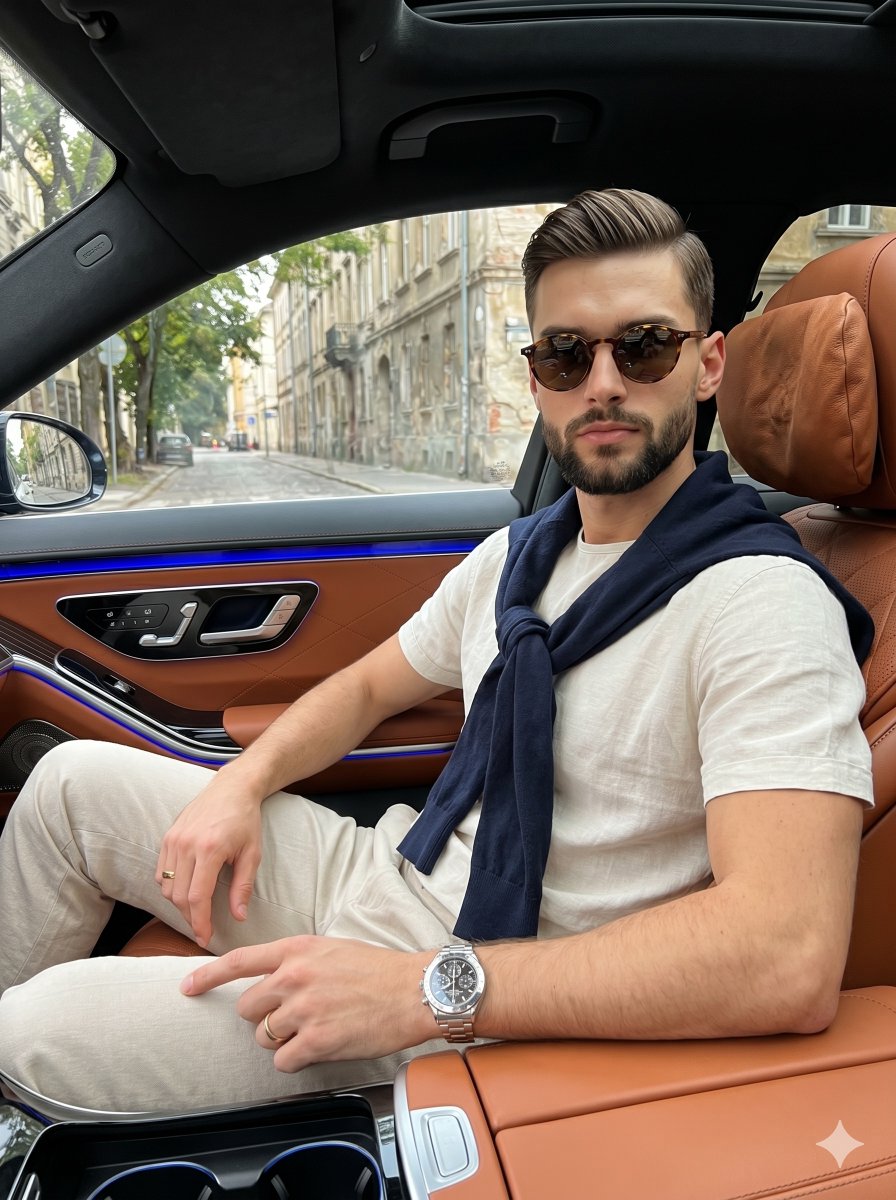
Luxury Car Interior
By Picts by AI
AI Prompt for Luxury Car Interior Photography
product
photography
marketing
"A confident young adult male sits relaxed in the right side of the frame, angled straight toward the camera while leanin..."
Latest Discoveries
Explore our most recently added high-quality AI prompts.
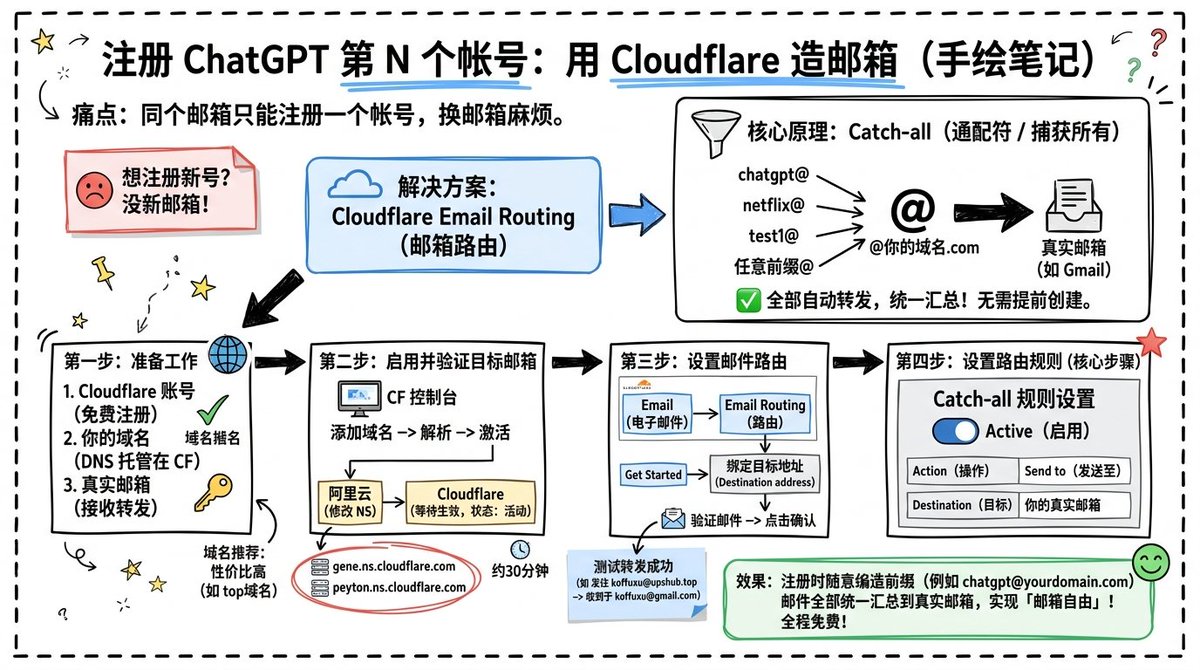
Infographic Design
By koffuxu
AI Prompt for Custom Cloudflare Email Routing Infographic Design
design
Infographic
Technology
Goal: Create a landscape hand-drawn notebook-style Chinese infographic explaining how to register multiple ChatGPT accou...
Premium
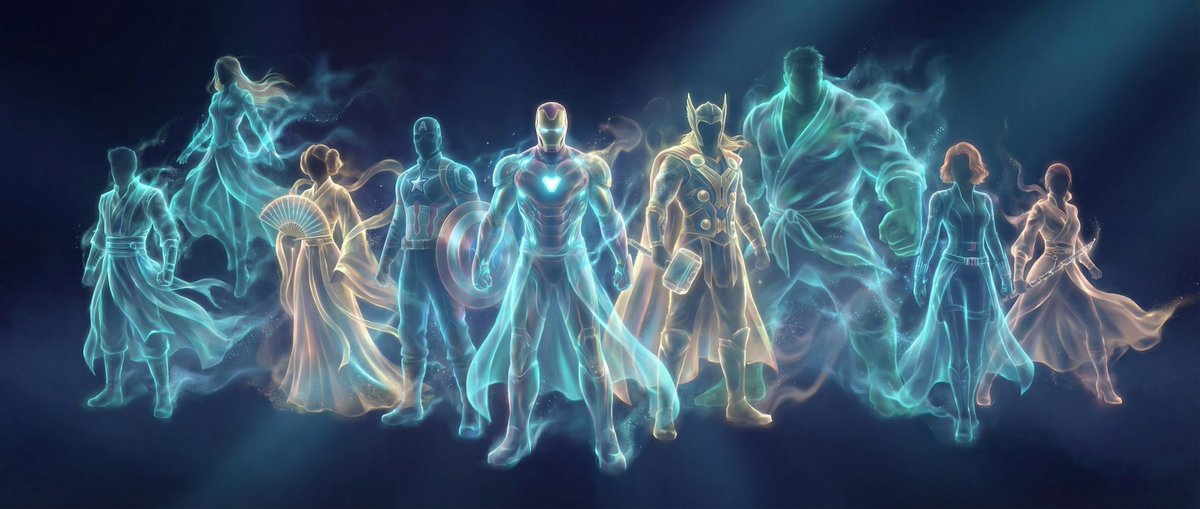
Chinese Fantasy
By 岚叔
AI Prompt for Chinese Fantasy Digital Art - Panoramic Scene with Bioluminescent Lighting
Illustration
fantasy
sci-fi
abstract
"{
"meta_info": {
"title": "Ethereal Hanfu Spirit",
"style_category": "Chinese Fantasy / Abstract Digital Art",..."
Portrait
By WasifAI
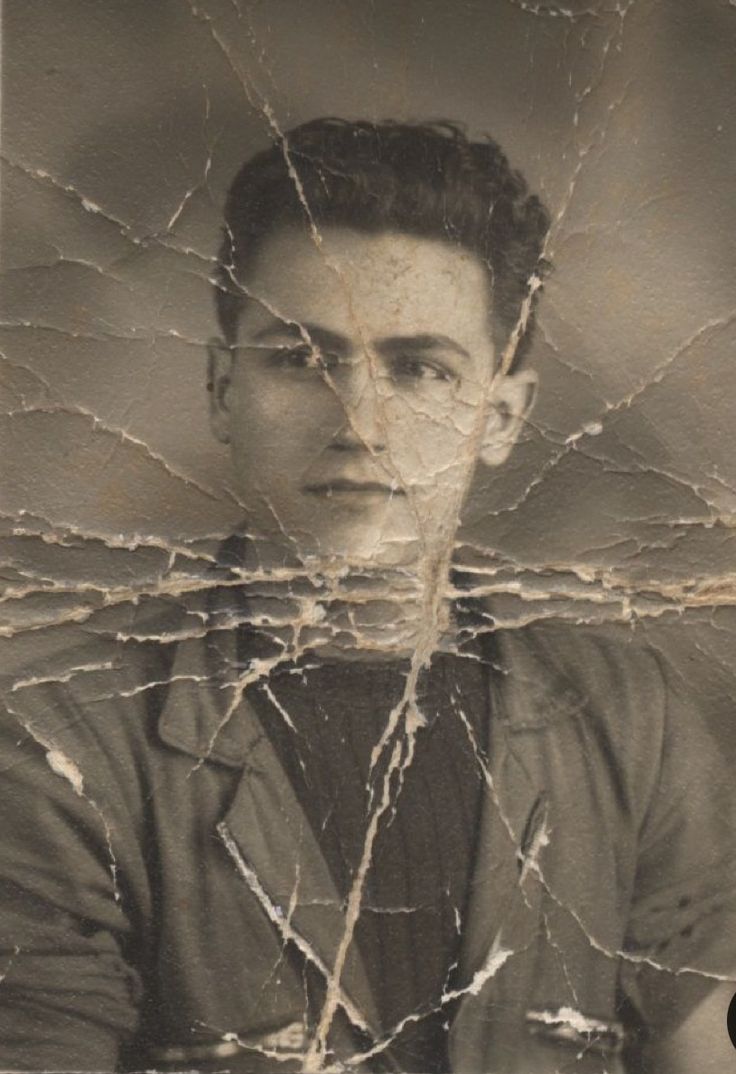
AI Prompt for Restoration: Enhance Old Photos to DSLR Quality
portrait
photography
enhancement
""Restore this old photo into professional portrait of DLSR - quality colour and detail, using an advanced upscaling algo..."