AI Prompt for Dark Mode UI Mockup with JSON API Diff
The AI will produce a polished design with a minimalistic aesthetic, ideal for developers and designers working on JSON API projects. The generated mockup will feature a clean and abstract background,/textures, and typography to enhance the user experience.
Related Keywords
Main AI Prompt
Main Prompt Content
"Goal: Create a dark-mode desktop app UI mockup for a JSON diff tool named {argument name="app name" default="Tilted Diffs"}, showing an API response comparison titled {argument name="diff title" default="API Response — Checkout v2"}.
Canvas: 16:10 widescreen desktop screenshot, roughly 1152×768, with a macOS-style app window floating on a dark bluish gradient background. Use subtle shadows, rounded corners, thin borders, and a polished developer-tool aesthetic.
Layout: The app has 4 main regions: 1 left sidebar, 1 top toolbar spanning the editor area, 3 vertical code editor panes. The first editor pane is selected and outlined with a bright blue focus glow. The middle pane shows colored inline diff highlights. The rightmost pane is narrow and partially visible, like an additional file tab or third comparison column.
Left sidebar: Show macOS traffic-light buttons at top left: 3 circles, red, yellow, green. Under the app name, include 1 search field with placeholder text “Search diffs…” and a keyboard hint. Below it show exactly 8 saved diff list items with small document icons and timestamps: 1) “API Response — Checkout v2” with “Today, 10:24 AM”, highlighted in blue as the selected item; 2) “User Profile — Public API” with “Yesterday, 4:18 PM”; 3) “Orders Endpoint — v1 vs v2” with “May 20, 2025, 9:14 AM”; 4) “Product Catalog — EU Region” with “May 19, 2025, 2:47 PM”; 5) “Auth Response — SSO” with “May 18, 2025, 11:03 AM”; 6) “Billing Summary — Q2” with “May 17, 2025, 3:22 PM”; 7) “Webhook Payload — Stripe” with “May 16, 2025, 10:11 AM”; 8) “Search Results — Relevance” with “May 15, 2025, 5:35 PM”. At the bottom include exactly 1 prominent blue “+ New Diff” button and 1 small gear icon.
Top toolbar: On the left, display the title “API Response — Checkout v2” with a tiny edit pencil icon. Center a segmented control with exactly 2 tabs: “Editors” selected in blue and “Diff” inactive. On the right include exactly 4 compact shortcut controls labeled “⌘T add column”, “⌘D toggle diff”, “⌘← / ⌘→ move focus” and one small spacing gap between groups.
Editor panes: Use a monospaced code font, line numbers, JSON syntax highlighting, dark navy panels, and thin rounded borders. The left pane header is “source.json” with a document icon and a three-dot menu. The middle pane header is “target.json” with a document icon and a three-dot menu. The narrow right pane header is “more.json” and should show only the left portion of code, implying overflow. Each full editor pane has a bottom status bar with “Ln 1, Col 1”, “Spaces: 2”, “UTF-8”, “LF”, and “JSON”.
Code content: Show JSON for an order checkout response. Use requestId “req_8f3a9b42”, orderId “ord_123456”, currency USD, items for Wireless Headphones and Travel Case, and shipping information. The left source version should include timestamp “2025-05-21T10:24:31Z”, version “v1”, status “pending”, totalAmount 129.99, Wireless Headphones unitPrice 99.99 with discount null, Travel Case quantity 1, unitPrice 30.00, discount null, shipping method “standard”, estimatedDays 5, and address line “123 Market St”. The middle target version should show diff markers in a left gutter and colored row highlights: red removed rows, green added rows, yellow changed rows. It should include timestamp changed from “2025-05-20T15:11:09Z” to “2025-05-21T10:24:31Z”, version changed to v2, status changed from pending to confirmed, totalAmount changed to 139.99, Wireless Headphones unitPrice changed to 109.99 and discount added as 10.00, Travel Case quantity changed to 2, and shipping method changed to express with estimatedDays 2. Show approximately 32 numbered lines in each full editor.
Visual style: Premium SaaS developer tool interface, crisp vector-like rendering, dark theme, cobalt-blue accent color, muted gray text, realistic but clean UI screenshot, no people, no watermark, no browser chrome outside the app window. Keep all text legible and aligned to a grid."
You might also like
Hand-picked related prompts from Dark Mode UI.
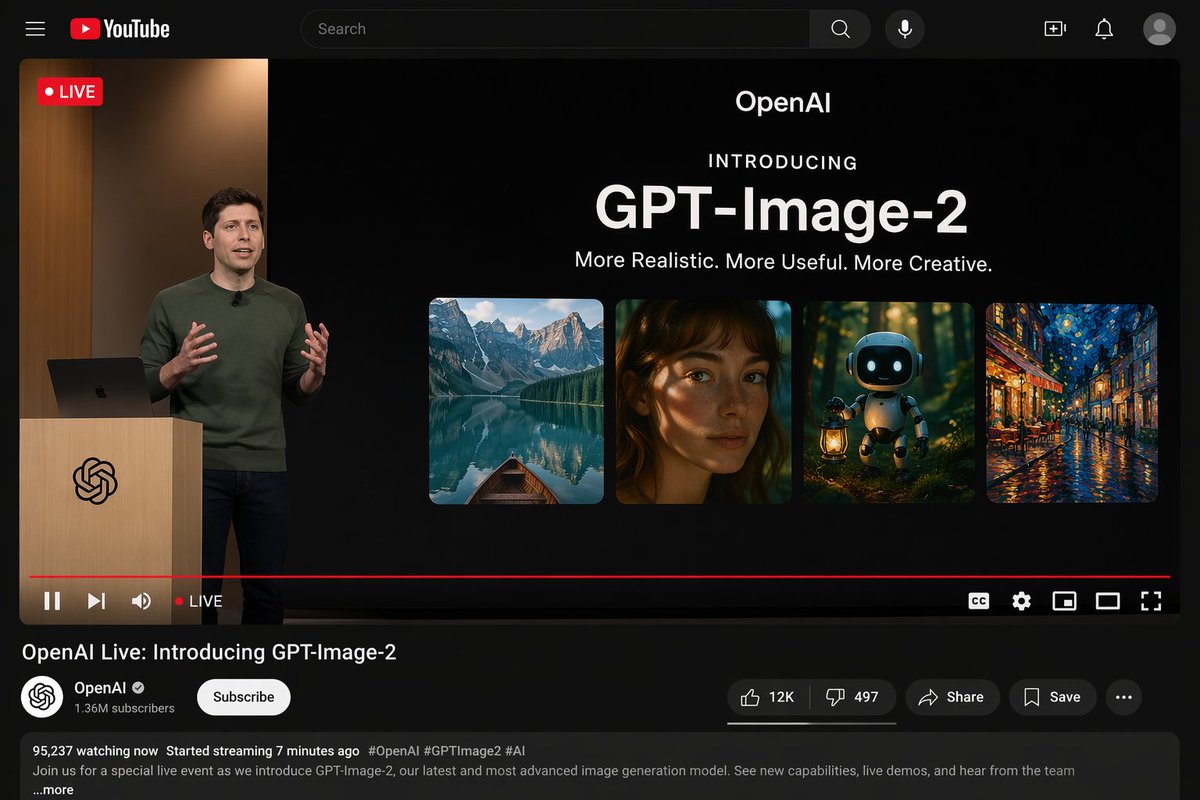
YouTube UI Mockup
By Vi
AI Prompt for Realistic YouTube Desktop Dark Mode Interface
design
mockup
YouTube
UI/UX
Dark Mode
"{"type": "YouTube desktop dark mode UI mockup", "header": {"logo": "YouTube", "search_bar": "Search", "icons_count": 5,..."
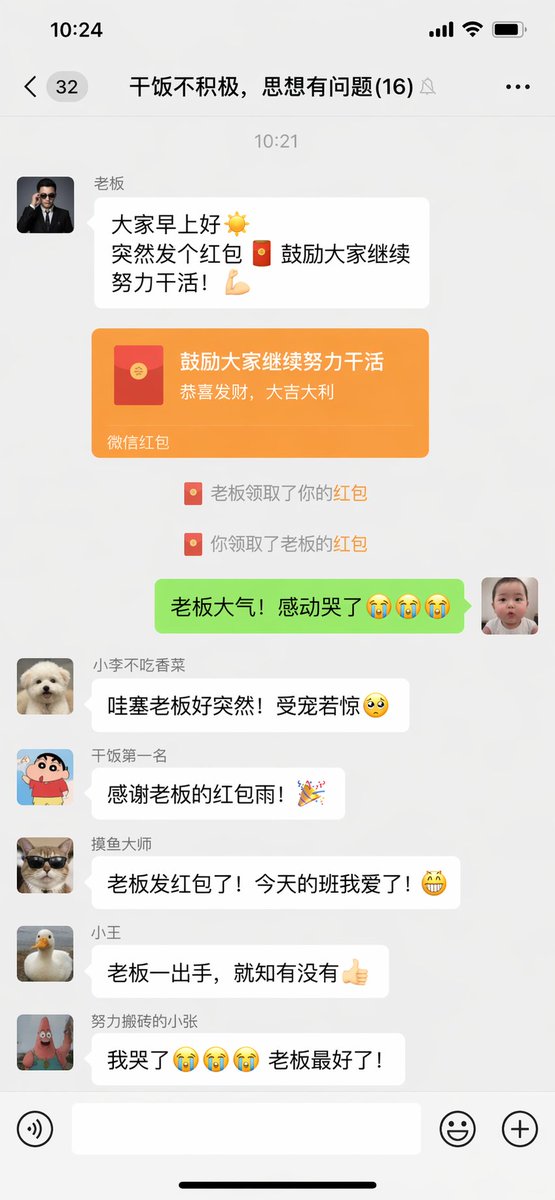
App Design
By 松果先森
AI Prompt for Humorous WeChat Group Chat Screenshot with Red Envelopes
minimalism
humor
App Design
"微信聊天截图,{argument name="场景" default="群聊里老板突然发红包的搞笑对话界面"}"
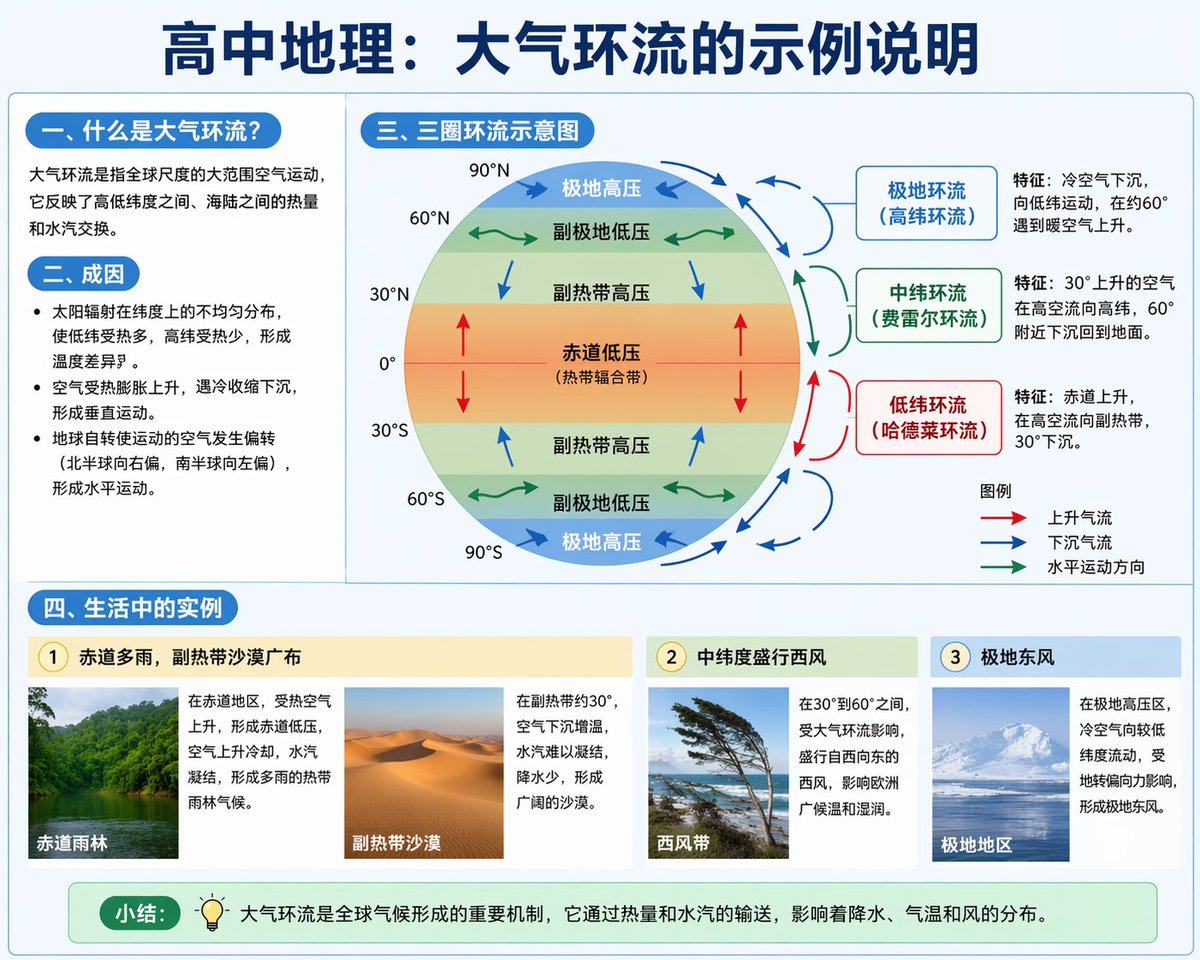
Educational Diagrams
By WY
AI Prompt for Educational Infographic Design - Atmospheric Circulation Visuals
AI Generated
Infographic
diagram
Educational
Visual Aids
"{
"type": "educational infographic",
"style": "clean, modern textbook illustration, light blue and white color palet..."
Latest Discoveries
Explore our most recently added high-quality AI prompts.
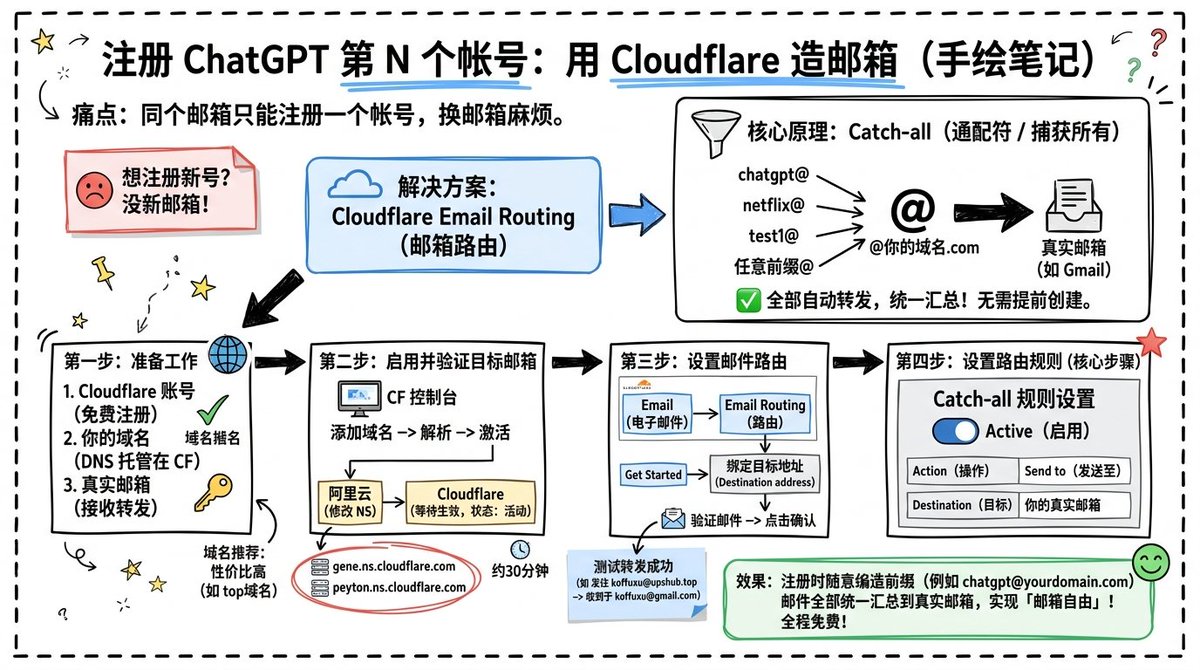
Infographic Design
By koffuxu
AI Prompt for Custom Cloudflare Email Routing Infographic Design
design
Infographic
Technology
Goal: Create a landscape hand-drawn notebook-style Chinese infographic explaining how to register multiple ChatGPT accou...
Premium
Chinese Fantasy
By 岚叔
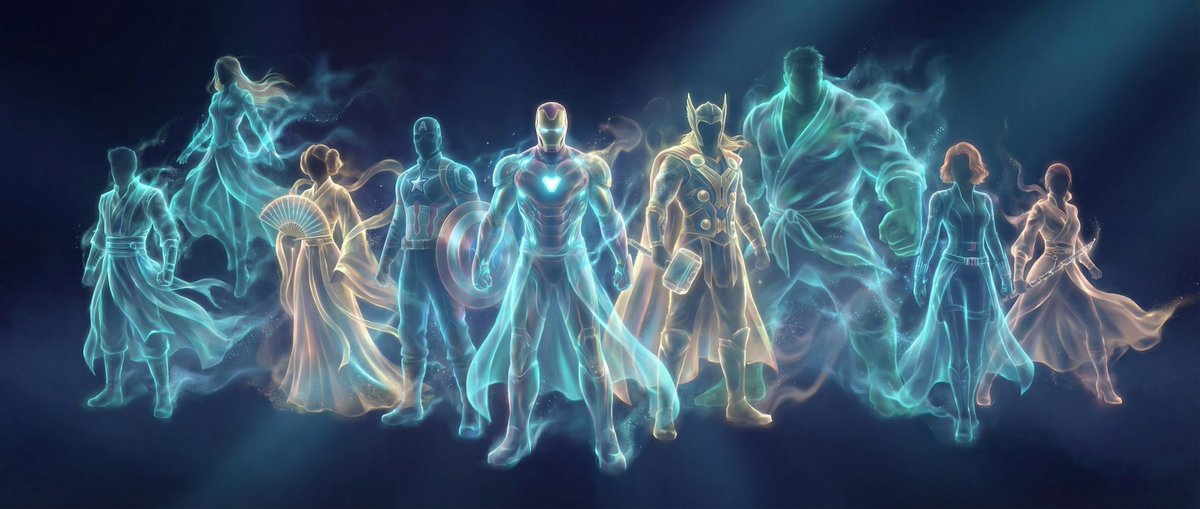
AI Prompt for Chinese Fantasy Digital Art - Panoramic Scene with Bioluminescent Lighting
Illustration
fantasy
sci-fi
abstract
"{
"meta_info": {
"title": "Ethereal Hanfu Spirit",
"style_category": "Chinese Fantasy / Abstract Digital Art",..."
Portrait
By WasifAI
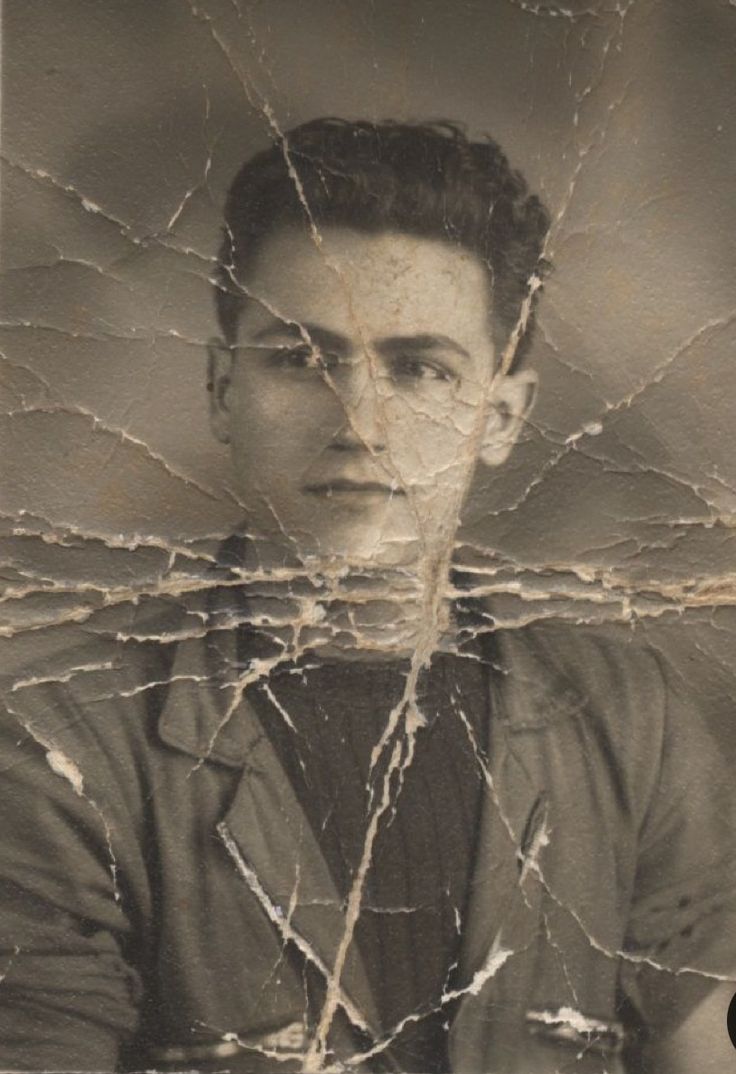
AI Prompt for Restoration: Enhance Old Photos to DSLR Quality
portrait
photography
enhancement
""Restore this old photo into professional portrait of DLSR - quality colour and detail, using an advanced upscaling algo..."