AI Prompt for Dark Theme Landing Page Mockup
Use this prompt to create a stunning dark-themed design for your online course or product. The generated image will be a valuable asset for your design workflow and social media presence.
Related Keywords
Main AI Prompt
Main Prompt Content
"A dark-mode desktop screenshot of an AI image viewer interface showing a generated website design preview. The overall canvas is charcoal gray with a minimal modern app UI. At the top left, place the heading “Thought for 2m 6s” in small white sans-serif text with a subtle chevron. Center-left, show one large rounded-rectangle preview image with a glossy black luxury editorial web landing page for online courses in Japanese. Inside that preview, the website hero area has a black background, elegant serif and sans-serif typography, and the small English heading “ONLINE COURSES” above a large Japanese headline that reads “デザインとキャリアを、次のステージへ”. Beneath it is a smaller Japanese subheading. The main content area of the website contains exactly 6 course cards arranged in a 3-column by 2-row grid. Each card is dark, cinematic, and premium, with a moody photo, category label, Japanese title, short description, a small circular instructor portrait, and a “詳しく見る →” style link. Card 1 shows UI design imagery and the large title “本質的なUIデザインの思考とプロセス”. Card 2 shows a Figma-related screen image and the title “Figmaマスター講座 実践編”. Card 3 shows writing tools on paper and the title “伝わる構造をつくる 情報設計の技術”. Card 4 shows a STUDIO-themed visual and the title “STUDIOでつくる ノーコードWebデザイン”. Card 5 shows a branding or book-like object and the title “ブランドの価値をつくる 設計と表現”. Card 6 shows a portfolio booklet spread and the title “魅せ方で差がつく ポートフォリオ講座”. Add subtle gold-gray highlights, thin borders, soft reflections, and a refined high-end Japanese design aesthetic. At the lower left inside the preview image, include the white Japanese label “編集”. At the lower right inside the preview image, add a small white share/export icon. On the far right side of the app interface, place exactly 4 vertically stacked rounded-square thumbnails representing alternate generated images; the top 3 thumbnails are pale light-theme page designs, and the 4th thumbnail matches the dark course-grid design. Highlight the 4th thumbnail with a glowing blue selection outline. At the bottom left of the overall screenshot, add exactly 2 small white interface icons: a copy icon and a horizontal three-dots menu. The composition should feel like a real product screenshot from a creative AI tool, with crisp UI spacing, subtle shadows, and accurate screen-capture realism."
You might also like
Hand-picked related prompts from Japanese Landing Page.

Minimalism Abstract
By Heather Green
AI Prompt for Minimalist Character Illustration with Abstract Background
Illustration
minimalism
character
abstract
A stylized, minimalist vector illustration of a {argument name="subject" default="person working on a laptop"} surrounde...
Premium

Social Media Post
By 水木易
AI Prompt for Realistic Livestream Screenshot with Custom Text
photography
typography
Text
Livestream
Screenshot
生成一个{argument name="平台" default="抖音"}直播的截图,一个{argument name="人物" default="中国美女"}正在直播,美女手里...
Premium
Cyberpunk
By -Zho-
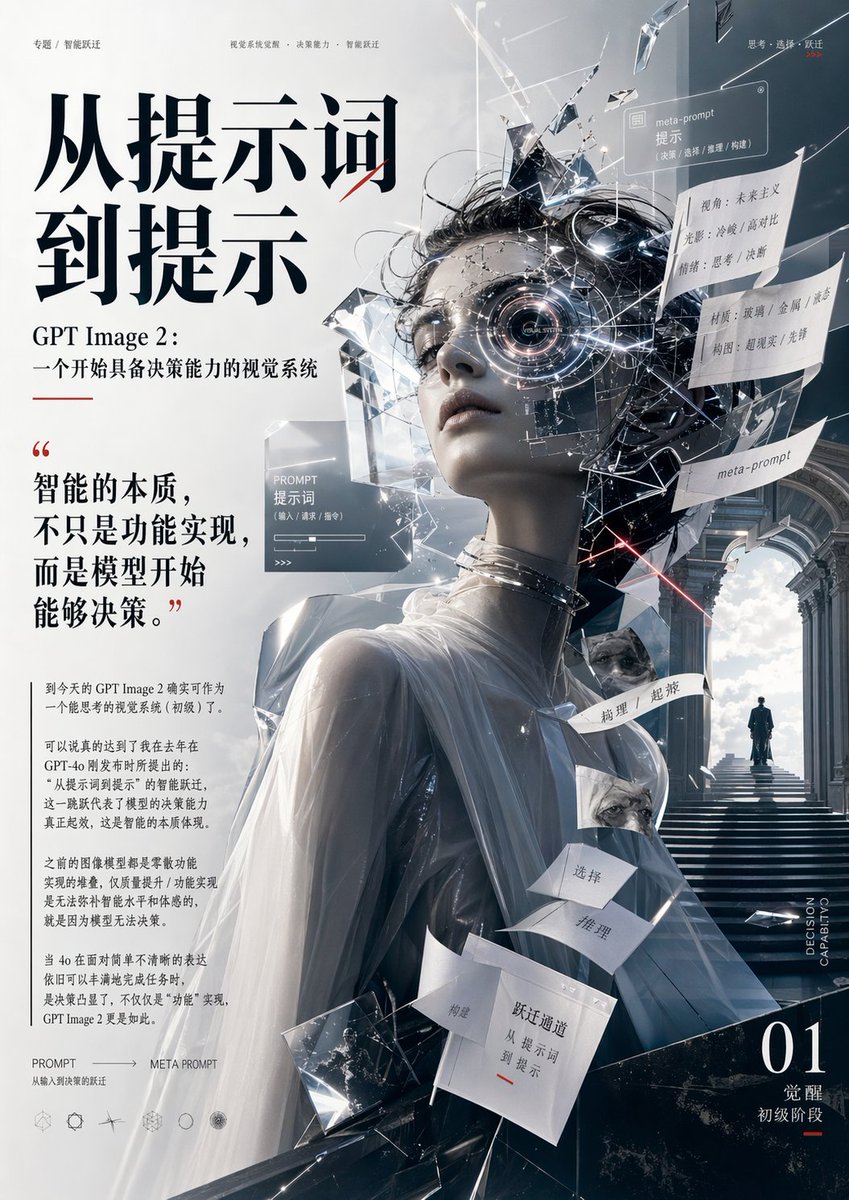
AI Prompt for Cyberpunk AI Decision-Making Poster with AI-Generated Typography
Poster
typography
sci-fi
"{"type":"editorial poster","theme":"AI visual intelligence, from prompt to meta-prompt, decision-making visual system","..."
Latest Discoveries
Explore our most recently added high-quality AI prompts.
Retro Style
By AI Girl's Photo Studio
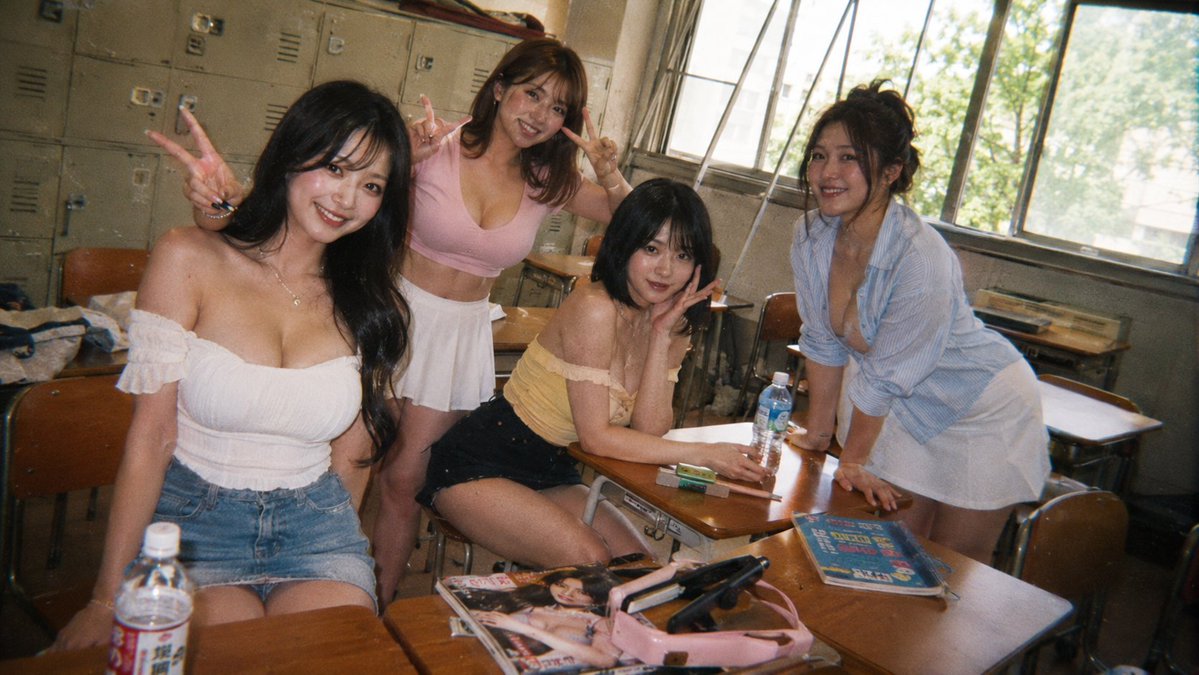
AI Prompt for Vintage Style Group Portrait Photography
retro
photography
vintage
Group
"Create a candid 35mm disposable-camera style photo of {argument name="group description" default="four young adult women..."
Vehicle Portraits
By cinema 🎥
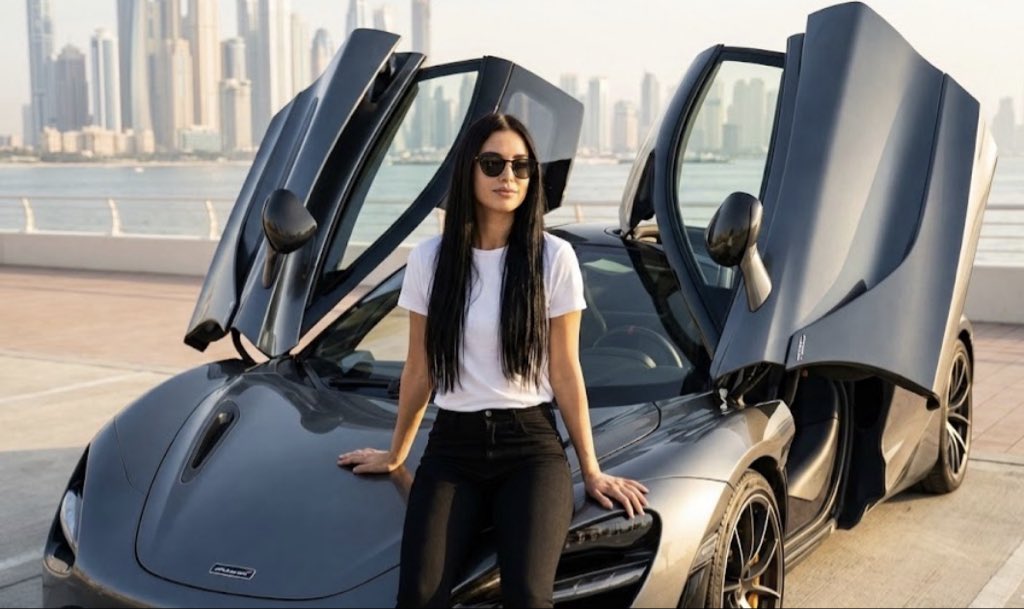
AI Prompt for Ultra-Realistic Vehicle Photography
photography
Social
marketing
Vehicle
"{
"prompt_settings": {
"style": "Ultra Realistic Photography",
"quality": "8k UHD, HDR",
"aspect_ratio": "..."
Sports Portrait
By Chesny
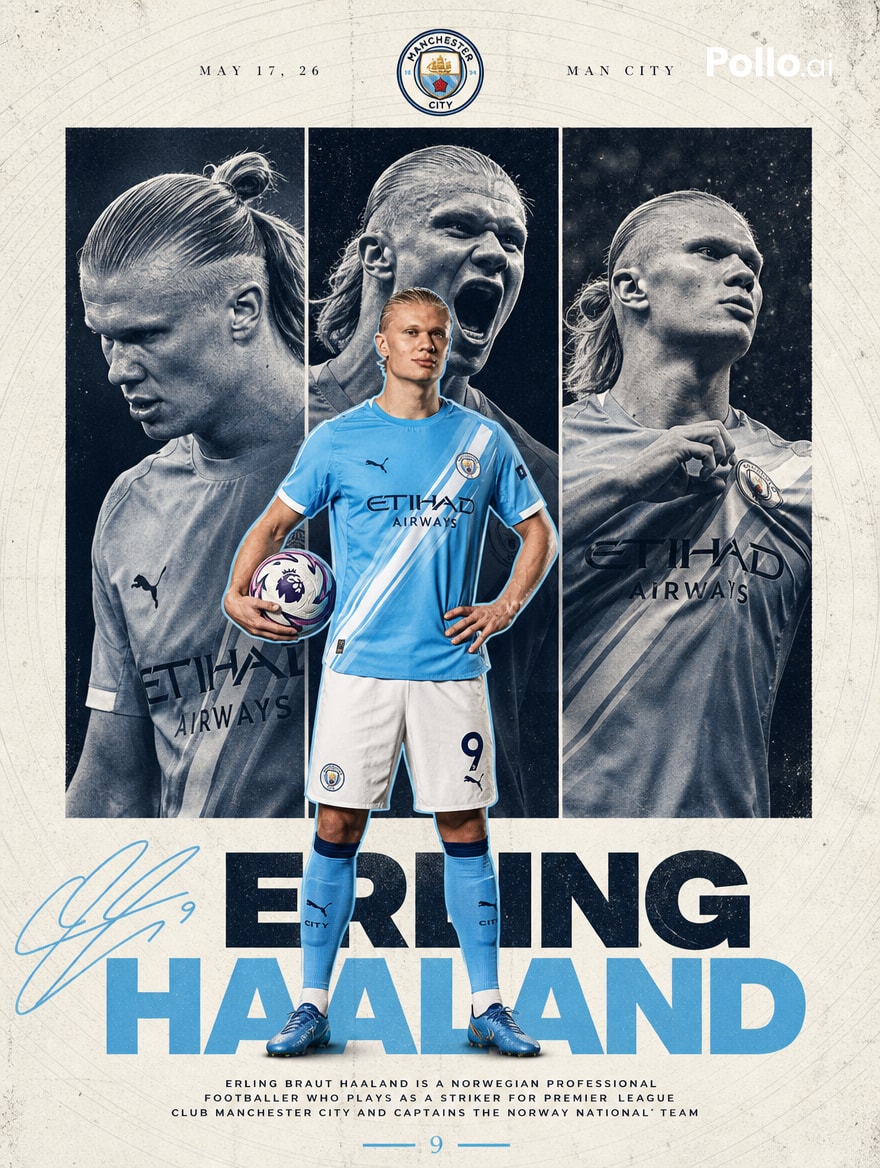
AI Prompt for Manchester City Player Poster in Editorial Sports Collage Style
photography
Poster
typography
marketing
"Goal: Create a premium football poster for Manchester City striker {argument name="player name" default="Erling Haaland"..."