AI Prompt for Generating Comparative Infographic Grids with Consistent Photography
By using this prompt, you can create engaging and informative graphics that help your audience visualize comparisons. The generated grid can be used in various fields, including education, marketing, and product design. It's a great way to present information in a clear and concise manner, making it easier to understand complex data.
Related Keywords
Main AI Prompt
Main Prompt Content
"# Role: Comparison Infographic Generator (Design-Centric with Toggles)
# === USER INPUT SETTINGS (FILL THESE IN) ===
# 1. Grid Size (e.g., "2x2 (4 panels)", "3x3 (9 panels)"):
{argument name="宫格数量" default="1x5"}
# 2. Base Subject Description (Identical base scene for all panels):
[{argument name="主体描述" default="冷白纤细白皙的亚洲女性的腿部,皮肤细腻光滑,没有杂色,几乎看不到毛孔毛囊。皮肤不干燥,稍微湿润"}]
# 3. Variations Theme (What is being compared?):
{argument name="变量主题" default="裸腿与不同丝袜"}
# 4. Show Text Overlay at Bottom (Yes/No):
YES
# ===========================================
# Task Description:
Generate a multi-panel infographic grid chart for a comparative visual study based on the User Input Settings above. The goal is to showcase different textural or stylistic variations (defined in the data list below) applied to the identical Base Subject defined above.
# Global Constraints & Style:
1. **Layout:** A **[Insert setting from "1. Grid Size" here]** infographic grid chart.
2. **Consistency is Key:** The Base Subject, camera angle, composition, and lighting must remain absolutely identical across ALL panels to emphasize only the specific variations.
3. **Photography Style:** Clean, controlled studio photography with neutral, even lighting designed to highlight texture differences.
# Text Overlay Display Logic (CONDITIONAL):
(AI Instructions: First, check the value of User Input Setting "# 4. Show Text Overlay at Bottom". You MUST execute ONLY ONE of the following logic blocks based on that value.)
##### ➤ LOGIC PATH A: IF Setting #4 is "Yes" (Show Overlay)
If the user selected "Yes", EVERY panel must feature a precisely designed text overlay at the bottom following these strict rules:
* **Background:** A clean, sharply defined solid rectangular color block (e.g., charcoal grey or black) spanning the entire width of the panel's bottom section.
* **Typography:** Inside this block, the text must be rendered in an **elegant, ultra-thin, minimalist sans-serif font**.
* **Layout:** The text "[Number]. [Short Title] (Prompt: [Key English Prompt Snippet])" must be perfectly centered within the color block.
* **Aesthetic:** The overall effect should be that of professional, minimalist graphic design, with crisp lines and perfect alignment.
##### ➤ LOGIC PATH B: IF Setting #4 is "No" (Hide Overlay)
If the user selected "No", apply this CRITICAL rule:
* **CRITICAL:** DO NOT add any text overlay, numbers, titles, background color blocks, or prompt snippets to the images.
* **Result:** The bottom of every panel must be clean image data only, showing the subject fully without obstruction.
# Base Subject Definition:
The base scene for every panel is: **[Insert description from "2. Base Subject Description" here]**. The variations below will modify the surface or appearance of this base subject.
# Variations Data List (Apply sequentially to the grid):
(AI instructions: Iterate through t"
You might also like
Hand-picked related prompts from Product Comparison.
Beach Editorial
By NanoInspire
AI Prompt for Ultra-Realistic Red Bikini Beach Editorial Image
fashion
photography
social media
"{
"prompt_description": {
"subject": "A young adult Caucasian woman with a slender and toned athletic build, appea..."
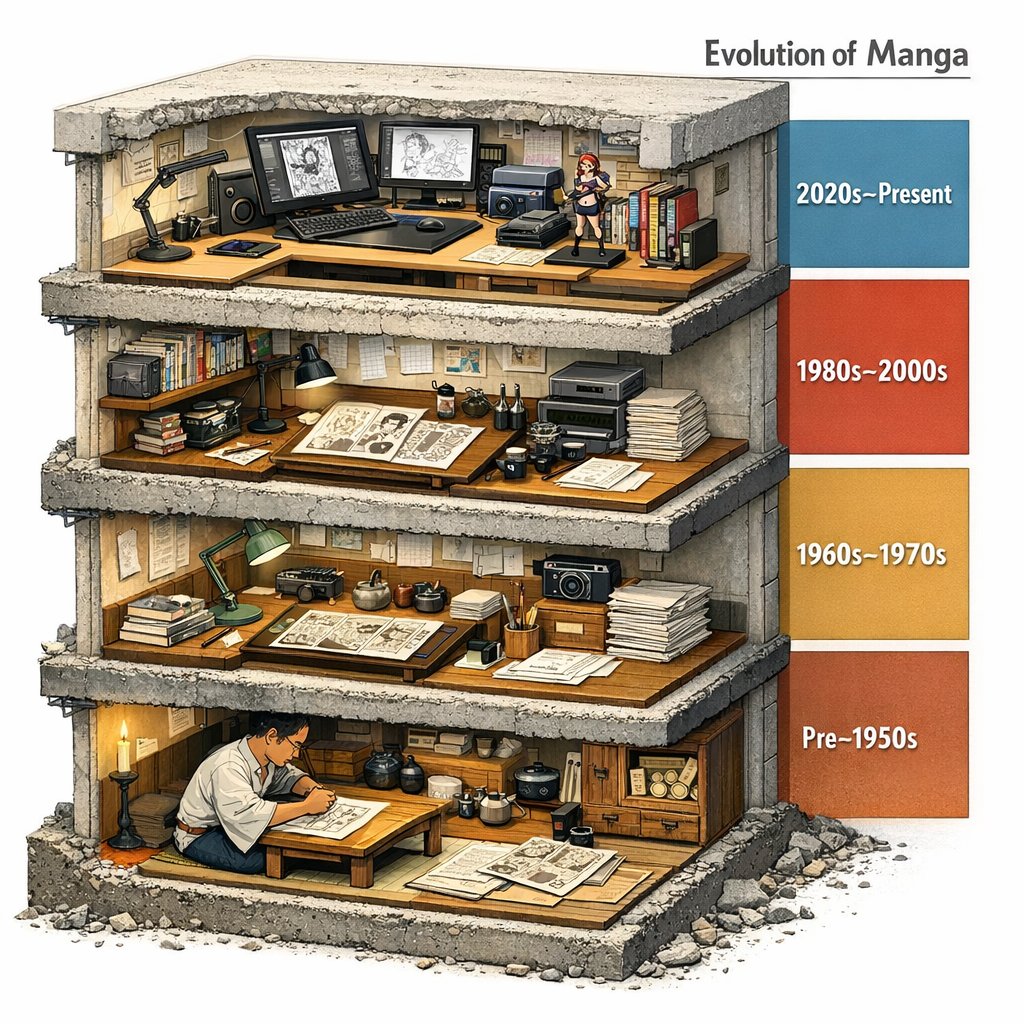
Comic / Storyboard
By Gadgetify
AI Prompt for Manga Evolution Architectural Section Diagram
Infographic
comic
diagram
"Evolution of Manga --> <LAYOUT> A single chunky block (like a museum cutaway) sliced to reveal 4 stacked floors/strata...."
Luxury Product
By Venice
AI Prompt for Luxury Product Photography: Amber Perfume on Wet Marble with Golden-Hour Backlight and Caustic Reflections
luxury
product
photography
E-commerce
"Create a photorealistic luxury product photograph of a single {argument name="product type" default="perfume bottle"} ce..."
Latest Discoveries
Explore our most recently added high-quality AI prompts.
Cozy Bird Scene
By まさゆき
AI Prompt for Cozy Embroidered Bird Living Room Scene
AI Image Generation
textile-art
Prompt for Artists
Embroidery Design
Cute Animais
"Create a highly realistic macro photograph of a finished hand-embroidery piece in a round wooden embroidery hoop on a ru..."
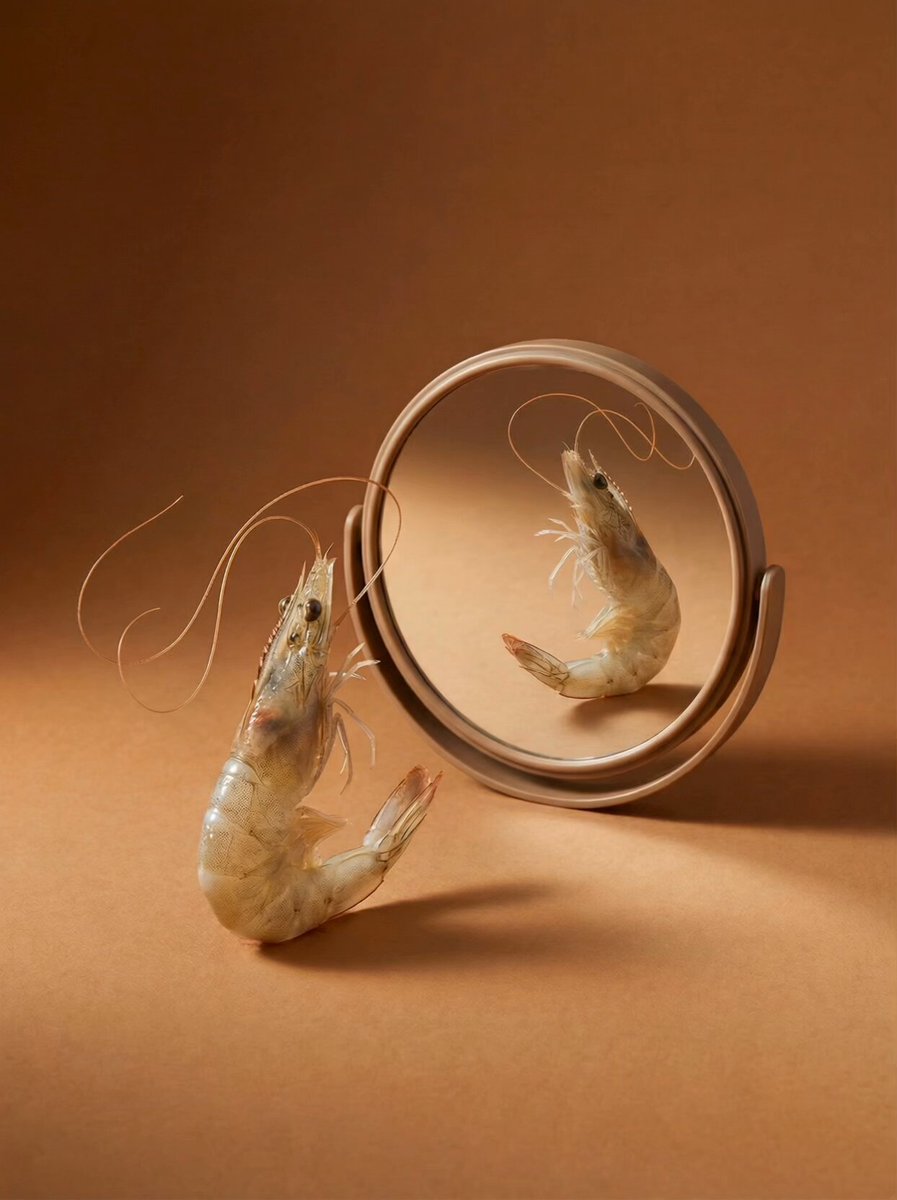
Food Advertising
By Latte
AI Prompt for Surreal Food Advertising Still Life with Transformation
photography
marketing
Surrealism
"Conceptual food advertising still life, a live fresh raw shrimp standing upright on a warm brown seamless background, tr..."
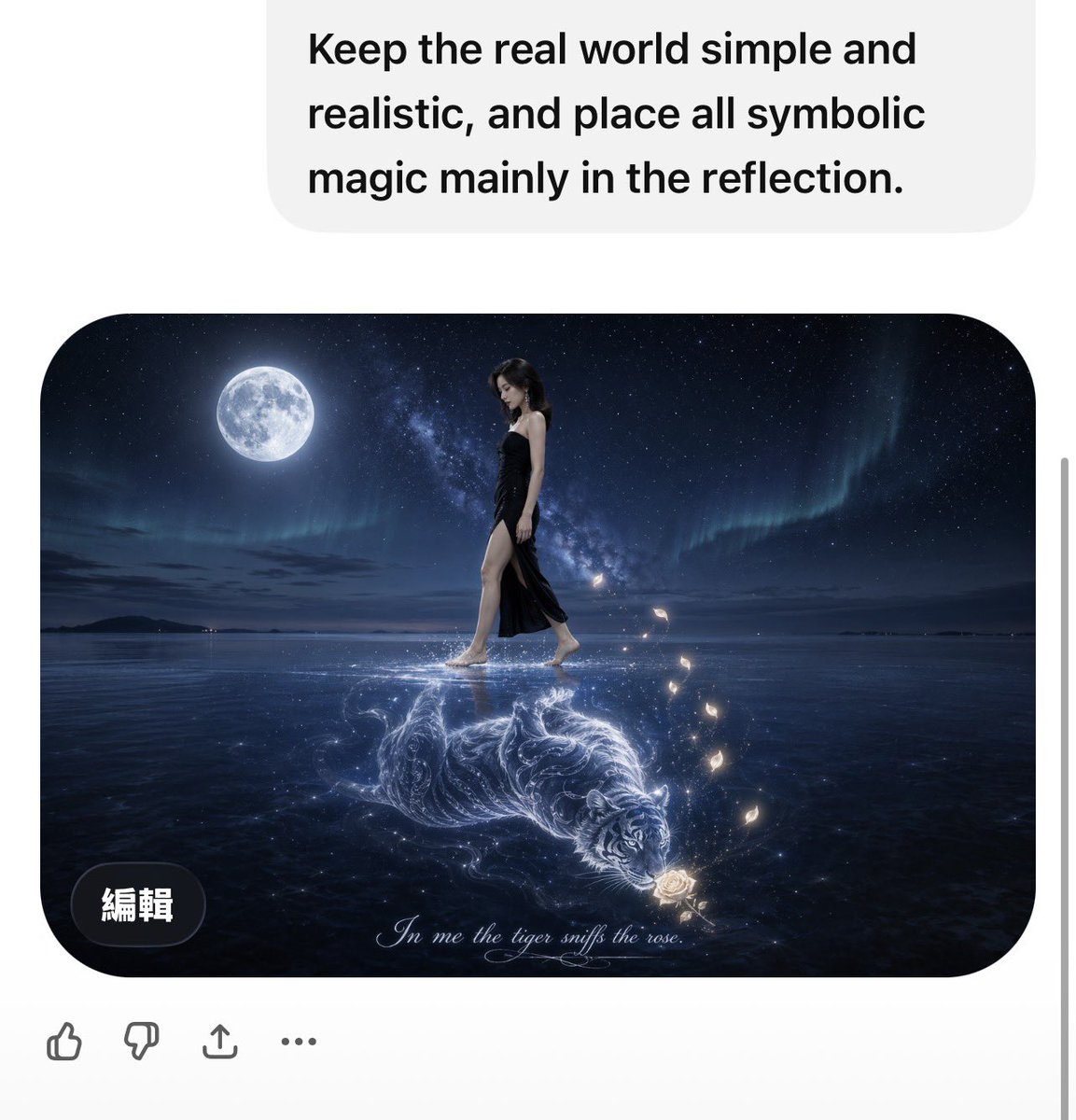
Cinematic Reflection
By 小卡|Kirin🍥
AI Prompt for Stunning Cinematic Fantasy Image with Reflections
fantasy
AI
film
Reflection
"A surreal yet photorealistic night scene on a vast calm reflective water surface under a deep star-filled sky. A bright..."