AI Prompt for Realistic Glasses-Glare Free Profile Photo Comparison
Use this AI prompt to generate a comparative portrait with and without glasses-glare for profile photos. Perfect for demonstrating subtle removal of glare in portrait photography. Ideal for photographers and graphic designers looking to showcase their editing skills and techniques in Removing Objects from Images.
Related Keywords
Main AI Prompt
Main Prompt Content
"Create a realistic side-by-side comparison image showing the same cafe portrait duplicated in two equal vertical panels, like a before-and-after social media demonstration for removing glasses glare while preserving identity. Canvas is a wide 16:9 image, approximately 1200×675, split exactly down the center by a thin vertical white divider. Both panels show one adult man seated at a cafe table by large windows, wearing a dark navy blazer over a plain white crew-neck T-shirt, arms resting forward, with short neatly styled black hair and warm medium skin tone. In both panels, place a large opaque tan square censorship block over the center of the face, covering the eyes, nose, and mouth while leaving hair, ears, jawline, neck, and clothing visible; use {argument name="face block color" default="muted tan brown"}. The left panel should subtly imply the original portrait with eyeglass frames and glare partly visible at the edges of the face block, while the right panel should show the cleaned version with no visible glasses glare and the same face shape, pose, hair, outfit, lighting, and background. Include exactly 2 portrait panels: left original and right edited. Include exactly 2 identical coffee cups, one near the bottom center of each panel, cream-colored ceramic with coffee inside. Include exactly 2 small green potted plants, one at the lower left of each panel. Background: bright cafe interior with black window frames, sunlit glass, soft green foliage outside, blurred street and building shapes, shallow depth of field, natural daylight, realistic photography. Style should be high-quality candid profile-photo realism, crisp subject details, soft bokeh background, no text labels, no watermark, no extra people, and no changes between the two panels except the suggested glasses-glare removal on the right. Use {argument name="subject outfit" default="dark navy blazer over a white T-shirt"}, {argument name="setting" default="sunlit cafe by large windows"}, and {argument name="comparison theme" default="glasses glare removal before and after"}."
You might also like
Hand-picked related prompts from Portrait.
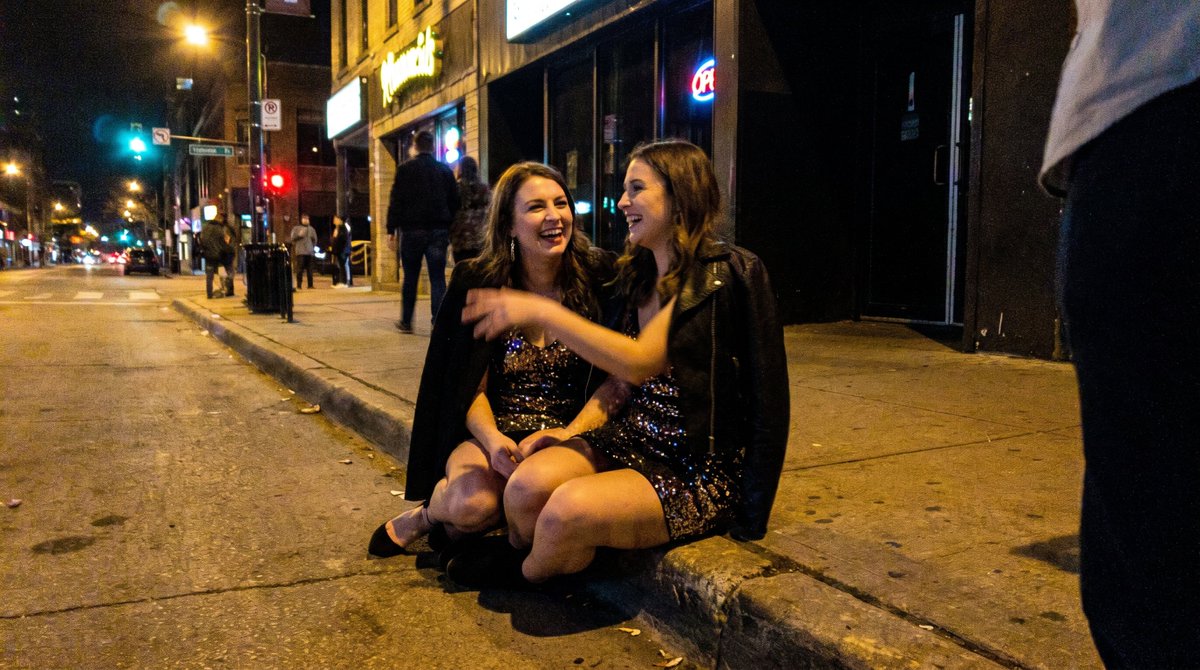
Party Scene
By Olivio Sarikas
AI Prompt for Social Media Party Snapshot
photography
party
social media
"In a 16:9 ratio with no sidebars: A slightly underexposed smartphone photo of two {argument name="subjects" default="dru..."

Portrait / Avatar
By Dan Reed
AI Prompt for Realistic Avatar Photography
portrait
photography
avatar
influencer
"[Header] (9:16)
Raw high-fidelity photograph, iPhone 17 Pro sensor simulation, low-light indoor ambient photography, zer..."
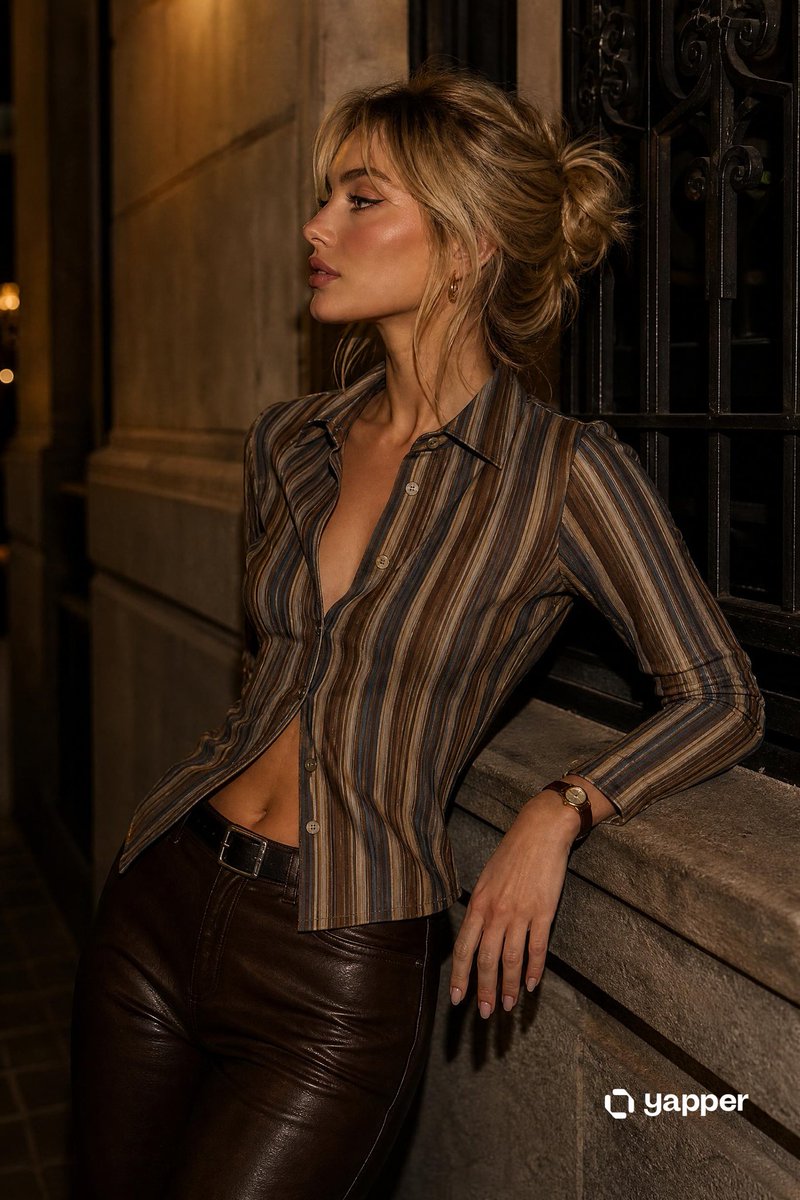
Urban Cityscape
By yusra.
AI Prompt for Urban City Night Portrait Photography Style Image with Model and Muted Colors
portrait
urban
photography
night
city
"A medium shot of a stylish young woman with blonde hair styled in a loose, casual bun with soft face-framing curtain ban..."
Latest Discoveries
Explore our most recently added high-quality AI prompts.
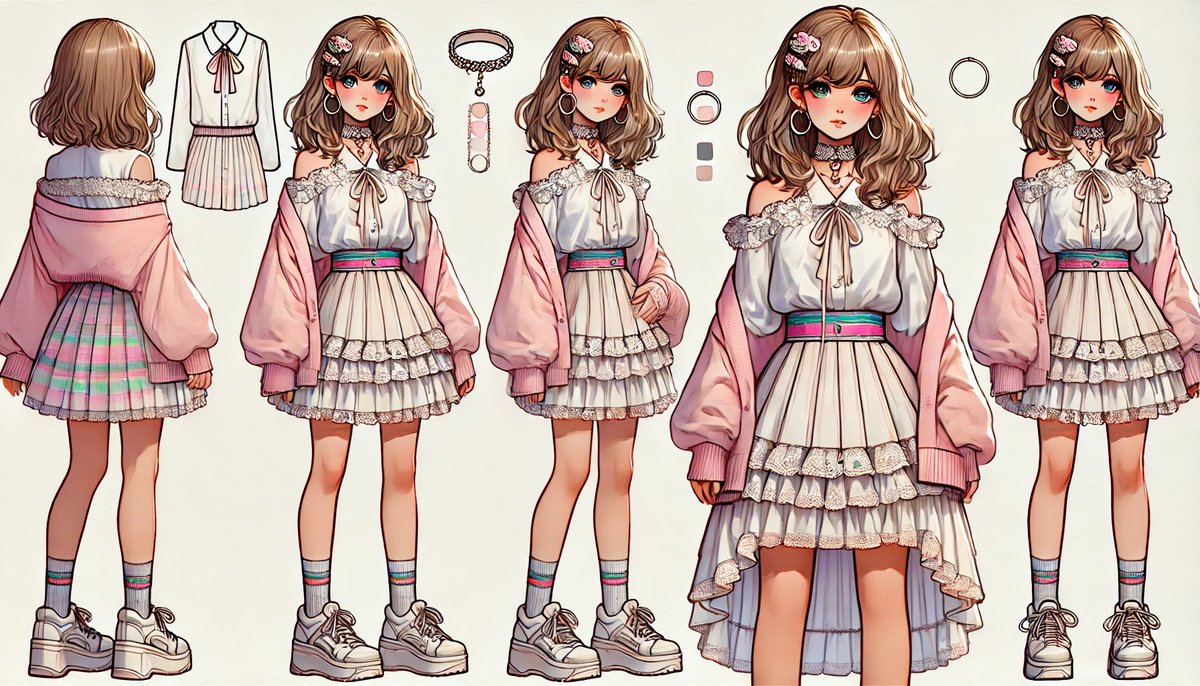
Anime Fashion
By WTR
AI Prompt for Anime Fashion Reference Sheet
fashion
Illustration
design
anime
reference
"{
"type": "anime fashion character reference sheet",
"style": "polished Japanese anime illustration, clean ink lines..."
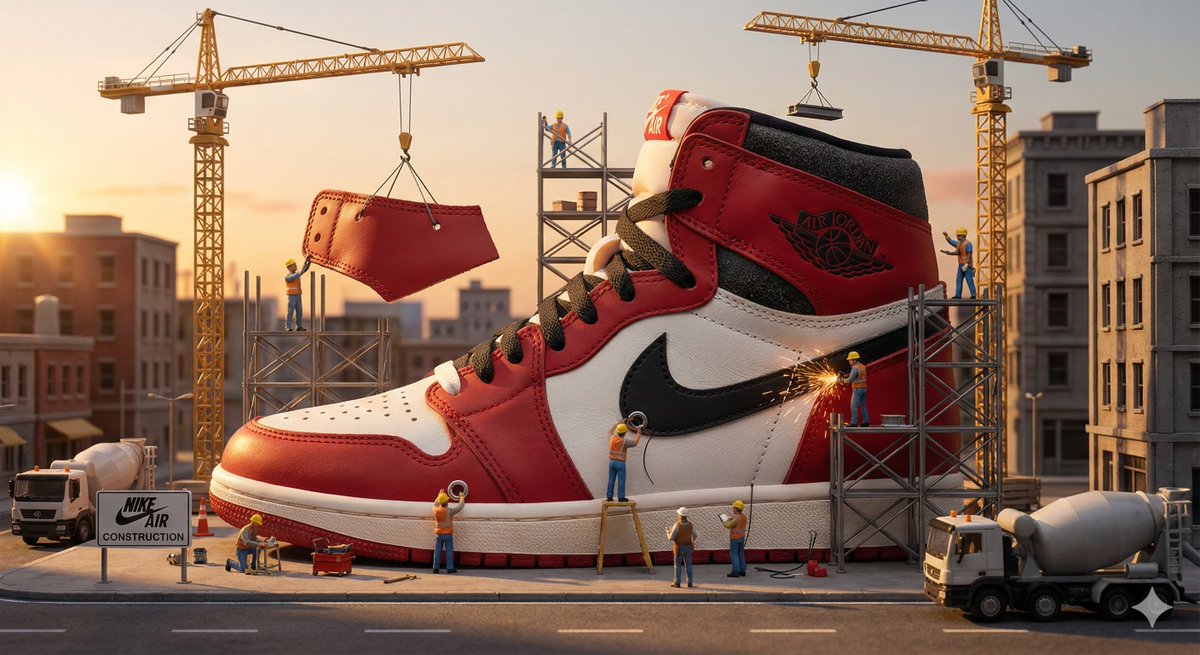
Product Advertising
By Aleena Amir
AI Prompt for Miniature Construction Crew 3D Rendering
3D-rendering
product-photography
Construction Site
Build Scene
"A miniature construction crew assembling {argument name="product name" default="[PRODUCT]"} like a skyscraper. Cranes, s..."
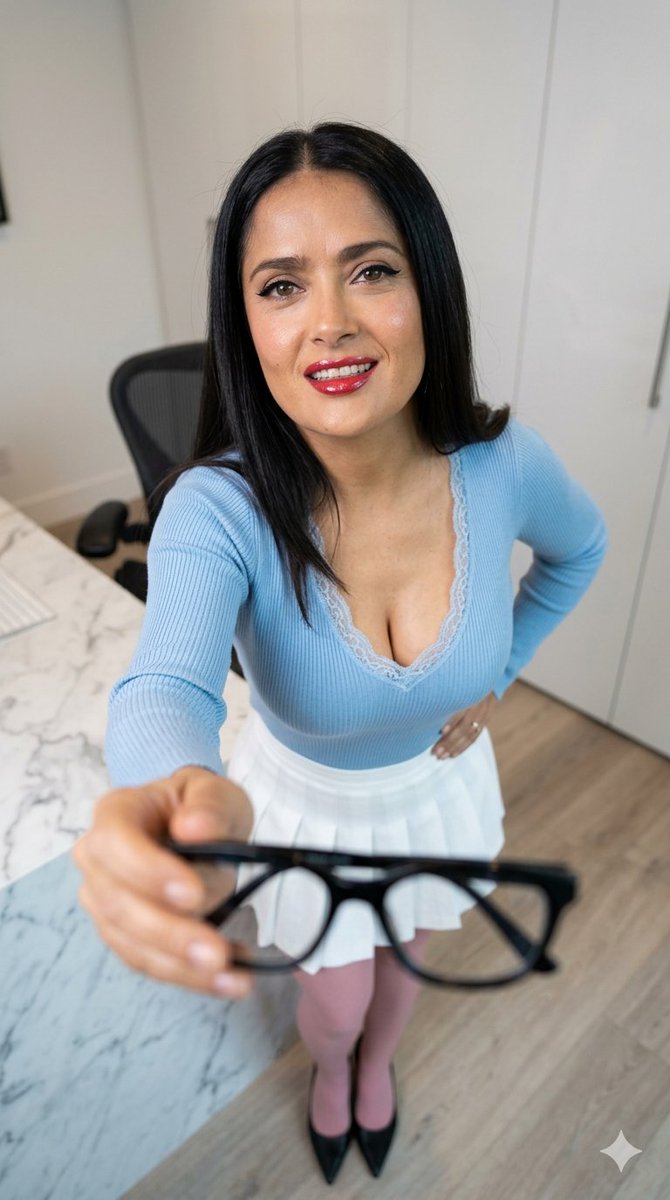
Office Lifestyle
By Giulia
AI Prompt for Modern Office Lifestyle Photography
portrait
photography
lifestyle
influencer
""A creative lifestyle portrait photography shot of {argument name="subject name" default="[NAME]"} in a modern home offi..."