AI Prompt for Realistic Glasses Glare Removal Edit
This AI prompt creates a realistic 2×2 before-and-after portrait collage that removes eyeglasses glare, perfect for profile-photo editing. The resulting images are ideal for social media, portfolios, or website headers. With this prompt, you can easily visualize the effect of glare removal and make informed decisions for your graphics projects.
Related Keywords
Main AI Prompt
Main Prompt Content
"Goal: Create a clean comparison collage showing four portrait-photo examples for eyeglasses glare removal, with each example displayed as a side-by-side before-and-after pair while preserving the same person, pose, clothing, lighting, and background.
Canvas: Wide 16:9 image, approximately 1200×675 px, white background, thin white gutters between panels, rounded photo corners, realistic profile-photo photography.
Layout: Arrange exactly 4 comparison groups in a 2×2 grid. Each group contains exactly 2 near-identical portrait photos placed left and right, for a total of exactly 8 portrait panels. The pairs are: 1) top-left pair: an East Asian woman in a gray blazer in an office setting with shelves and a monitor behind her; 2) top-right pair: a young Black man outdoors in a green park, wearing an olive overshirt over a white T-shirt; 3) bottom-left pair: an older white man with gray hair wearing a pale blue sweater in a warm home-library setting with bookshelves and a glowing lamp; 4) bottom-right pair: a woman with dark curly hair tied up, wearing a navy blouse with white dots, seated indoors near a window and a green plant, resting her hand near her chin.
Subject details: In the left image of each pair, show subtle eyeglasses glare or reflection over the eye area; in the right image of each pair, remove the glare so the eyes look natural and clear, without changing facial identity, expression, head position, skin tone, hairstyle, clothing, camera angle, or background. Use realistic shallow depth of field, natural color grading, soft professional portrait lighting, and profile-photo framing from chest or shoulders upward.
Privacy treatment: Cover the central face area of every portrait with a solid opaque rectangular censor block, matching the skin tone of that subject, so facial features are hidden. Use exactly 8 censor rectangles, one per portrait panel, centered over the face and extending from forehead to lower face. The blocks should be plain, without blur texture or text.
Constraints: No captions, no arrows, no logos, no watermark, no UI elements, no extra people, no decorative graphics. Keep the comparison pairs aligned and visually consistent, like a social-media demonstration image for {argument name="editing task" default="remove glasses glare"}. Use {argument name="image style" default="realistic professional portrait photography"}, {argument name="collage layout" default="four side-by-side before-and-after portrait pairs"}, {argument name="background color" default="white"}, and {argument name="privacy treatment" default="solid skin-tone face censor blocks"}."
You might also like
Hand-picked related prompts from Portrait Selfie.
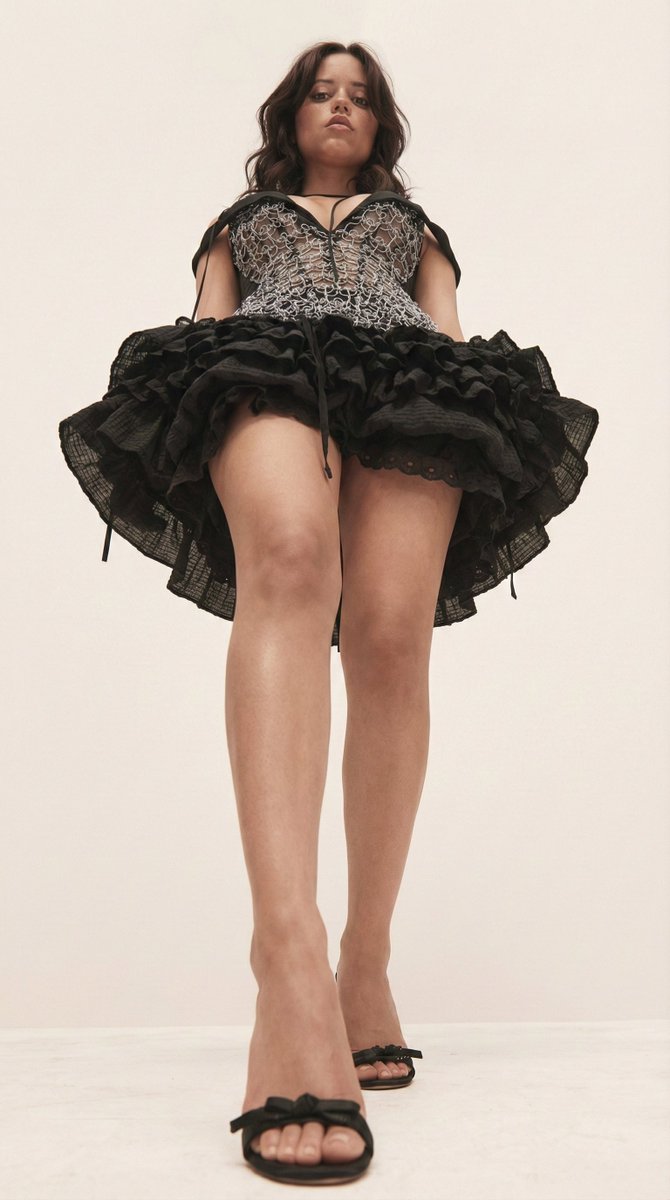
Influencer Editorial
By jennieee:3
AI Prompt for High-Fashion Editorial Photography of Influencers
fashion
editorial
photography
influencer
"A low-angle, worm's-eye view shot looking up from the ground at {argument name="subject" default="Jenna Ortega"}. She is..."
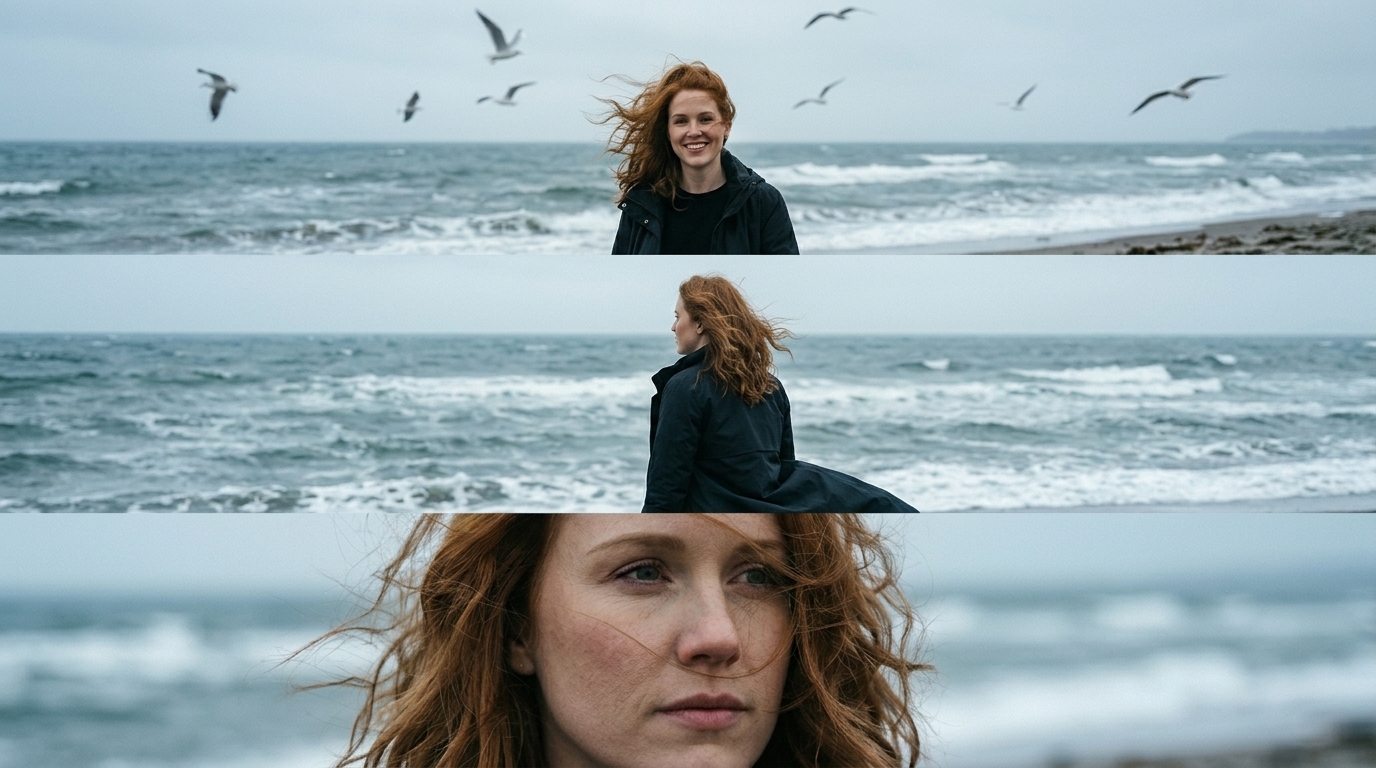
Cinematic Portrait
By Jamie Miller
Cinematic Seaside Portrait Art
photography
seaside
Cinematic Portrait
windy
"Use the uploaded photo as the exact identity reference. Keep the same person, the same face, the same facial features, p..."
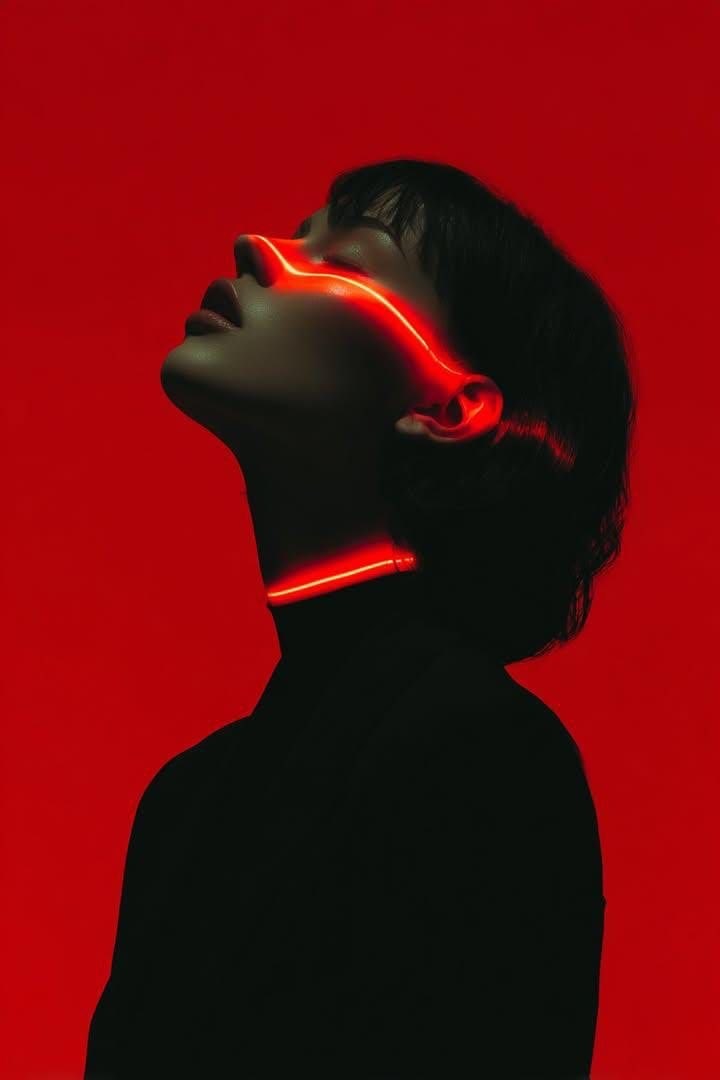
Cyberpunk Sci-Fi
By Kashberg
AI Prompt for Cyberpunk Portrait with Neon Glowing Effect
portrait
AI
prompt
cyberpunk
sci-fi
"Ultra-stylized cinematic portrait of a person in side profile, head tilted back, eyes closed, minimal expression. Deep r..."
Latest Discoveries
Explore our most recently added high-quality AI prompts.
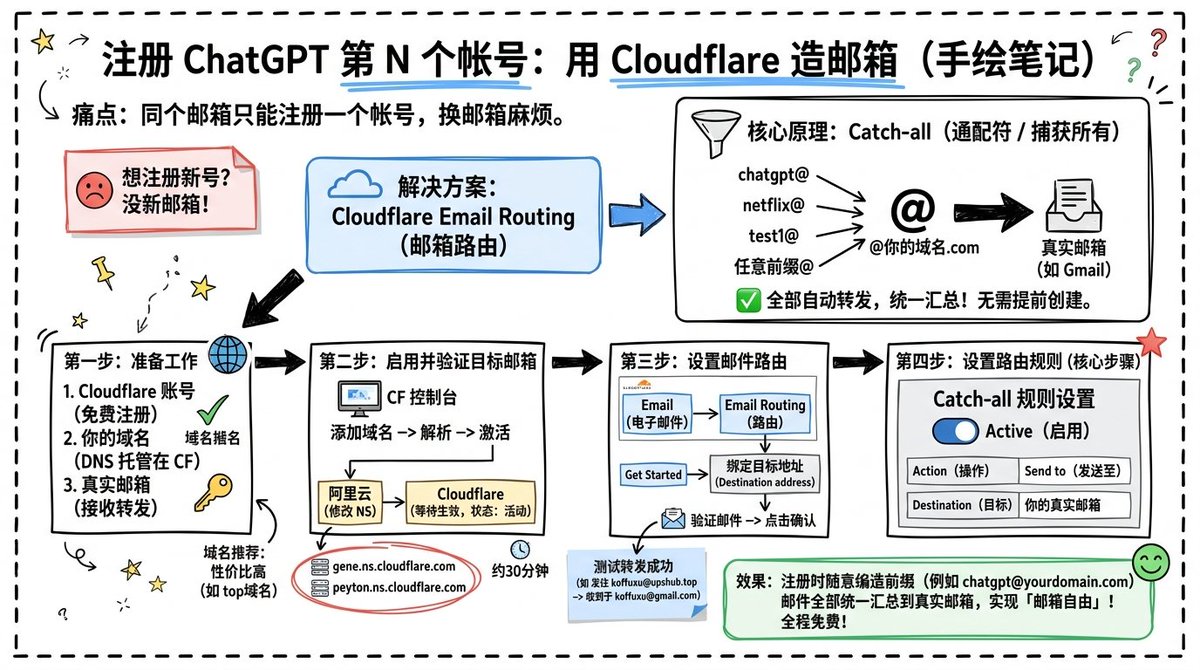
Infographic Design
By koffuxu
AI Prompt for Custom Cloudflare Email Routing Infographic Design
design
Infographic
Technology
Goal: Create a landscape hand-drawn notebook-style Chinese infographic explaining how to register multiple ChatGPT accou...
Premium
Chinese Fantasy
By 岚叔
AI Prompt for Chinese Fantasy Digital Art - Panoramic Scene with Bioluminescent Lighting
Illustration
fantasy
sci-fi
abstract
"{
"meta_info": {
"title": "Ethereal Hanfu Spirit",
"style_category": "Chinese Fantasy / Abstract Digital Art",..."
Portrait
By WasifAI
AI Prompt for Restoration: Enhance Old Photos to DSLR Quality
portrait
photography
enhancement
""Restore this old photo into professional portrait of DLSR - quality colour and detail, using an advanced upscaling algo..."