AI Prompt for Smart Wearable Product Design
Perfect for product designers and marketers, this prompt uses image analysis to select the best concept for your wearable product, making it ideal for e-commerce and crowdfunding campaigns. Simply input an image, and the AI will generate a visually appealing design in minutes.
Related Keywords
Main AI Prompt
Main Prompt Content
"Act as a Senior Product Designer and Crowdfunding Campaign Manager.
1. ANALYZE INPUT
Look at the attached image. Determine the material properties (Soft vs. Hard), the primary colors, and the texture.
2. AUTO-SELECT SMART WEARABLE
Use this logic to choose the product category. The goal is Clean Modern Tech, not Cyberpunk.
IF the input is Soft or Fabric-like ({argument name="soft input examples" default="Ramen, Towel, Moss"})
GENERATE: The All-Climate Smart Jacket.
Features: Self-regulating temperature control, hydrophobic coating based on the input texture, and hidden magnetic pockets.
IF the input is Rigid, Boxy, or Container-like ({argument name="rigid input examples" default="Toaster, Book, Suitcase"})
GENERATE: The Ultimate Commuter Backpack.
Features: Integrated power bank with solar coating, anti-theft biometric zipper locks, and organized modular compartments.
IF the input is Mechanical or Footwear-shaped ({argument name="mechanical input examples" default="Stapler, Car, Tool"})
GENERATE: The Urban Mobility Smart Sneaker.
Features: Energy-returning sole technology, step-tracking sensors embedded in the heel, and auto-tensioning laces.
3. EXECUTE VISUALIZATION (2x2 GRID)
Generate a single image split into a precise 2x2 grid layout.
Top Left Panel (Hero Shot):
A clean, studio-lit 3/4 angle view of the product on a white or light grey background. It must look refined and manufacturable, using the texture of the input image as a premium material.
Top Right Panel (Detail Shot):
A zoomed-in macro shot focusing on a specific high-tech feature (e.g., a USB-C port, a magnetic buckle, or a waterproof seam) that shows off the input texture quality.
Bottom Left Panel (Lifestyle Shot):
A photorealistic shot of a fashionable model wearing the item in a clean, modern city setting (daytime). They look comfortable and stylish.
Bottom Right Panel (Campaign UI):
A mockup of a Kickstarter campaign page. It should show the product title, a green progress bar at 100% funded, and a bright green button that says Back This Project.
Overall Style: High-key lighting, soft shadows, 8k resolution, commercial product photography, minimalist design aesthetic."
You might also like
Hand-picked related prompts from Product Design.
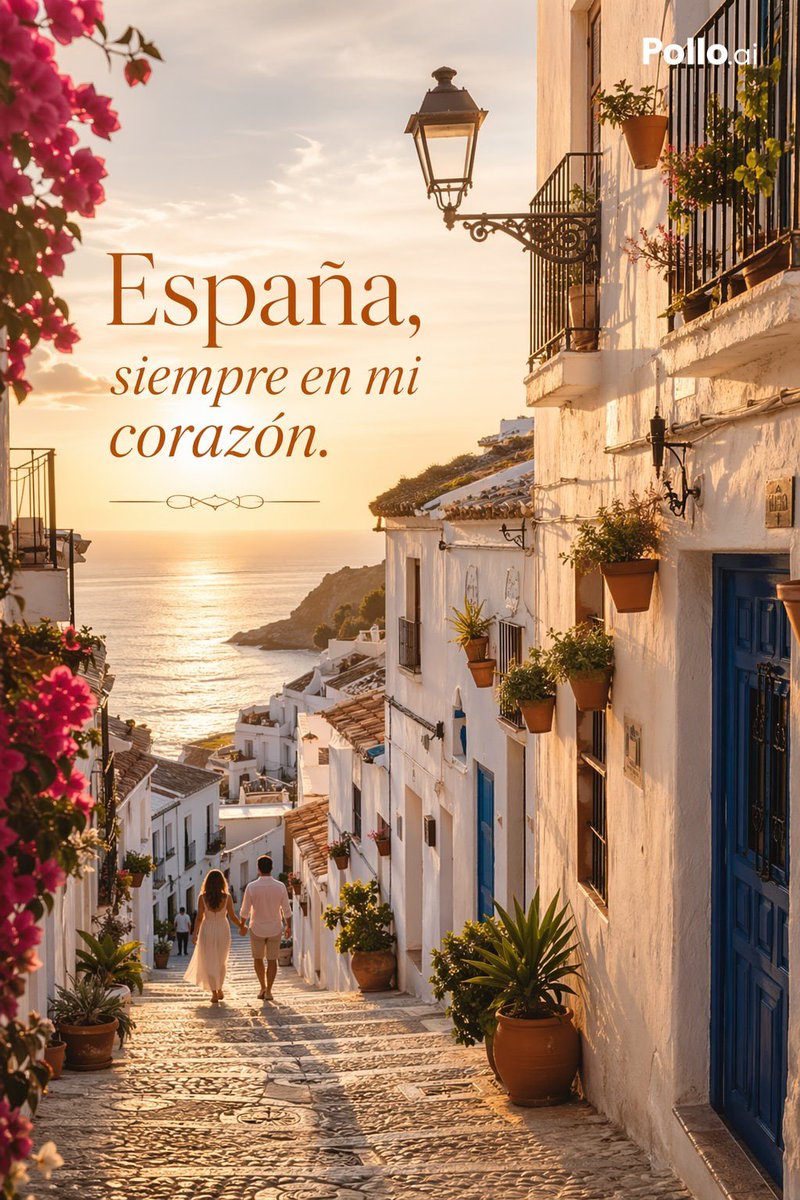
Spanish Sunset
By GARLOTIC
AI Prompt for Spanish Seaside Village Sunset Travel Poster
photography
marketing
Flyer
Posters
Tourism
"A romantic high-fashion travel campaign image set in a sunlit Spanish coastal village at golden hour, viewed down a narr..."
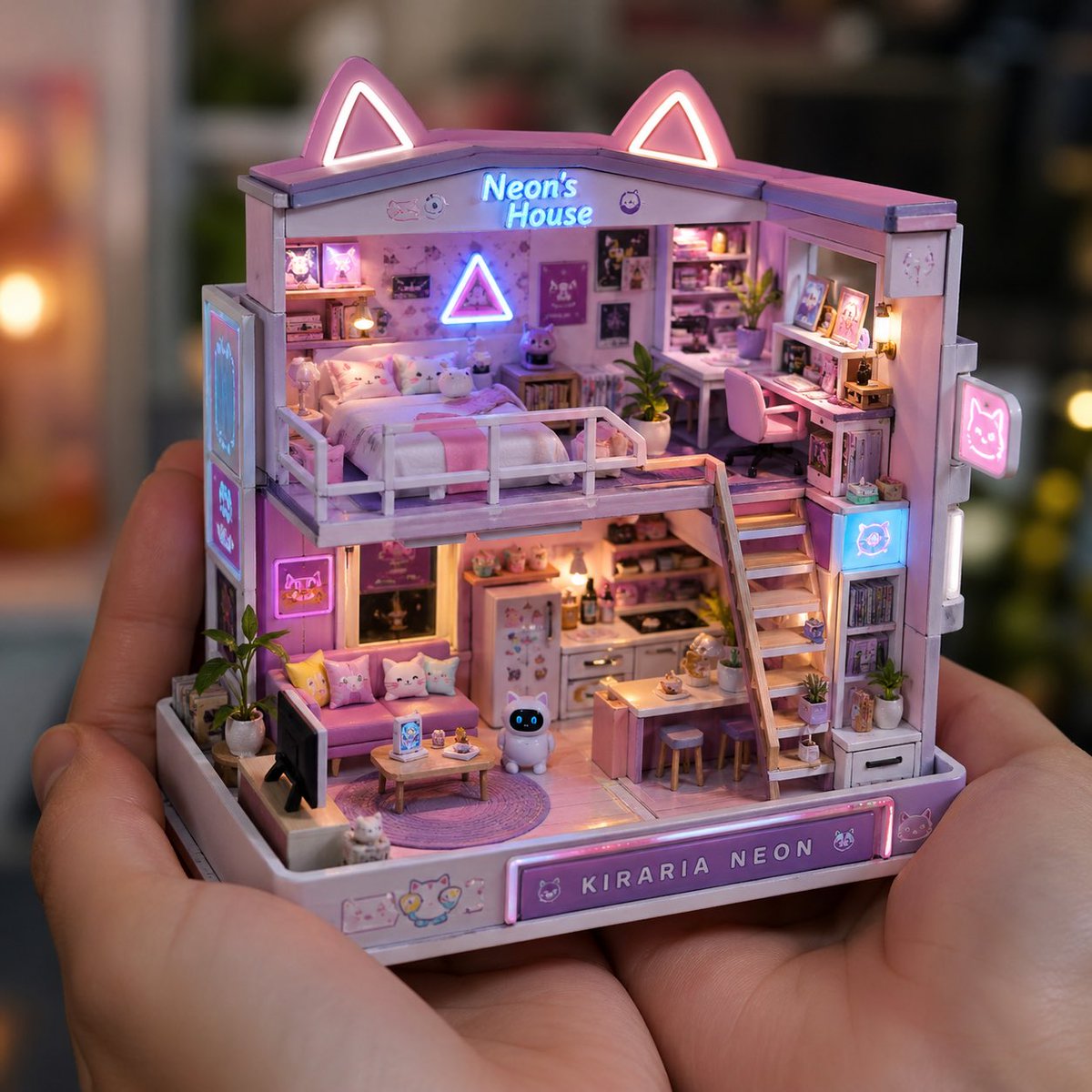
Product Images
By ✨💖 きらりあ・ネオン 💖✨
AI Prompt for Realistic Miniature Object Product Photography
product
photography
marketing
"A realistic close-up photograph of a person holding a tiny handcrafted miniature {argument name="object type" default="d..."
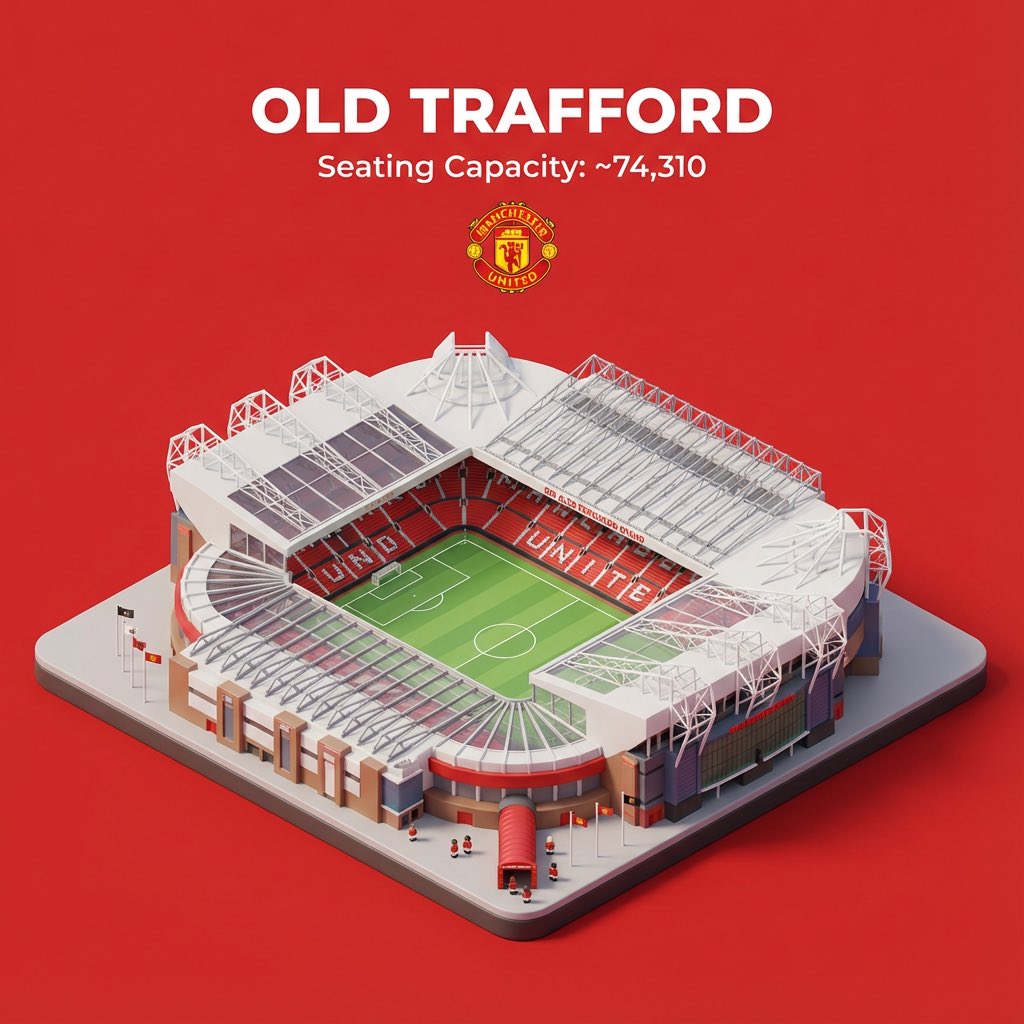
Cityscape
By TechieSA
AI Prompt for Sports Stadium Visualizations
AI
prompt
sports
stadium
Image Generation
"Try it with your favorite sport stadium⤵️"
Latest Discoveries
Explore our most recently added high-quality AI prompts.
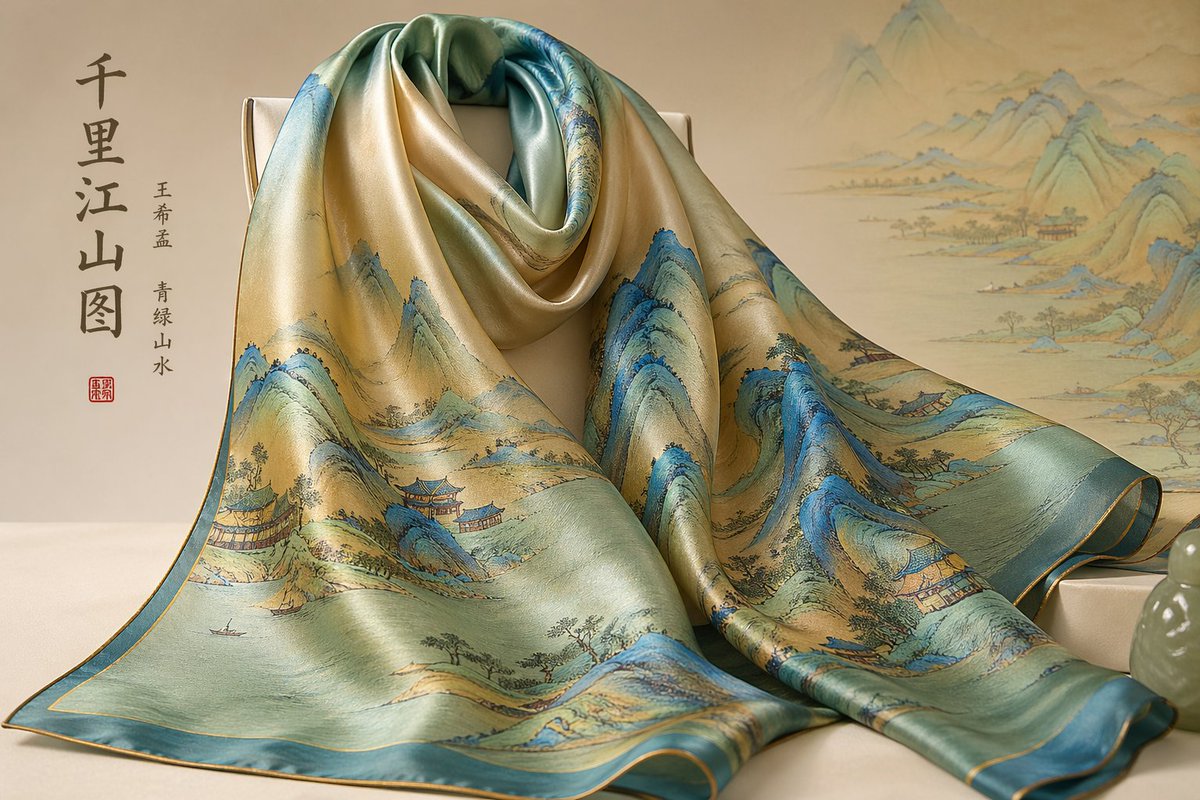
Traditional Chinese Art
By 松果先森
AI Prompt for Traditional Chinese Art and Fashionable Porcelain Vases
traditional
Chinese
porcelain
E-commerce
"千里江山图围巾,王希孟青绿山水环绕,丝绸质感柔光
粉彩瓷器杨贵妃赏花瓶,牡丹蝴蝶粉彩,皇家御窑风格"
Cinematic Portrait
By Natty Windstorm
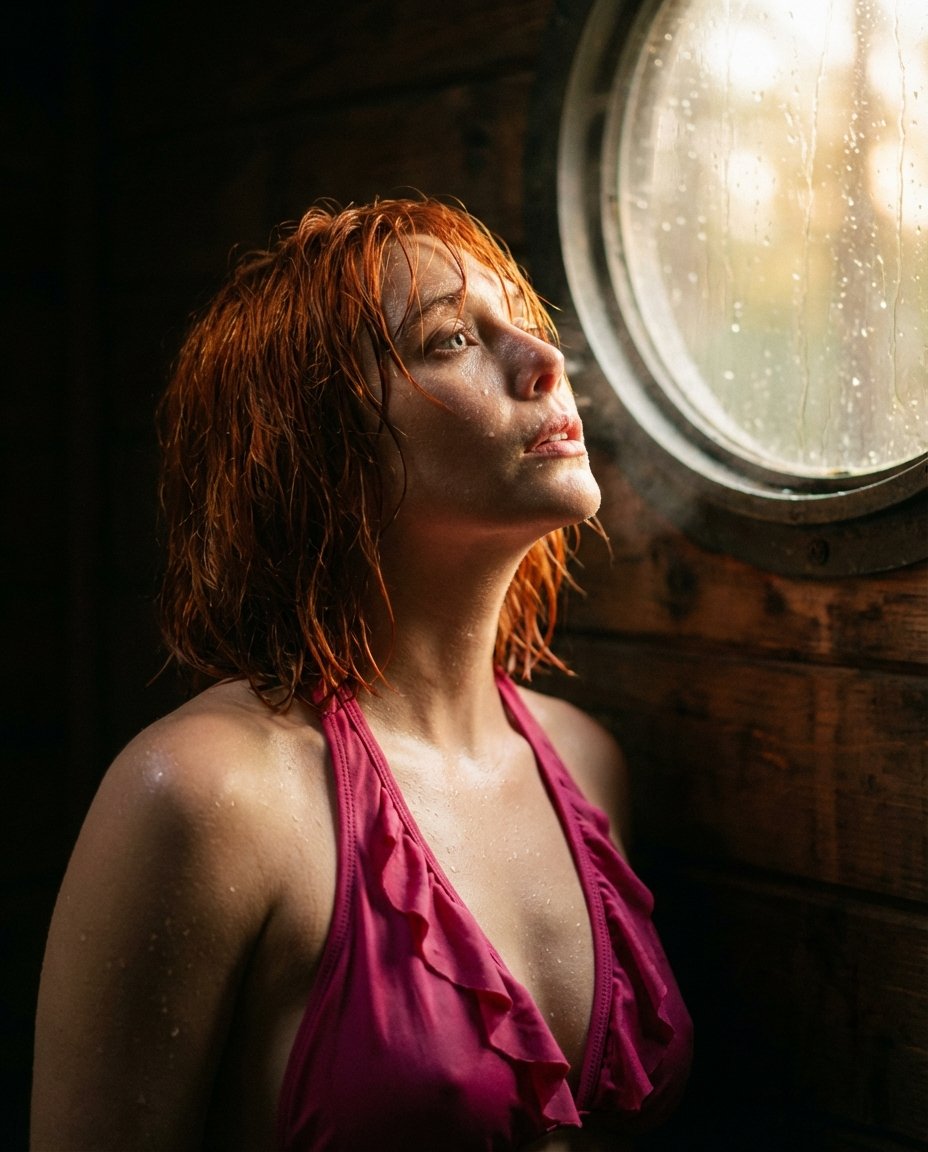
AI Prompt for Dramatic Cinematic Portrait in Soft Cabin Light
portrait
cinematic
photography
"{
"prompt": "A cinematic portrait of a young woman with short wet red hair and glowing skin, wearing a vibrant pink ru..."
Beauty Advertising
By Nano banana pro🍌
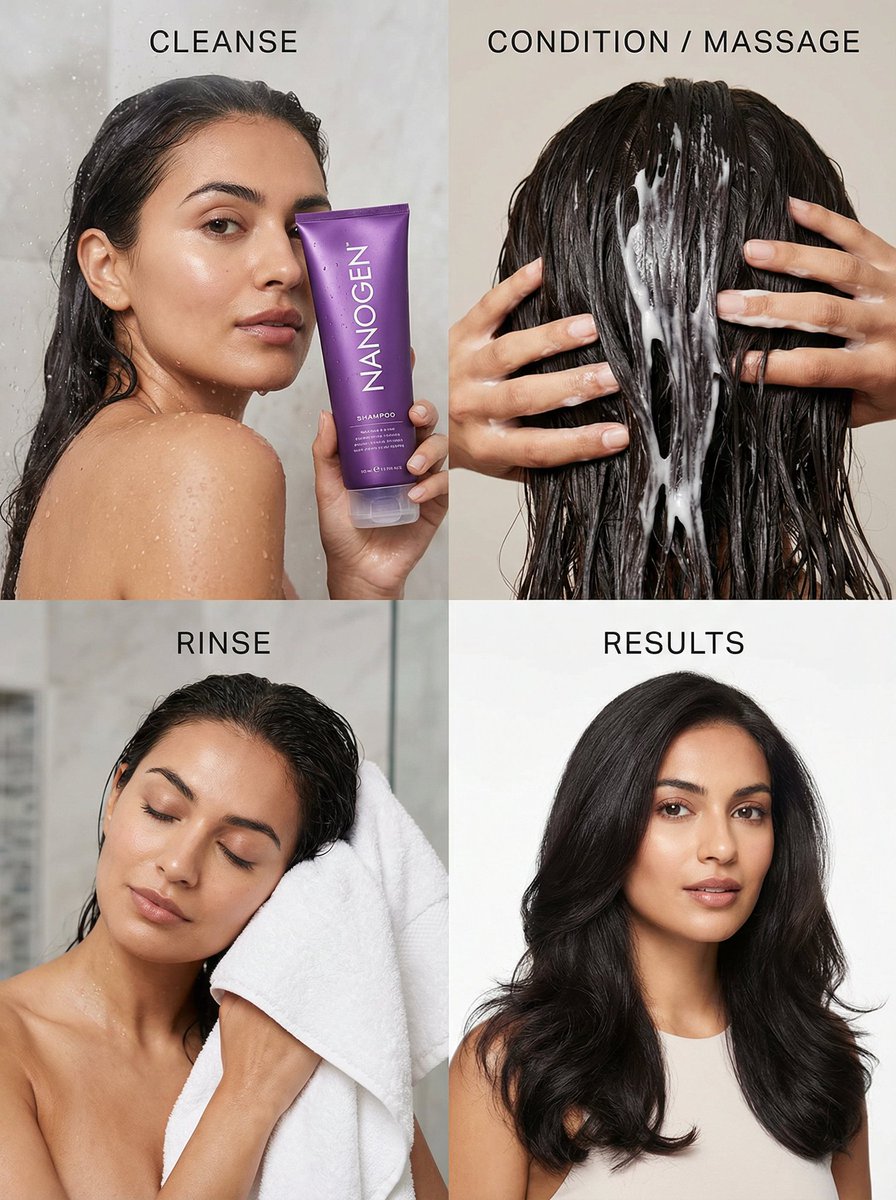
AI Prompt for Luxury Haircare Advertising Grid
photography
beauty
advertising
E-commerce
"2x2 grid beauty campaign image showcasing the Nanogen shampoo for women ({argument name="product color" default="purple..."