AI Supercar Poster Comparison: GPT vs Nano Banana
Side-by-side AI-generated supercar racing poster comparison graphic with specs, pricing, and cinematic design elements.
Related Keywords
Main AI Prompt
Main Prompt Content
"Create a side-by-side comparison graphic on a black background with a faint gray grid, styled like a Chinese social media benchmark post comparing two AI-generated supercar posters. At the very top, place 2 large headings: on the left in bold yellow text, “GPT image 2”, and on the right in bold white text, “Nano Banana”. Centered beneath them, show 2 distinct vertical racing poster designs placed next to each other with a narrow gap. The left poster should look like a dramatic high-end motorsport advertisement in black, red, and white, featuring a glossy red hypercar speeding on a wet racetrack at dusk with cinematic reflections, motion blur, and aggressive lighting. Include a small brand mark at top left, a giant title “VORTEX X7” with “X7” in bright red, and a subtitle like “BORN FOR SPEED. BUILT TO WIN.” Add 2 laurel-like badges on the right of the title area. In the lower half, include 3 content blocks: a left “SPECIFICATIONS” column with exactly 7 listed rows with icon bullets and labels for engine, horsepower, top speed, acceleration, transmission, drivetrain, curb weight, plus fuel capacity if needed as a compact final row; a middle “FEATURES” column with exactly 5 bullet points; and a bold pricing block with “STARTING AT” and a large red price of {argument name="price" default="$189,900"}. Add 1 limited-production badge, 1 slogan block reading “FEEL THE SPEED. OWN THE TRACK.”, and 1 red call-to-action strip reading “ORDER NOW”. Use tiny footer details and contact-style microtext along the bottom edge. The right poster should look more editorial and technical, in navy blue, charcoal, beige, and orange accents, featuring a dark blue hypercar drifting on a racetrack with smoke and landscape in the background. At the top, use a premium magazine-style header with 3 stacked title lines: “FORMULA APEX | AETHELRED APEX”, “CHAMPIONSHIP HERITAGE”, and a performance subtitle. In the lower portion, create a dense spec-sheet layout with exactly 8 major sections: “SPECIFICATION SHEET”, “COMPETITION PACK OPTIONS”, “ENGINE”, “SUSPENSION”, “CHASSIS”, “DRIVETRAIN”, “LAUNCH EDITION | RESERVE NOW”, and “SERVICE & SUPPORT”. Include a small performance graph, a boxed options panel with 3 icon cards, a launch price line showing {argument name="launch price" default="$2,850,000 USD"}, a build-slots area showing exactly 50 units worldwide, an allocation or progress tracker with segmented bars, a line stating production begins in {argument name="production year" default="2025"}, and dense fine-print technical copy. Beneath both posters, add a rounded rectangular black prompt box outlined in white, spanning most of the width. Attach a yellow rounded label overlapping its top-left corner containing the Chinese text “提示词”. Inside the box, place one line of bold white Chinese text: {argument name="prompt text" default="生成一张赛车海报图片,包含规格参数和价格信息。"}. The whole composition should feel like a polished AI image comparison screenshot for social media, with sharp typography, high contrast, clean alignment, and realistic poster mockup proportions."
You might also like
Hand-picked related prompts from Supercar Posters.
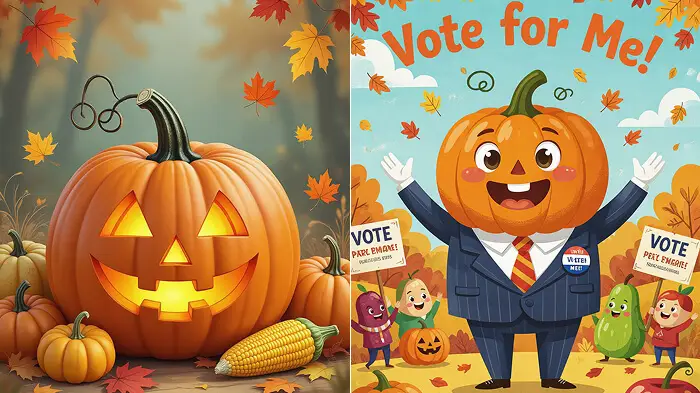
Funny Prompts
By Alex Thomas
Crazy AI Image Prompt Ideas for Fun Results
prompts
AI
creative
fun
crazy
"We all know that the important thing is having the idea, but you also need to know that coming up withcrazy AI promptsis..."
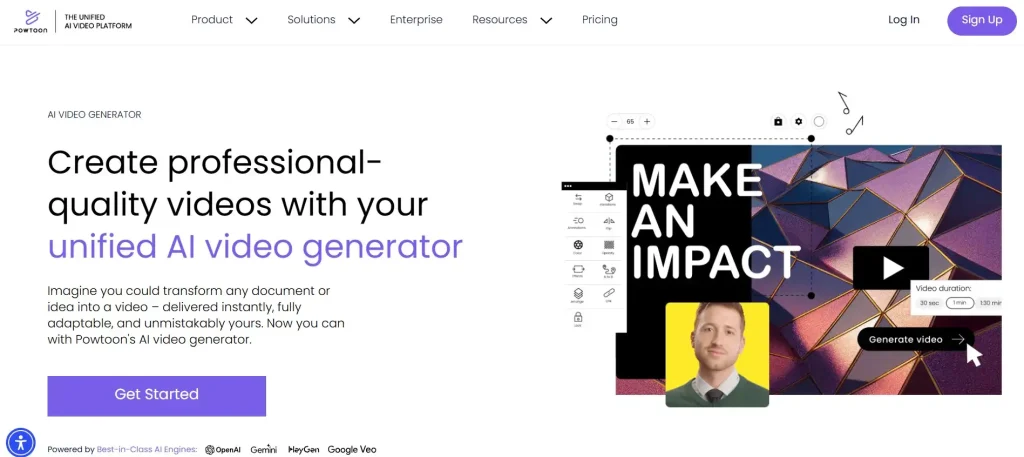
AI Video
By Maya Davis
Powtoon: Fast AI Video Creation for Marketers
AI
Animation
marketing
video
Powtoon
"Powtoon is another powerfulai video generatorperfect for marketers and content creators. With its easy-to-use interface,..."

Ramadan Photo
By Zoe Taylor
Create a Ramadan AI Photo in Seconds
AI
editing
photo
ramadan
Theme
"Create Your Ramadan AI Photo Now"
Latest Discoveries
Explore our most recently added high-quality AI prompts.
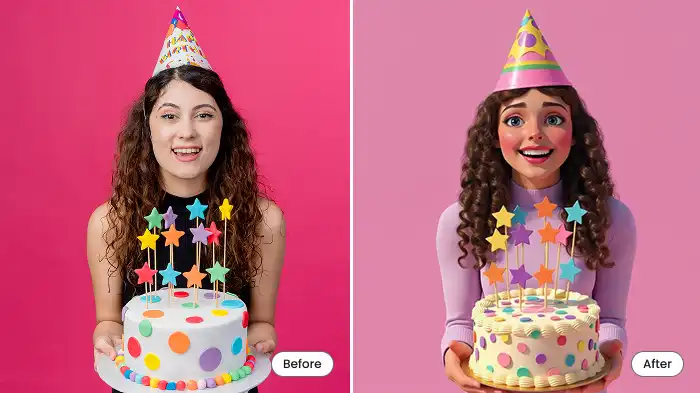
Cartoon Filter
By Maya Davis
Turn Your Photos into Fun Cartoons with AI
AI
cartoon
photo
mobile
transform
"Birthday selfies, graduation day photos, festive holiday pics—give all those memories a cartoon makeover."
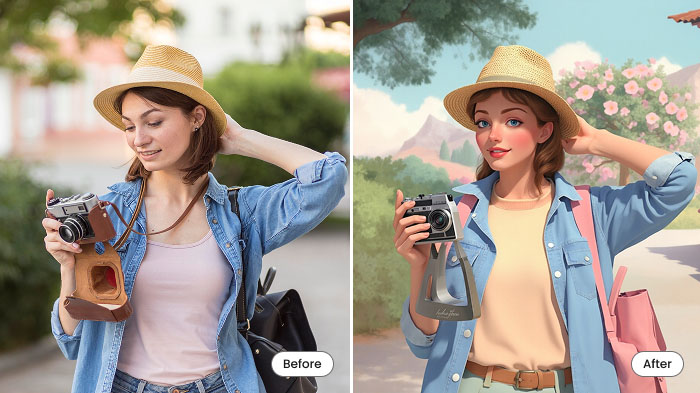
Cartoon Travel
By Maya Davis
Turn Your Travel Photos into Cartoons with AI
travel
AI
cartoon
photo
makeover
"Make an image look like a cartoonfor all those epic travel or adventure moments! Beaches, city streets, mountains, a caf..."
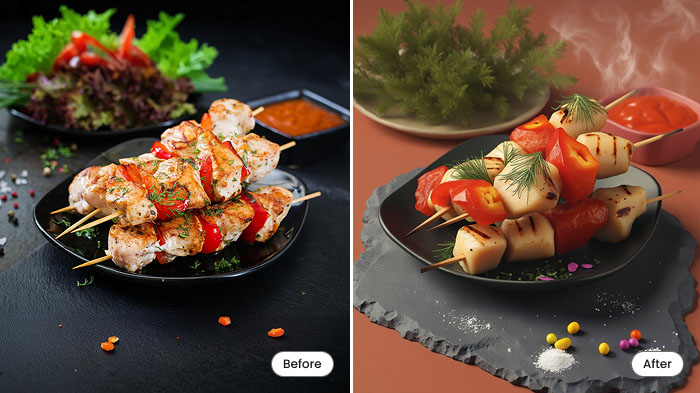
Food Cartoon
By Skyler White
Turn Food Photos into Fun Cartoons with AI
AI
food
cartoon
photo
app
"Yep, cartoonize food! Take a picture of a burger, pizza, bubble tea, or anything else and turn it into an animated-style..."