Main AI Prompt
Main Prompt Content
"I. Overall Objective
1. Function Description: Based on user-uploaded reference images, extract the subject's temperament, makeup style, lighting, and color characteristics to create a unique fashion portrait collage.
2. Difference Requirements: Preserve the facial features and overall temperament of the reference subject; do not directly copy the original image. Makeup and composition should be creatively varied within the same stylistic framework.
II. Input Reference Image Requirements
1. Reference Content: A clear front-facing or two-thirds profile photo of a person, clearly showing facial features, skin texture, and general lighting atmosphere.
2. Extraction Key Points: Extract skin tone, makeup intensity, main color tone, lighting direction, subject temperament, and clothing color scheme from the reference image.
III. Image Composition and Output Format
1. Main Image: Generate a super close-up or close-up of the subject's face, with the head and shoulders occupying most of the image space. The gaze can be designed with reference to the temperament of the original image.
2. Collage Structure: Add multiple small images to the right side or corner, including close-ups of profiles, hands, and makeup details, creating a magazine-like layout.
3. Background: Keep the background simple and clean, using solid colors or slight brightness transitions to highlight the subject and makeup.
IV. Text and Graphic Design
1. Title Text: Place a large magazine title at the top of the image, with a simple and powerful font, centered or top-center aligned.
2. Subtitles and Small Text: Add several lines of small text to one side or bottom of the image. This can include keywords, names, and dates, arranged neatly with a consistent font size.
3. Geometric Shapes: Add thin lines, narrow rectangular color blocks, or semi-transparent color blocks around the subject, combining them with text to enhance the sense of planar composition.
V. Style Inheritance Rules
1. Color Inheritance: The overall color tone, contrast, and warm/cool tones should closely match the style of the reference image. The main color should come from the most prominent makeup or clothing color in the reference image.
2. Lighting Inheritance: Refer to the original image's lighting direction and softness. If the original image uses soft lighting, maintain the soft lighting texture; if the original image has high contrast, retain a certain degree of sharpness.
3. Makeup Inheritance: Maintain the same style level based on the makeup characteristics of the reference image (clear, intense, experimental, natural, etc.), then make subtle variations in eye makeup, blush, and lip makeup.
4. Atmosphere Inheritance: Continue the emotional atmosphere of the reference image, such as a cool, sweet, rebellious, or mysterious feel, echoing it in expressions and postures.
VI. Creative Variation Rules
1. Makeup Variation: Add localized exaggerations to the reference style, such as expanding the blush area, enhancing lip shading, adding freckles or highlights.
2. Composition Variation: Adjust the facial angle, cropping area, and small image collage position to ensure different compositions for each generation.
3. Accessory Variation: Add simple yet stylish accessories to the neck, ears, or hands, echoing the main color scheme but not completely replicating the reference image. 4. Detailed Gestures: Add hand gestures such as touching the lips, cheeks, and under the eyes to make the image more narrative and engaging.
VII. Overall Texture and Post-Production Style
1. Clarity: Maintain the visibility of skin pores and details, avoid excessive smoothing, but appropriately soften non-focus areas.
2. Tone Processing: Maintain a unified overall tone, moderately reduce distracting colors, and only enhance the main color and a few accent colors.
3. Emotional Expression: Based on the mood of the reference image, control the intensity of facial expressions and eye contact to ensure the image retains its original style while possessing a unique personality.
Referring to user-uploaded portrait photos, the image style is automatically read and created according to the above rules."
You might also like
Hand-picked related prompts from Portrait Collage.
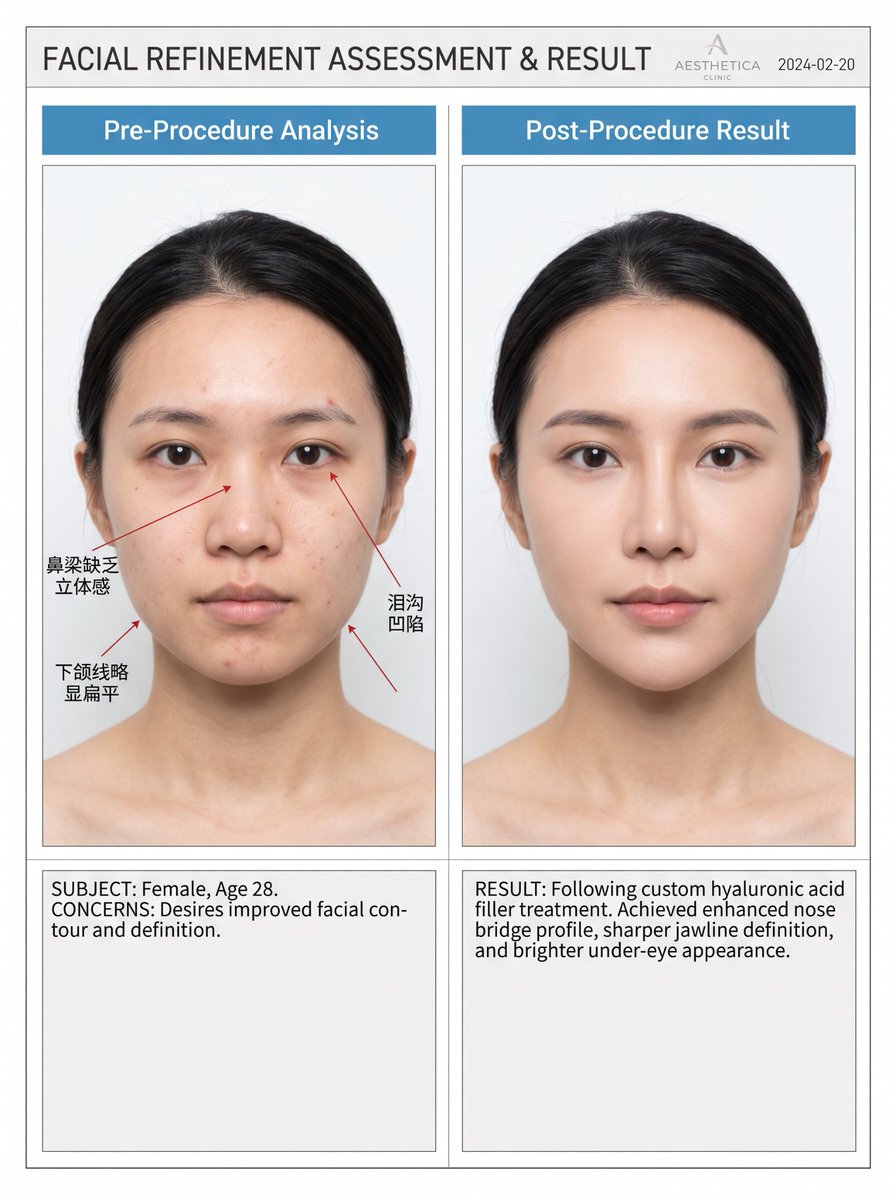
Medical Aesthetic
By Jamie Miller
Medical Aesthetic Before & After Comparison Blueprint
portrait
aesthetic
comparison
medical
clinic
"Professional high-end medical aesthetic before/after comparison blueprint, left panel "{argument name="left label" defau..."
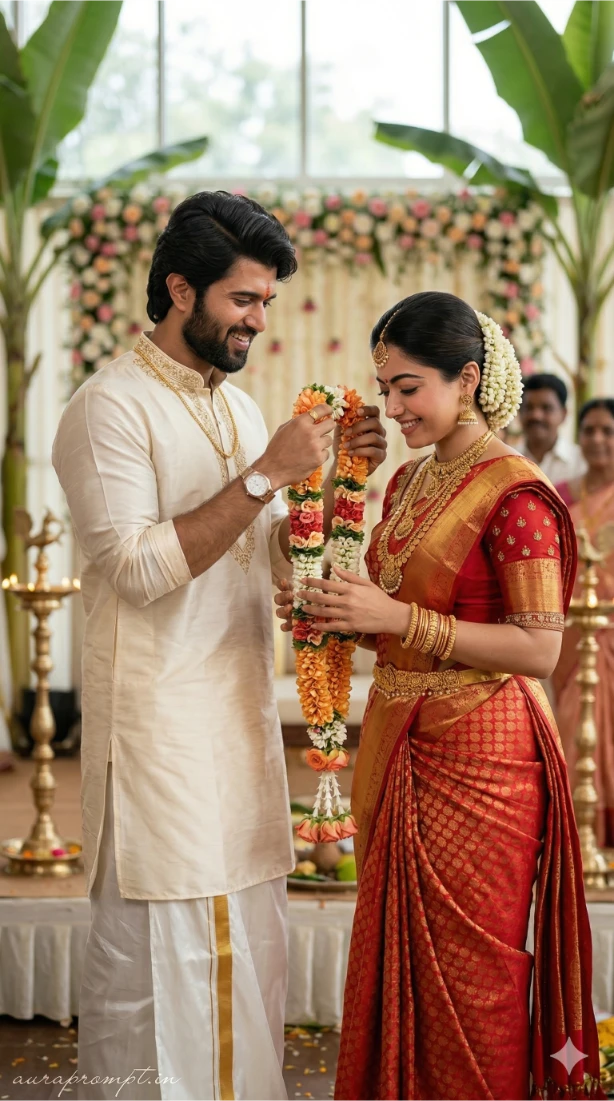
Wedding Portrait
By Skyler White
South Indian Wedding Couple Portrait AI Prompt
portrait
couple
traditional
wedding
SouthIndian
Generate an ultra realistic candid documentary style portrait of a South Indian couple during a traditional wedding cere...
Premium
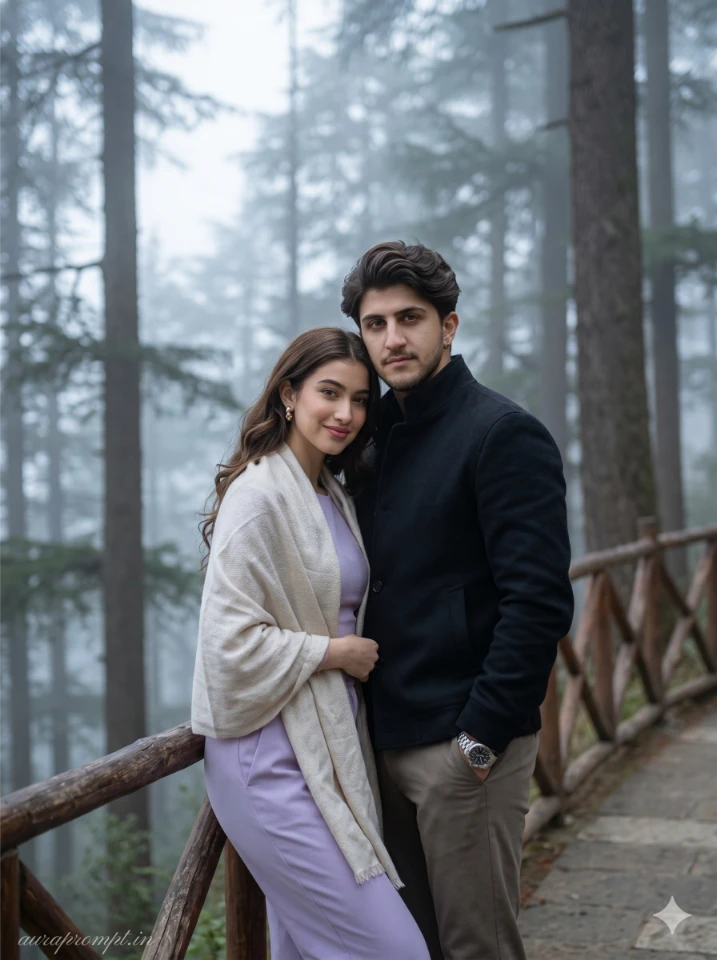
Mountain Editorial
By Alex Thomas
Cinematic Mountain Couple Portrait – Editorial Fashion AI Prompt 2026
fashion
editorial
cinematic
romance
mountains
"Cool mountain air wraps around a quiet hill station path as the couple stands close near a wooden railing, face complete..."
Latest Discoveries
Explore our most recently added high-quality AI prompts.
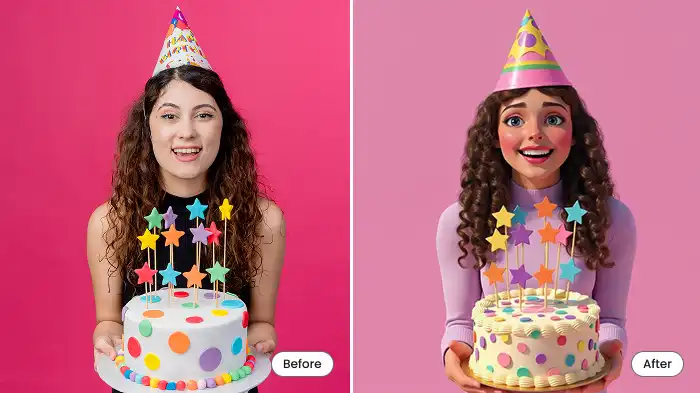
Cartoon Filter
By Maya Davis
Turn Your Photos into Fun Cartoons with AI
AI
cartoon
photo
mobile
transform
"Birthday selfies, graduation day photos, festive holiday pics—give all those memories a cartoon makeover."
Cartoon Travel
By Maya Davis
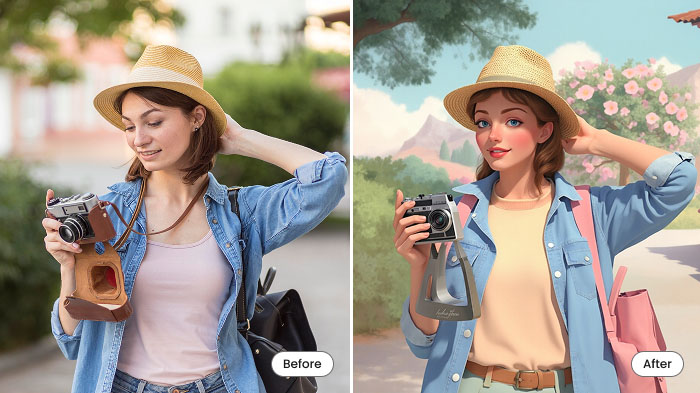
Turn Your Travel Photos into Cartoons with AI
travel
AI
cartoon
photo
makeover
"Make an image look like a cartoonfor all those epic travel or adventure moments! Beaches, city streets, mountains, a caf..."
Food Cartoon
By Skyler White
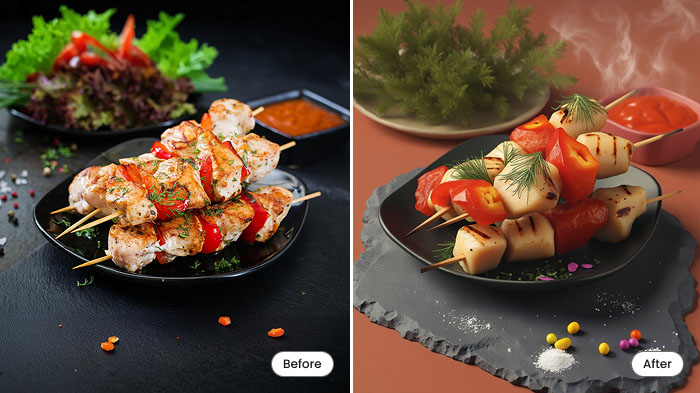
Turn Food Photos into Fun Cartoons with AI
AI
food
cartoon
photo
app
"Yep, cartoonize food! Take a picture of a burger, pizza, bubble tea, or anything else and turn it into an animated-style..."