Image Editing
By Maya Davis
Natural Photo Editing: Keep Details Without Over‑Brightening
Learn how to brighten images naturally without washing out dark or already bright areas for realistic results.
Related Keywords
Main AI Prompt
Main Prompt Content
"People usually use basic editing for this like increasing brightness or saturation, but the problem with this is that dark objects will get bright, and already bright objects will appear brighter which looks unnatural."
You might also like
Hand-picked related prompts from Image Editing.
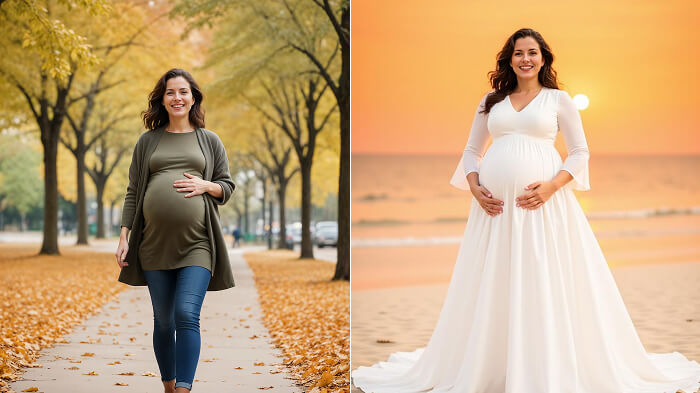
Maternity
By Maya Davis
Beach Maternity Shoot: Outfit Tips to Shine
beach
photography
style
maternity
outfits
These are the questions that most women’s usually confused about? If you are also confused, then you don’t need to be wo...
Premium
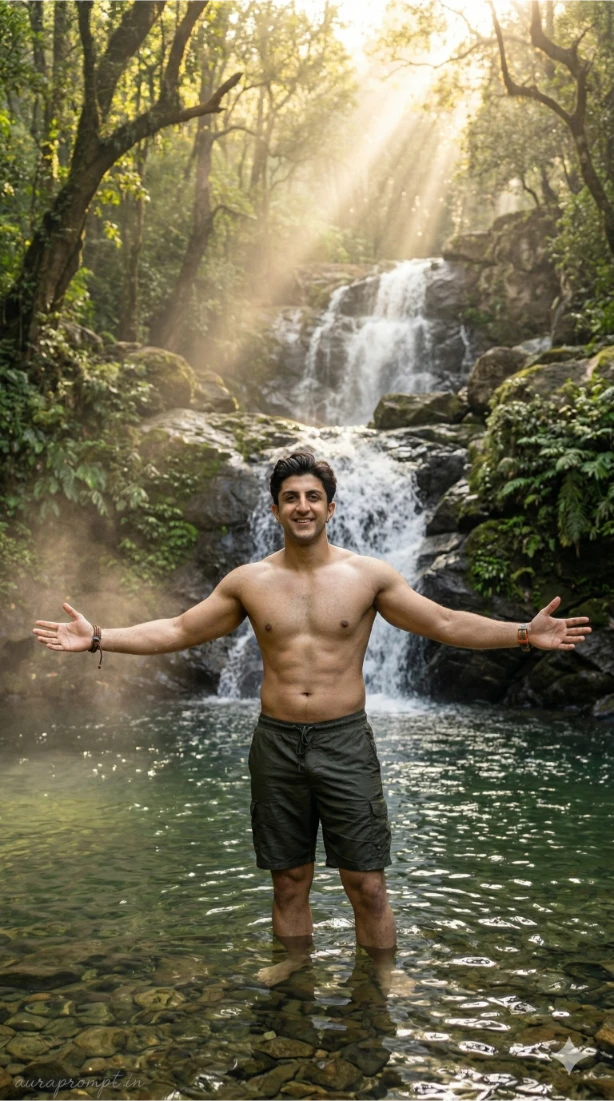
Waterfall Portrait
By Alex Thomas
Indian Man in Waterfall Pool Golden Light
portrait
photography
golden-hour
waterfall
Coorg
"Ultra-realistic 8K resolution photograph, natural light film photography style, rich organic color palette, hyper-realis..."
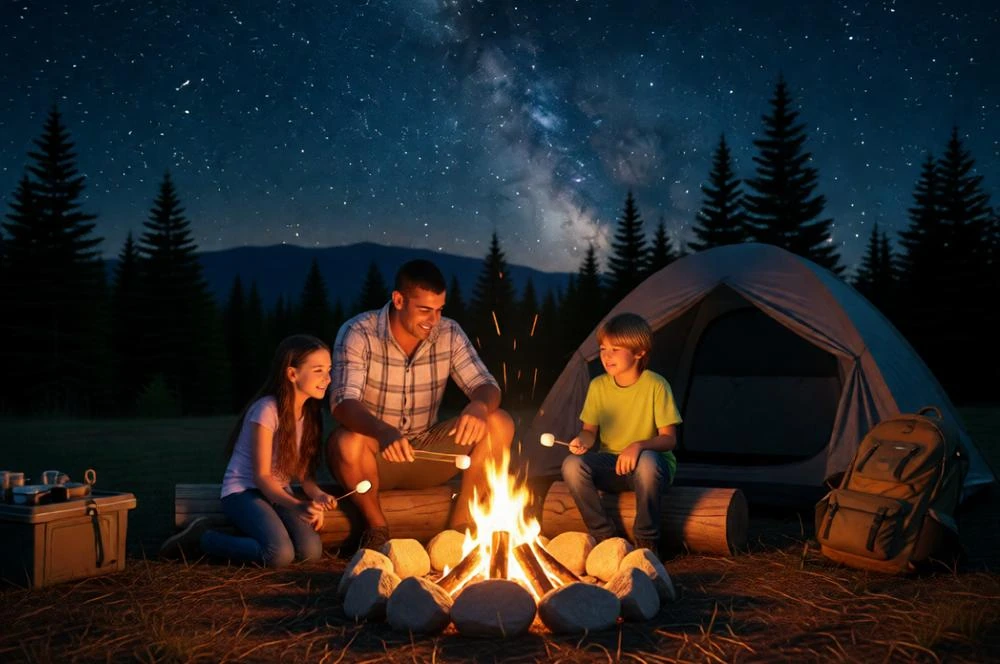
Family Camping
By Alex Thomas
Cinematic Father's Day Camping Scene with Family
cinematic
realism
emotional
family
campfire
"Create a cinematic Father’s Day camping scene of a loving father sitting beside a glowing campfire with his two children..."
Latest Discoveries
Explore our most recently added high-quality AI prompts.
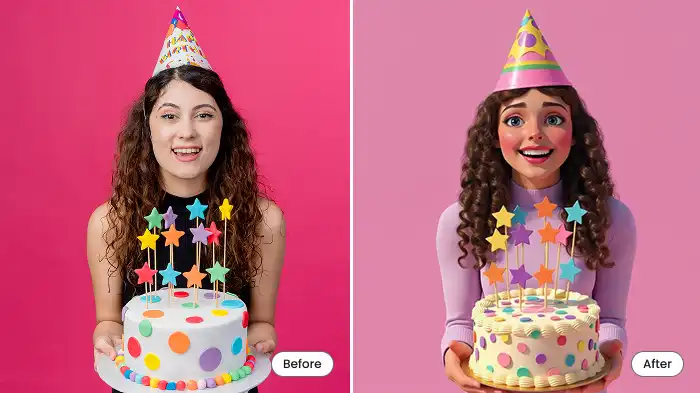
Cartoon Filter
By Maya Davis
Turn Your Photos into Fun Cartoons with AI
AI
cartoon
photo
mobile
transform
"Birthday selfies, graduation day photos, festive holiday pics—give all those memories a cartoon makeover."
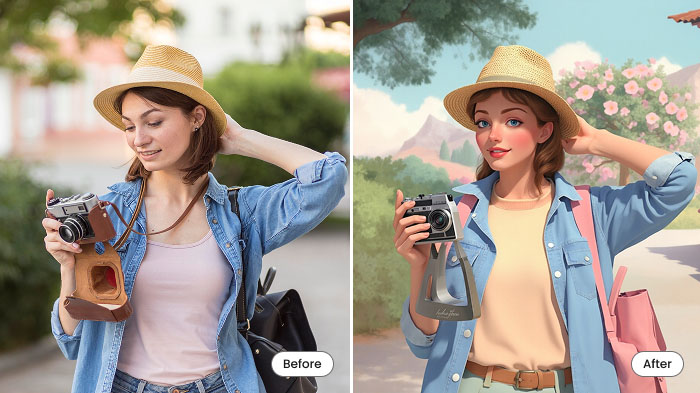
Cartoon Travel
By Maya Davis
Turn Your Travel Photos into Cartoons with AI
travel
AI
cartoon
photo
makeover
"Make an image look like a cartoonfor all those epic travel or adventure moments! Beaches, city streets, mountains, a caf..."

Food Cartoon
By Skyler White
Turn Food Photos into Fun Cartoons with AI
AI
food
cartoon
photo
app
"Yep, cartoonize food! Take a picture of a burger, pizza, bubble tea, or anything else and turn it into an animated-style..."